Image Editing Showdown: Testing the Capabilities of "flux-kontext-pro," "OpenAI-image-gen," and "Gemini-2.5-flash-image"
Want to change a model’s hair color or move a shoot to a park? Stop bothering designers for small tweaks. We test flux-kontext-pro, OpenAI-image-gen, and Gemini-2.5-flash-image. See how naturally they edit via text and learn to fix images yourself, skipping the wait for a pro.

How many days are you waiting for that "small fix"?
Whether you are creating banners for an e-commerce site or creative assets for social media ads, you’ve likely thought:
"If only the model were wearing glasses, she’d look more intellectual."
"The sky is cloudy; I wish I could change it to a clear blue sky."
When you have that "just one more thing" request, what do you usually do?
The "Waiting for the Designer" Bottleneck in Image Editing
- Time Loss:
Even for a fix as simple as "adding glasses," it can take several days from securing the designer's schedule to final delivery. - Increased Costs:
Additional fees occur for every minor correction, or the costs of re-shooting begin to pile up. - Lack of A/B Testing:
Without the capacity to mass-produce variations, you end up testing only one type of banner, which limits your advertising effectiveness.
The heart of this problem is the lack of tools that allow non-designers to perform "intuitive" corrections themselves without advanced editing skills.
By reading this article, you will learn how to use AI as your "exclusive retoucher" to complete professional-level image corrections in seconds using only text instructions.
AI Becomes Your "Exclusive Retoucher" and "Creative Director"
mitsumonoAI is equipped with the latest AI models to help you manipulate images with words—no specialized Photoshop skills required.
- flux-kontext-pro (The Context Specialist)
This model deeply understands the "context" within an image. It excels at adding natural corrections, such as putting glasses on a person, without ruining the original lighting or image quality. - OpenAI-image-generation-1 (Editing) (The Master of Bold Changes)
This model is strong at significant edits, such as completely swapping out a background or changing the entire artistic style. - Gemini-2.5-flash-image (The Speed Expert)
Google’s latest model offers an excellent balance between processing speed and accuracy.
By choosing the right AI for the task, you can handle those "final touch" corrections in-house—the ones that aren't quite worth a designer's time—and dramatically speed up your creative PDCA cycle.
■ Practical Guide | Step-by-Step
Let’s simulate a case where an e-commerce manager takes an outdoor photo of a model and creates banner variations by "changing the weather" and "adding accessories."
Comparison 1: Adding accessories without breaking the "context"
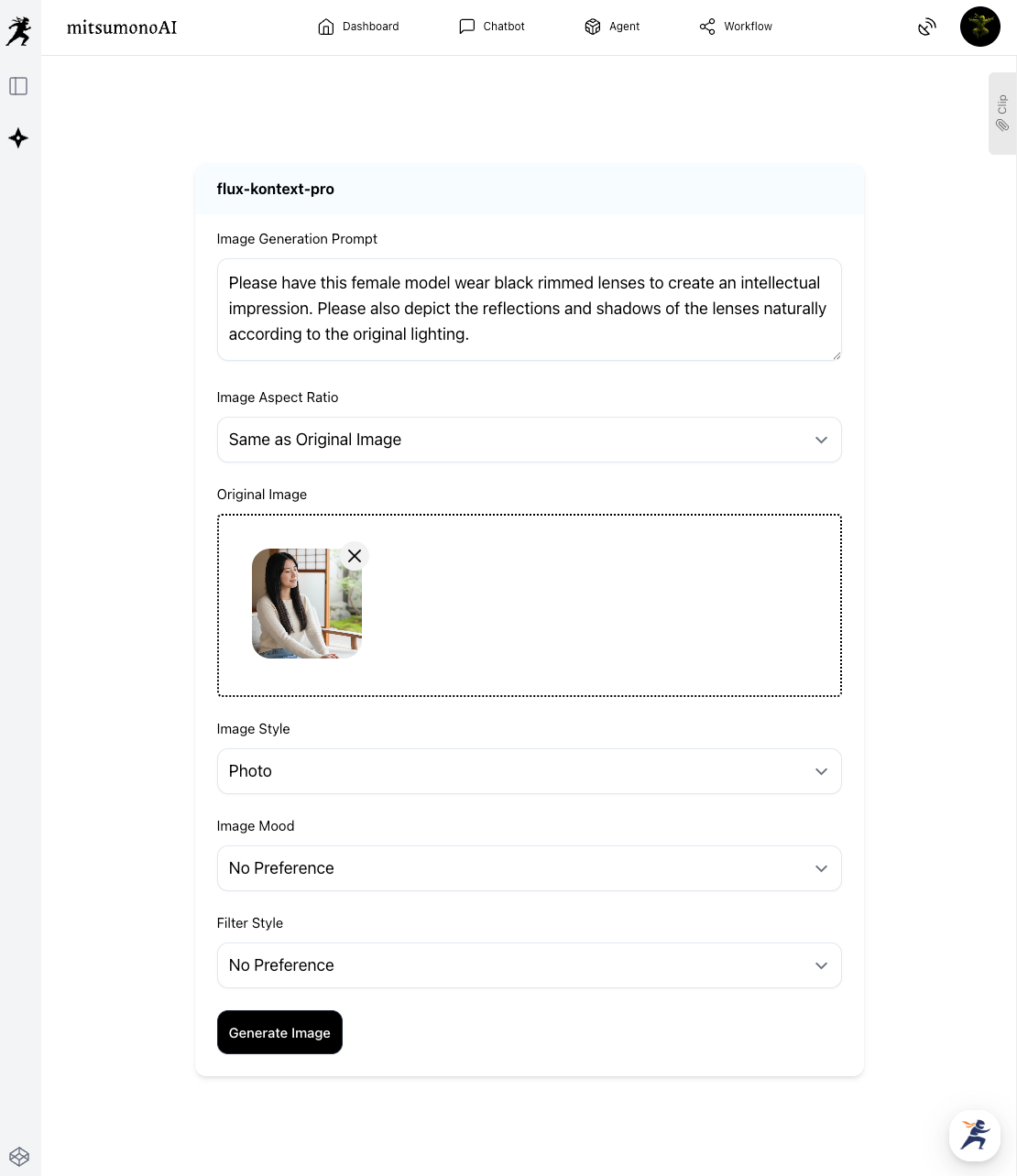
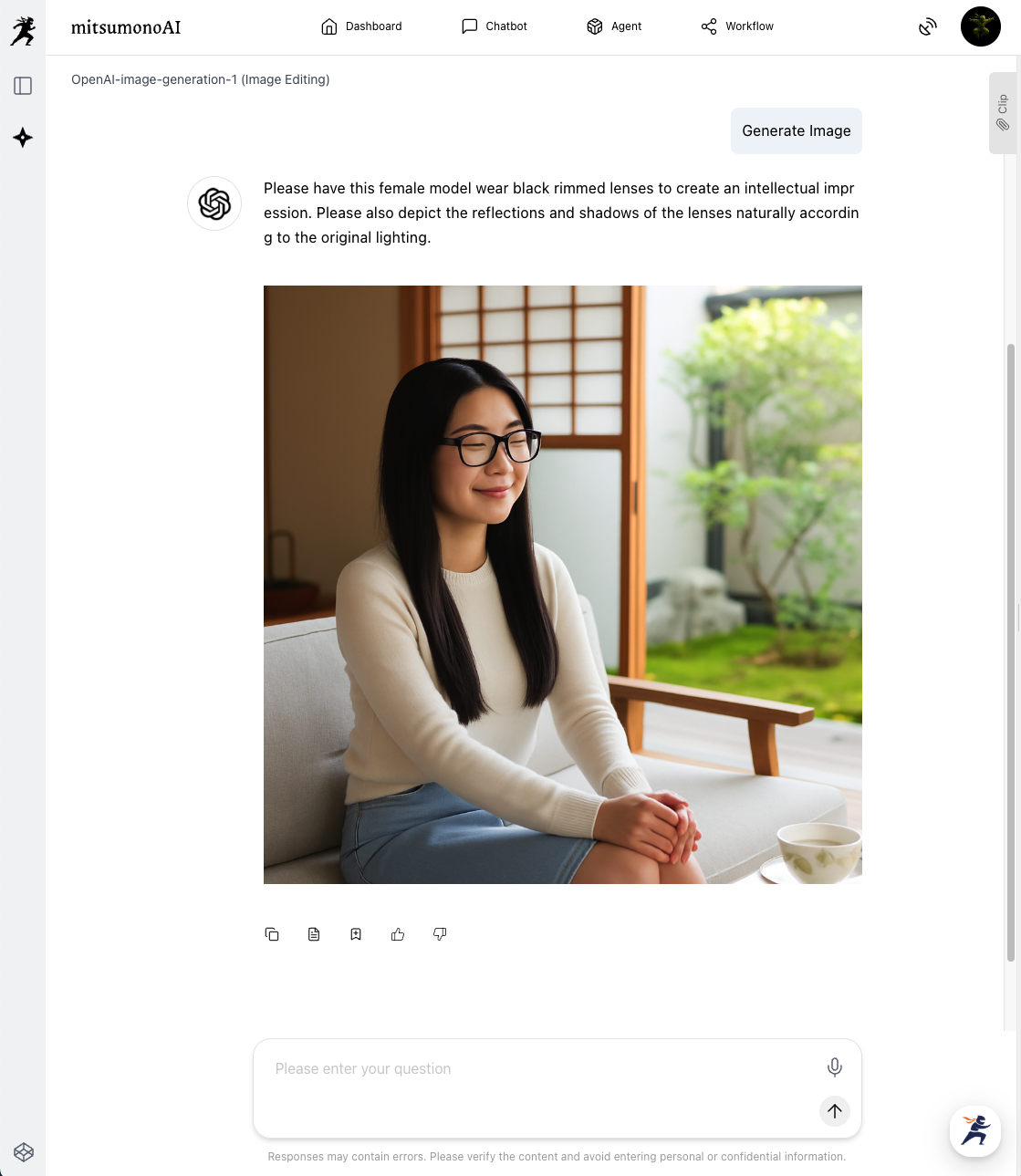
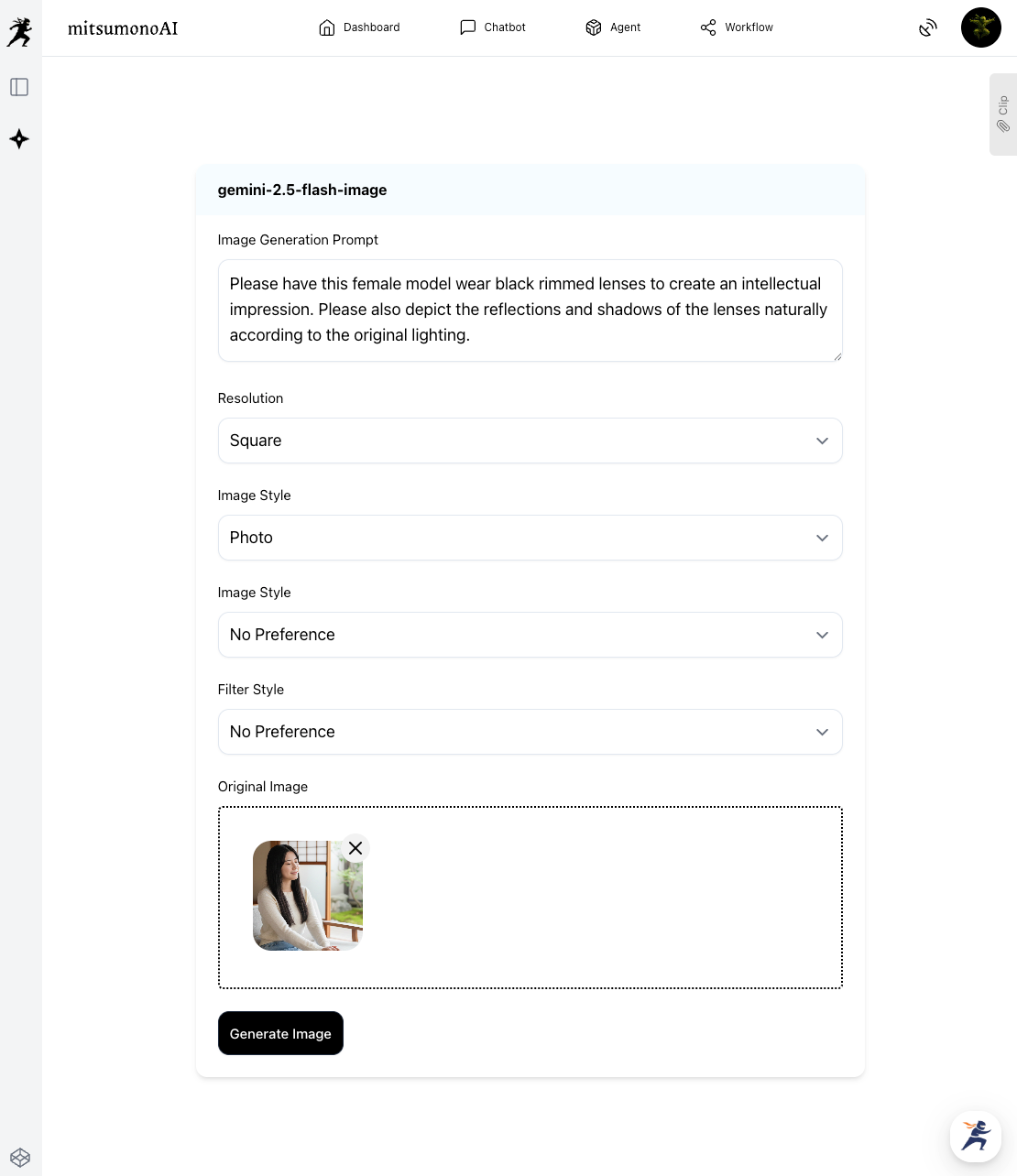
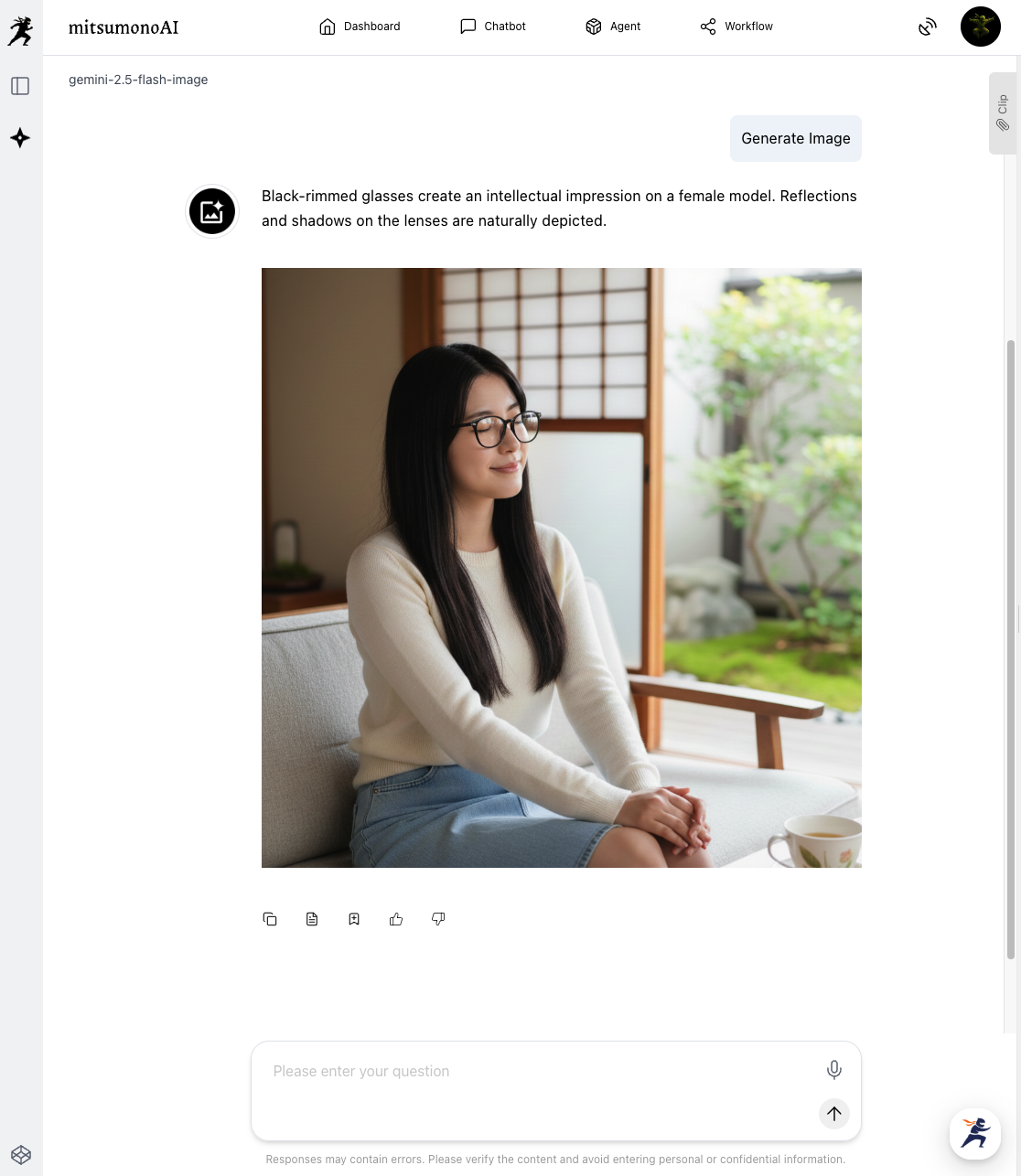
First, we want to naturally place glasses on the model.
[flux-kontext-pro]
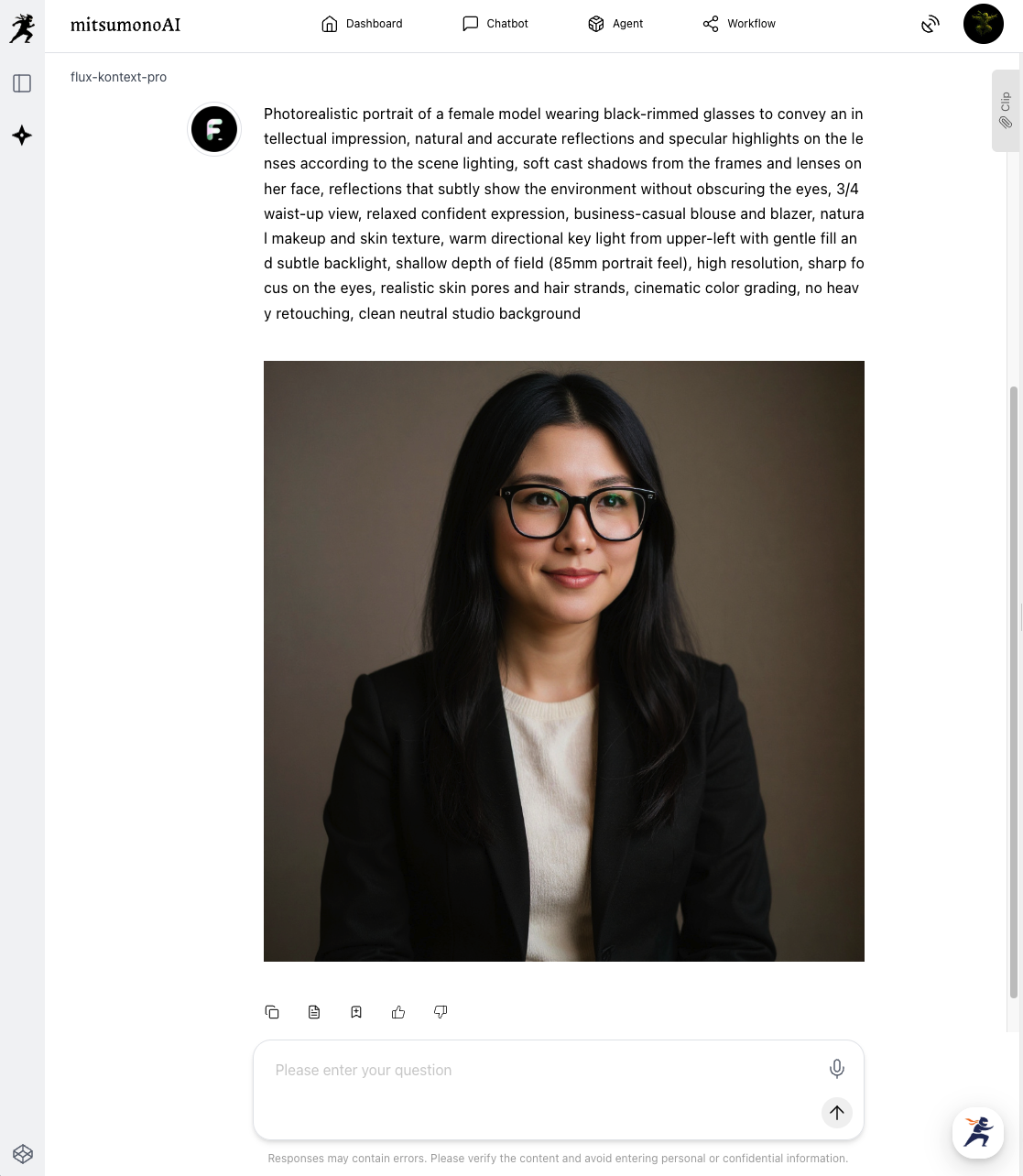
[OpenAI-image-generation-1 (Image Editing)]
[Gemini-2.5-flash-image]
The Result:
Looking at the generated images, "Gemini-2.5-flash-image" was overwhelmingly superior, succeeding at the "edit" exactly as instructed.
It accurately grasped the user's intent (adding glasses to the original photo) and maintained the context perfectly. The addition of the glasses is natural, with the frames drawn to match the angle of the face without any awkwardness.
Comparison 2: Completely changing the atmosphere by swapping the background
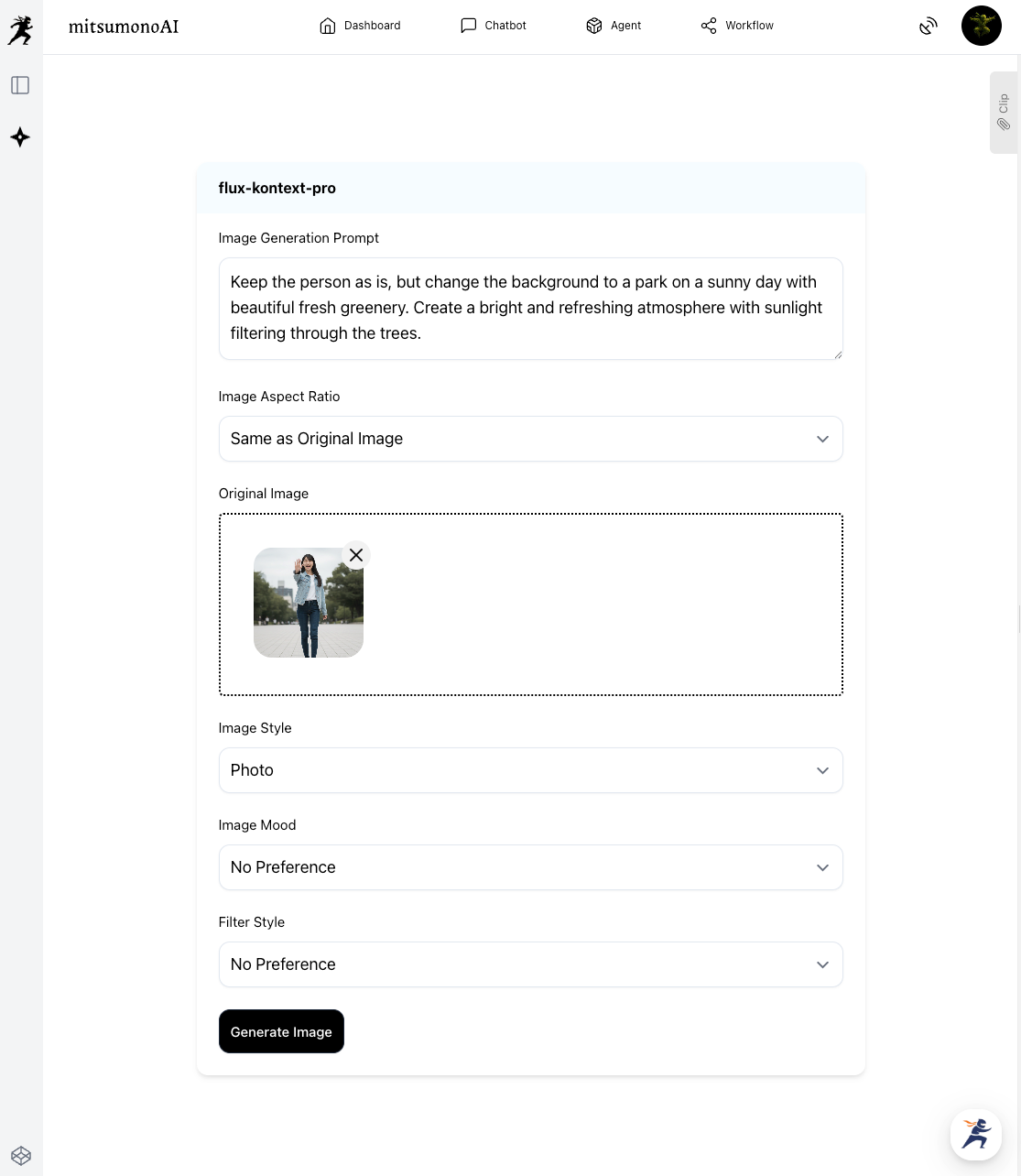
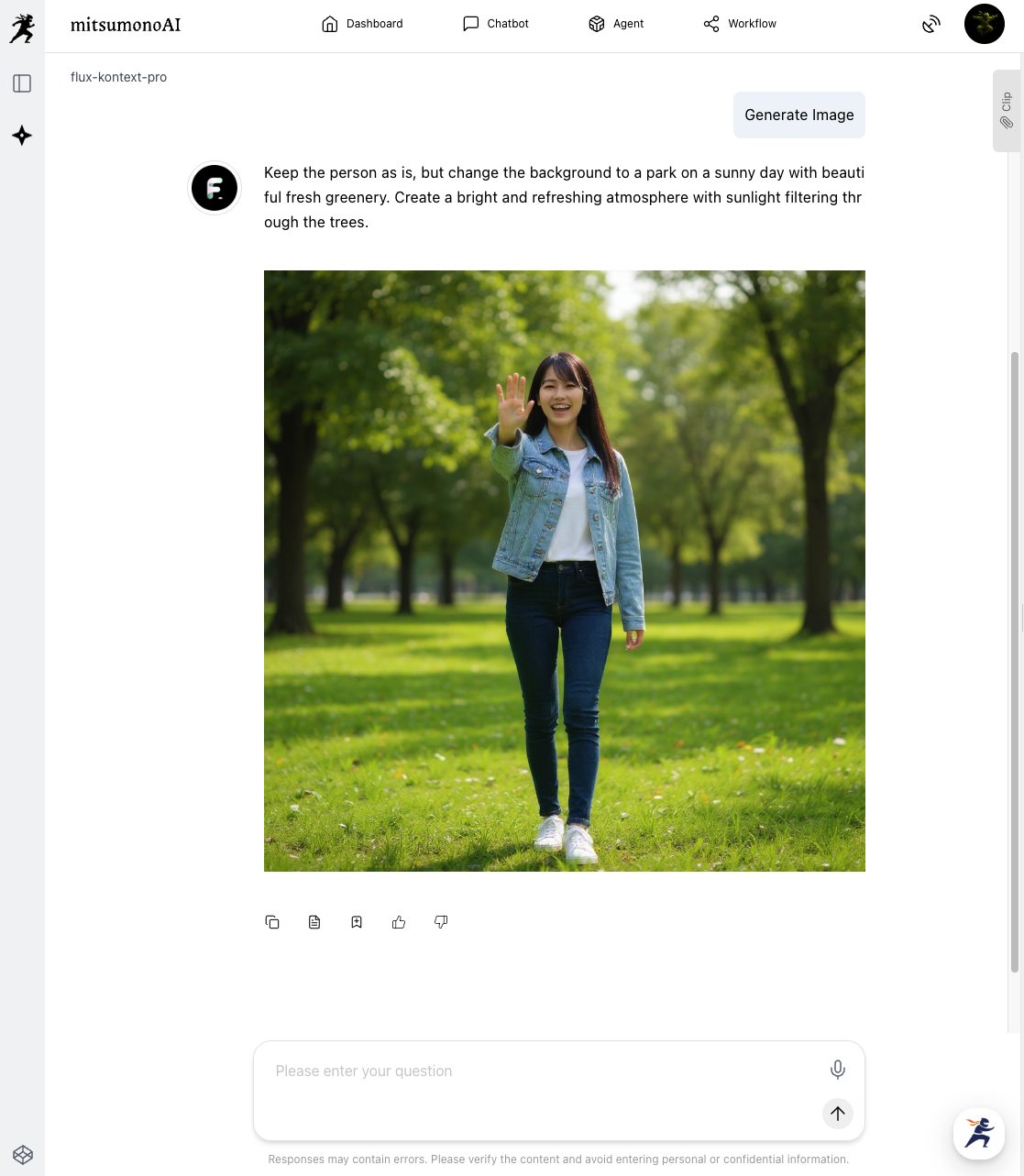
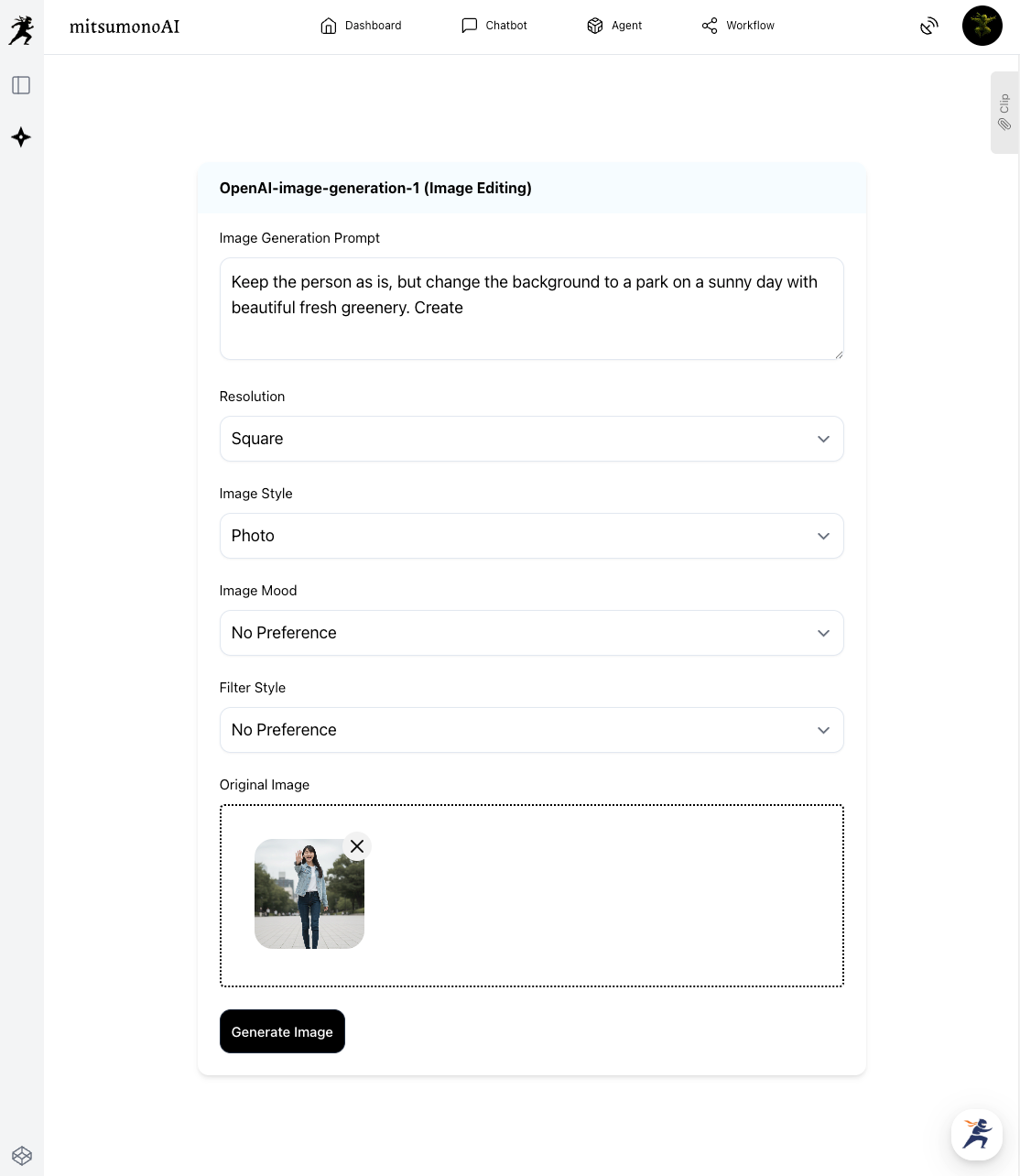
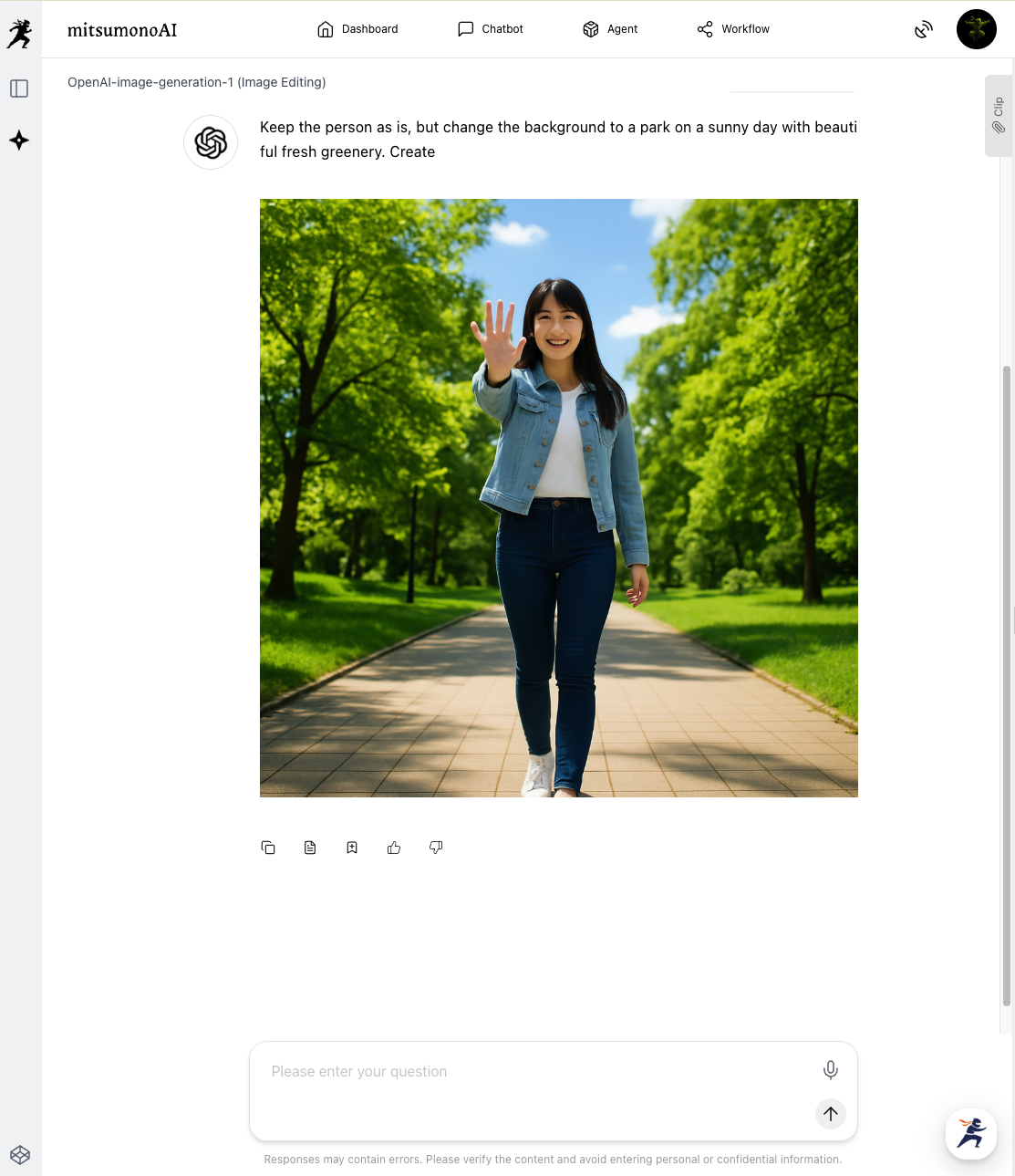
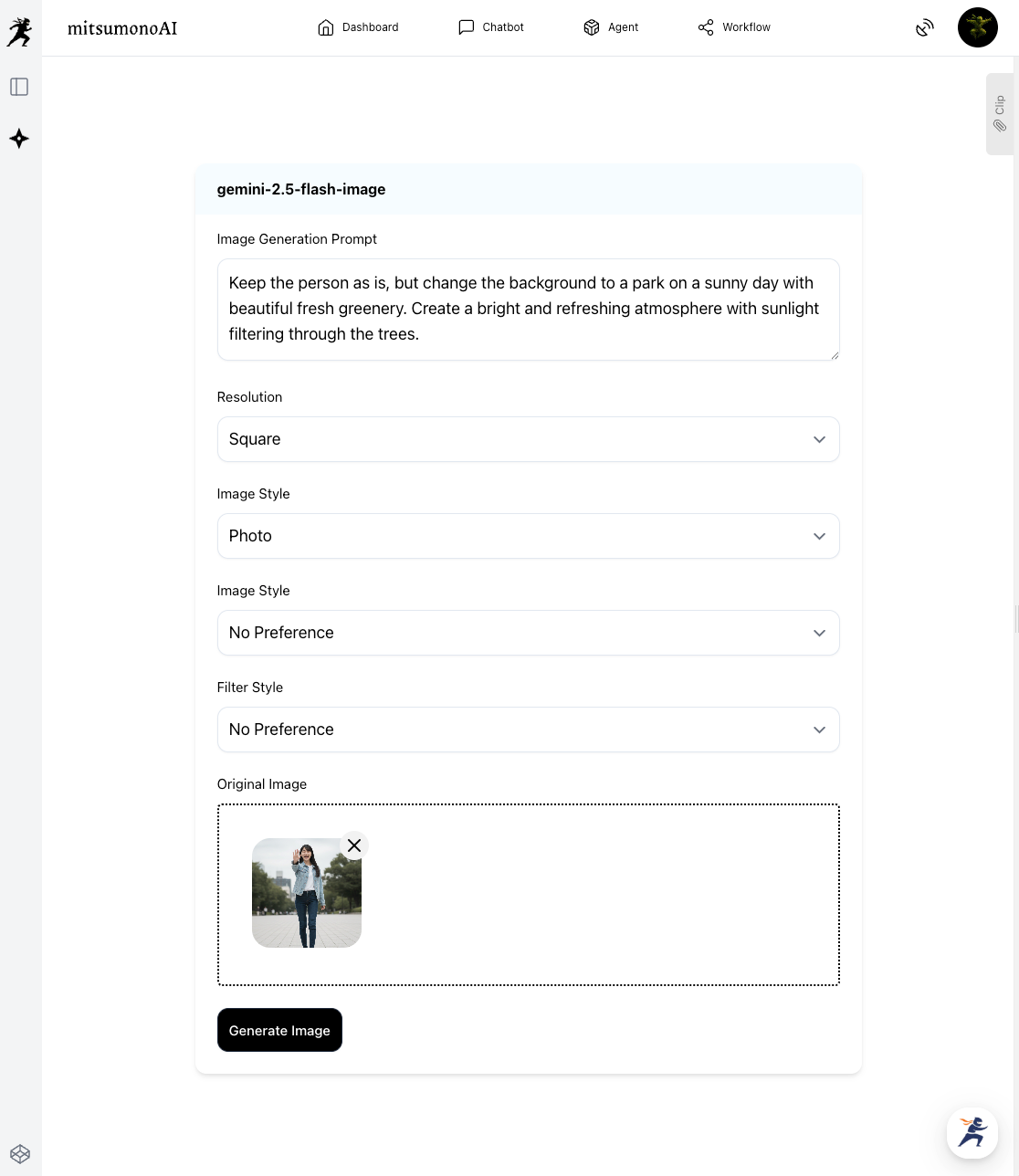
Next, we change the cloudy background to a refreshing park scene.
[flux-kontext-pro]
[OpenAI-image-generation-1 (Image Editing)]
[Gemini-2.5-flash-image]
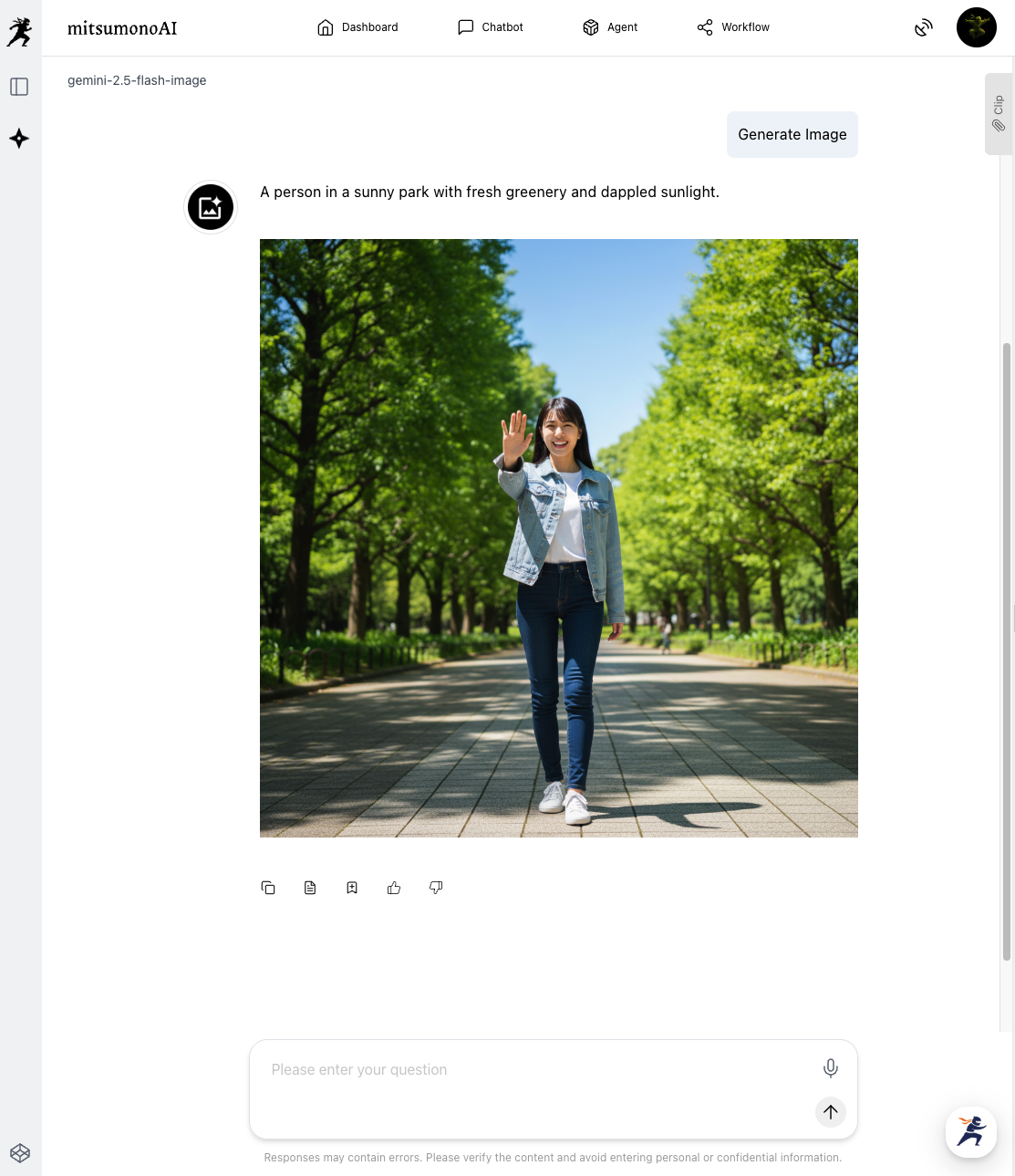
The Result:
This time, "flux-kontext-pro" and "Gemini-2.5-flash-image" faithfully adhered to the important instruction of "keeping people as they are."
In particular, for the background, "flux-kontext-pro" had the highest quality of the three models, and seemed to produce the best lighting effects, such as "dark sunlight filtering through the trees" and a "bright and refreshing atmosphere."
Comparison 3: Bold replacement with fantasy/SF elements
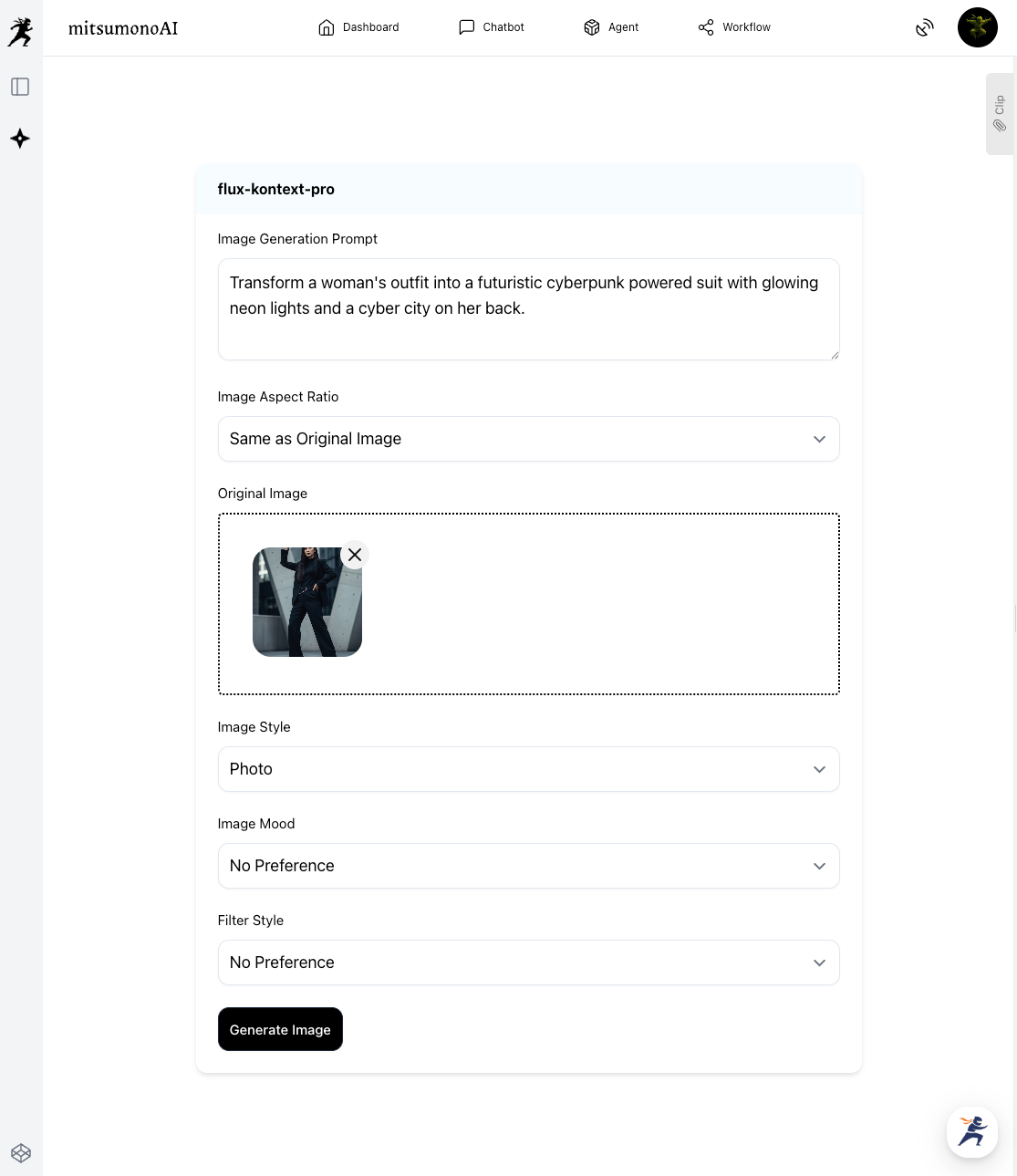
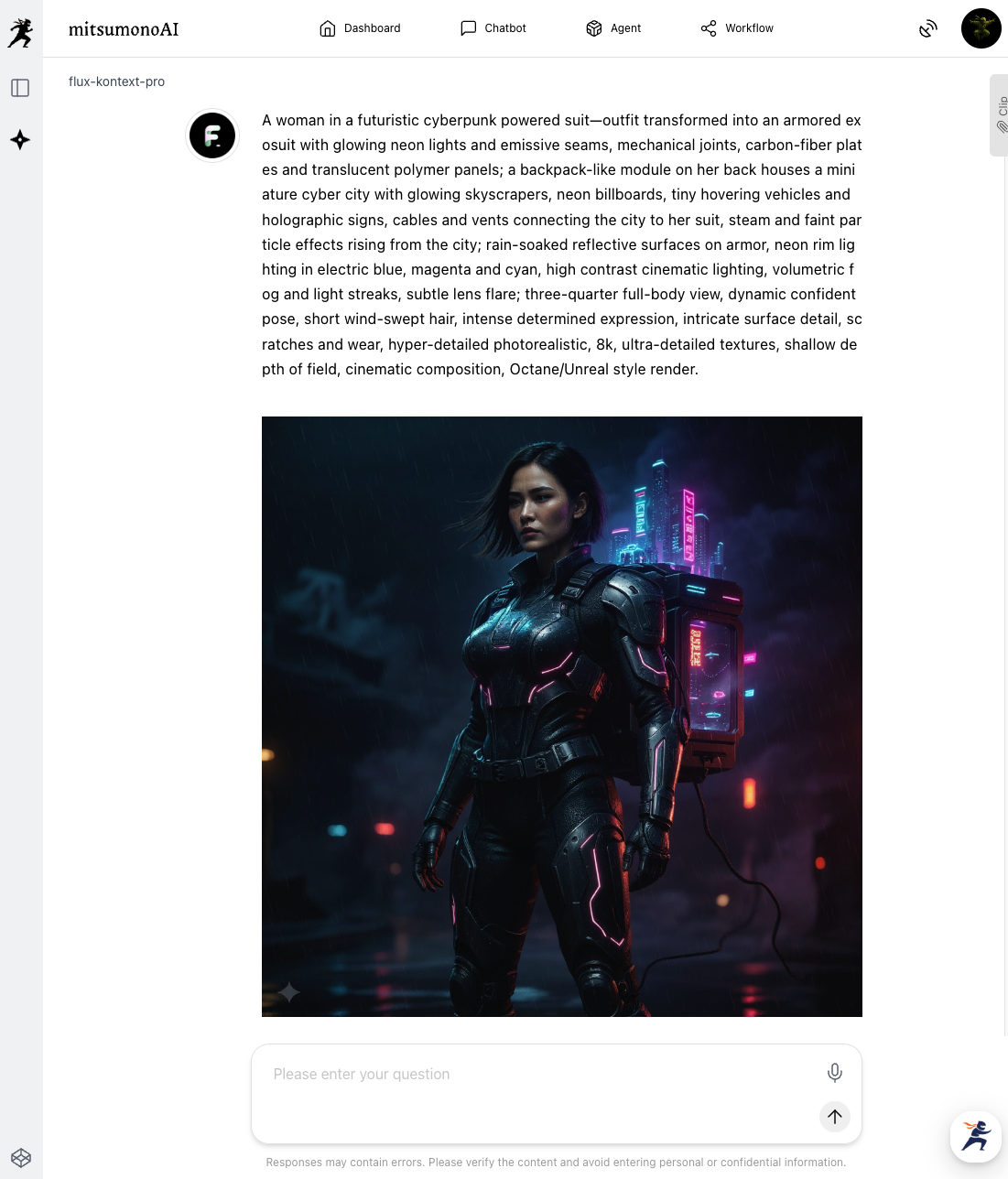
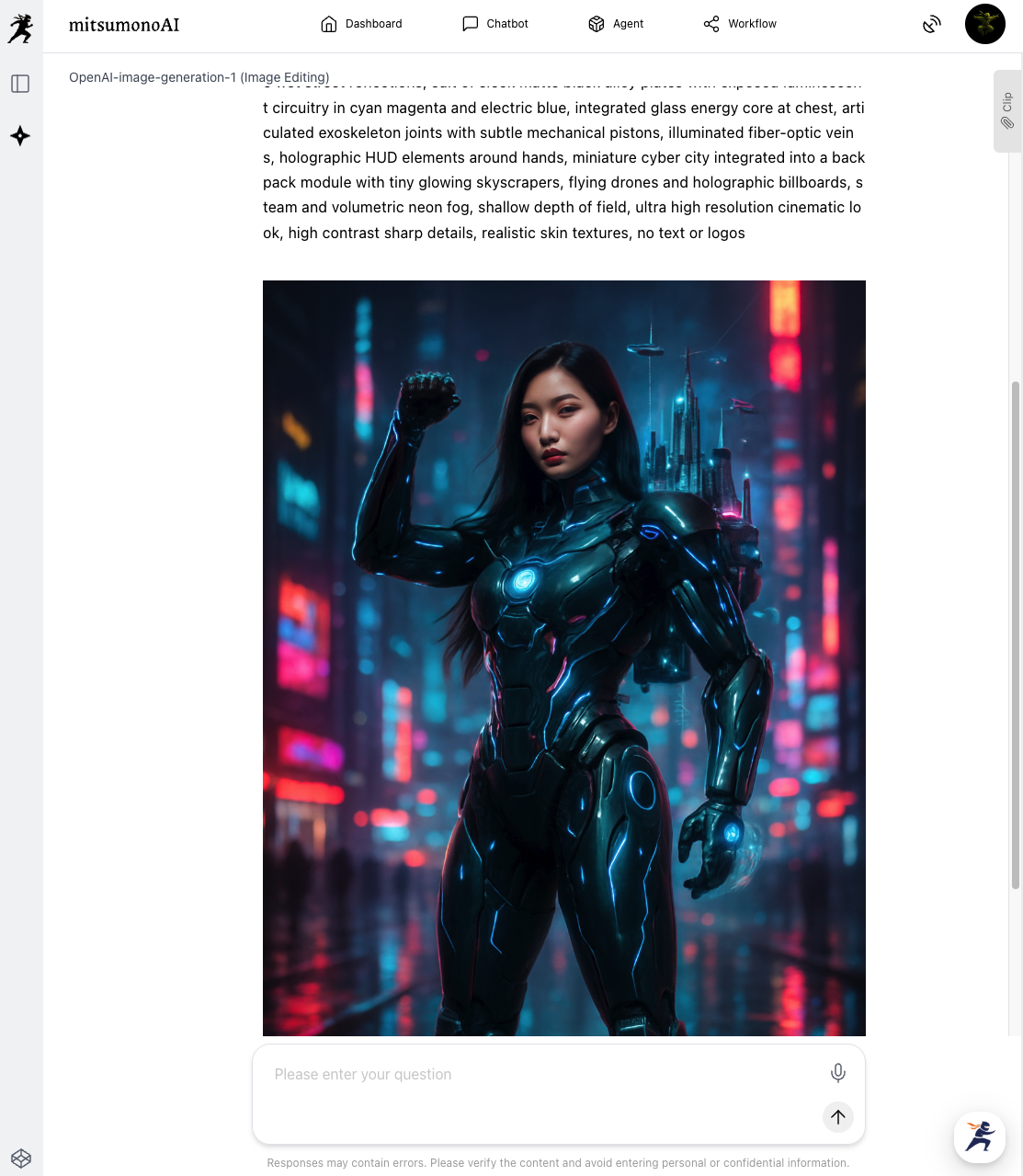
Finally, we give instructions to significantly change the woman’s clothing and the background.
[flux-kontext-pro]
[OpenAI-image-generation-1 (Image Editing)]
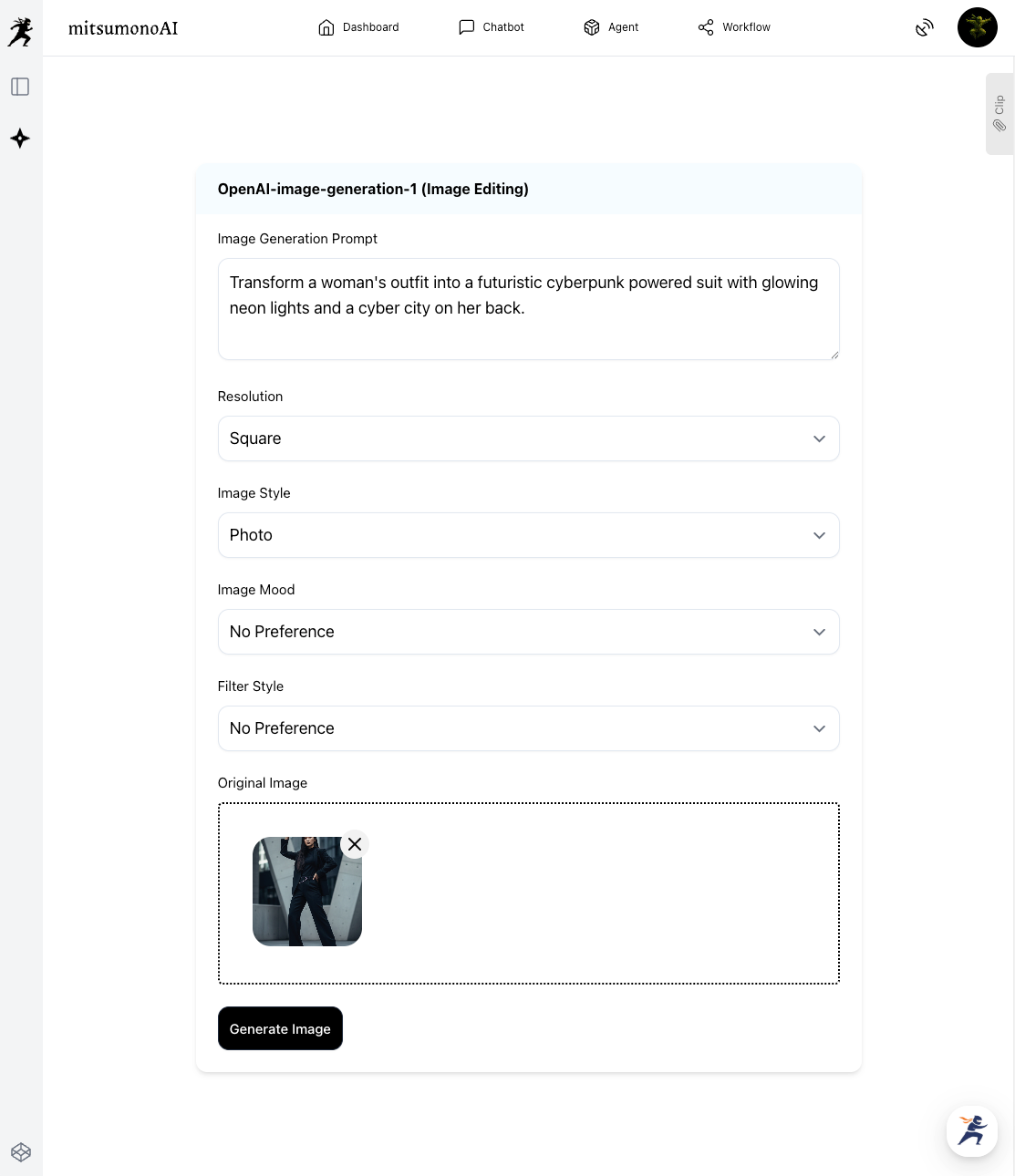
[Gemini-2.5-flash-image]
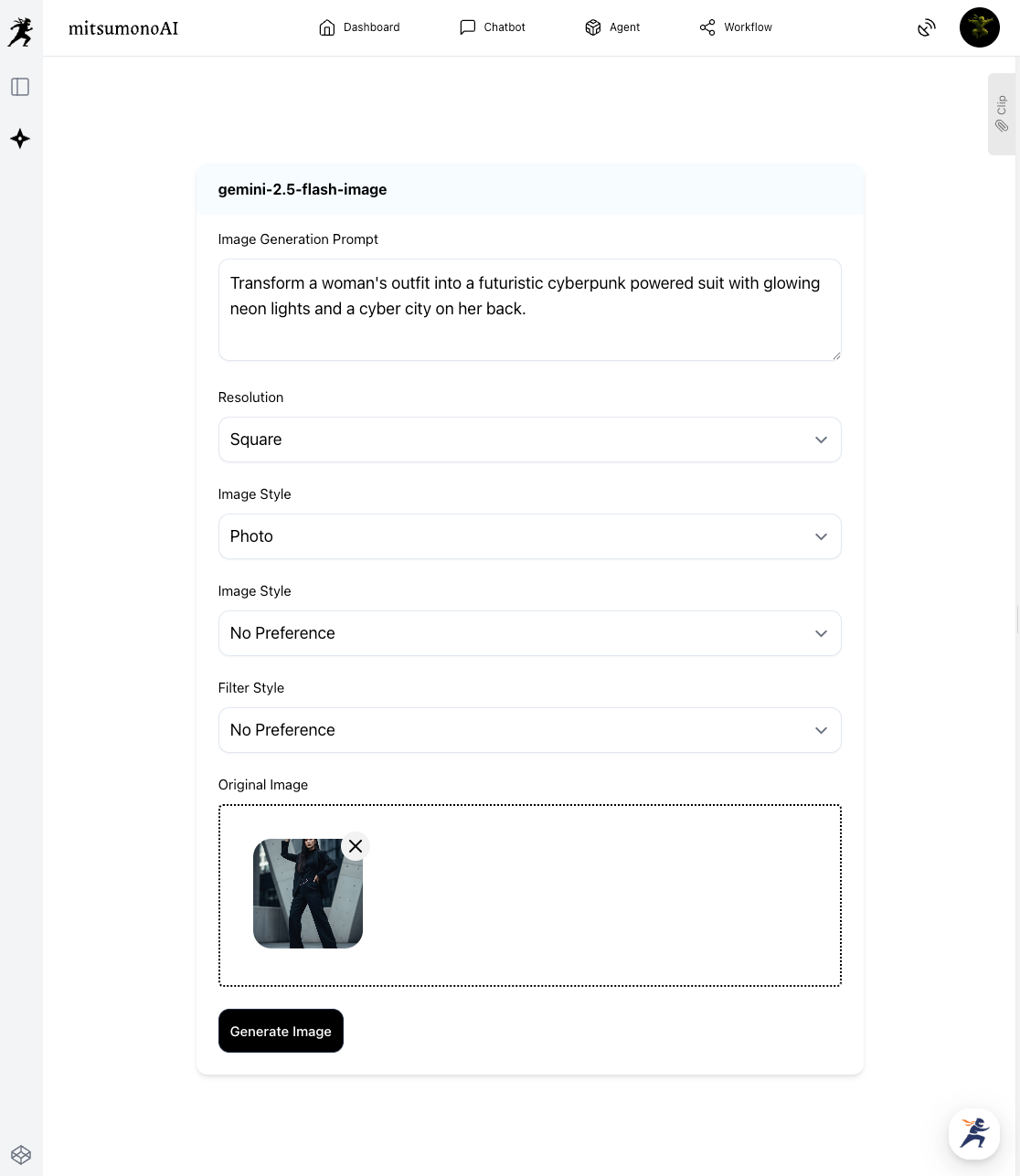
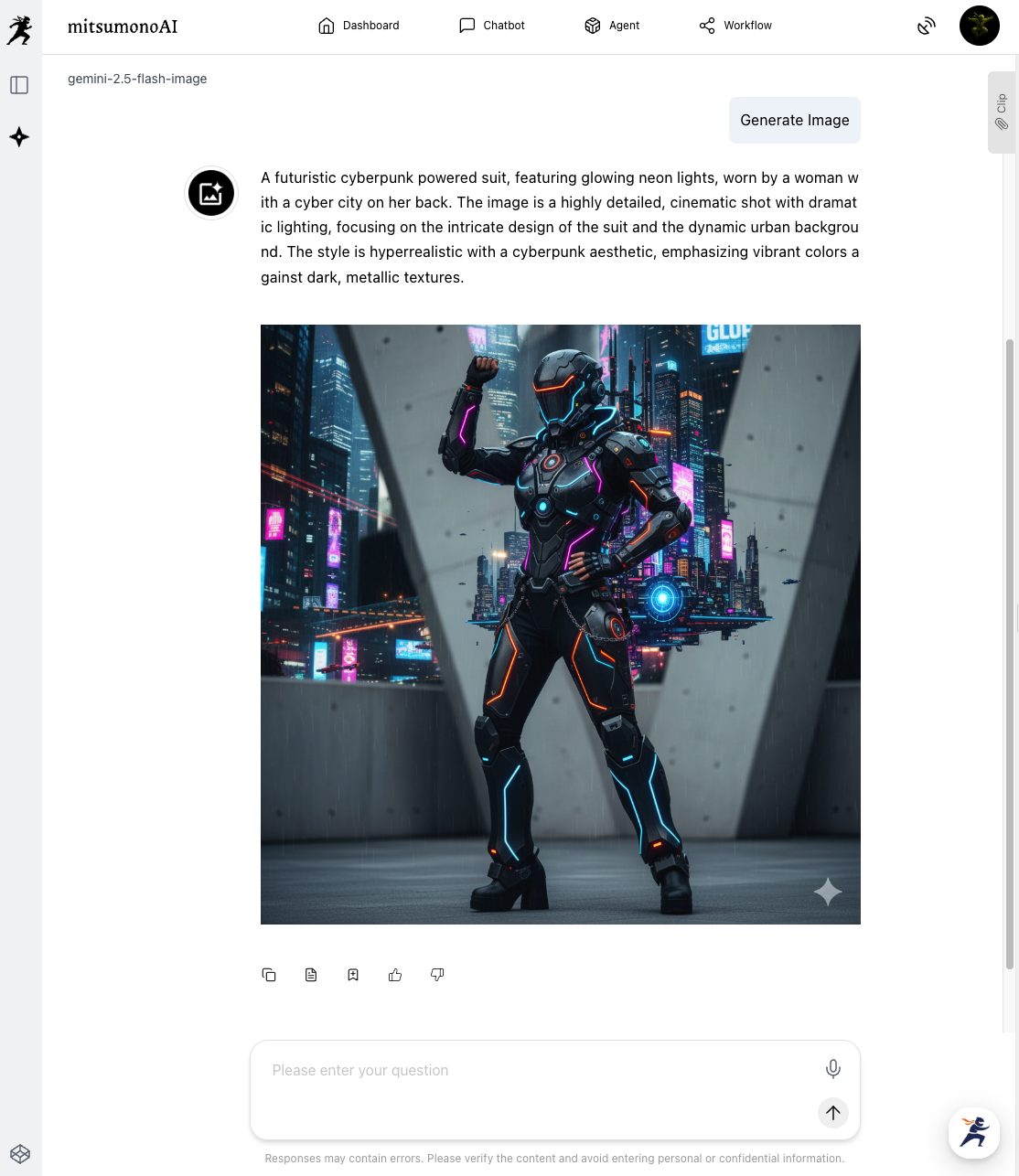
The Result:
In this "Bold Transformation" challenge, the rankings reversed. "OpenAI-image-generation-1" produced the best result.
It successfully rewrote the art style and worldview into a sci-fi setting while maintaining the conceptual "structure" of the original image (the pose with one hand raised and the powerful atmosphere).
"Gemini-2.5-flash-image" was also faithful to the instructions, but it interpreted the term "power suit" too literally, putting a full-face helmet on the model and hiding her face. While the pose was maintained perfectly, the image became a "generic character" rather than the specific model.
How to Choose the Right Model
| Model | Best Role | Recommended Scenarios |
| Gemini-2.5 | Photo Editor | Changing a specific person's background, minor product tweaks, processing commemorative photos. |
| OpenAI-image-gen-1 | Concept Artist | "What if" style transformations, finalizing rough sketches, brainstorming ideas. |
| flux-kontext-pro | Stock Photo Generator | Generating high-quality stock photos from scratch using only text instructions. |
⚠️ Note:
While commercial use of generated images is permitted, avoid synthesizing the faces of real people (such as celebrities) or modifying third-party copyrighted works without permission. The golden rule is to use these tools for "polishing your own company's assets."
■ Advanced Application (From Mass-Producing Banners to Product Development)
This image editing technology can be applied to much more than just banner creation.
- Product Color Simulation:
Upload a photo of a white T-shirt and instruct the AI to "change it to red" or "change it to blue" to create color variation previews before making physical samples. - Creating Seasonal Flair:
Reuse a photo taken in summer for autumn or winter campaigns by giving instructions like "change the background to autumn leaves" or "make it snowing." - Improving Presentation Materials:
Take a generic stock photo and process it to fit your presentation's context, such as instructing the AI to "make the person hold a laptop" or "add a whiteboard to the background."
Summary
In this article, we explored three steps for fixing and processing images without a designer by utilizing "flux-kontext-pro," "OpenAI-image-gen (Editing)," and "Gemini-2.5-flash-image."
By understanding the strengths of each model, you can bring creative production in-house and move faster.
The old common sense that "the only way to fix it is to reshoot" is a thing of the past.
With the magic wand of AI, the images you have on hand turn into "raw materials" filled with infinite possibilities. Why not breathe new life into your images today?
[Update] New, more advanced models released: "nano-banana" and "nano-banana-pro"!
The creative functions of mitsumonoAI have been updated even further.
The newly integrated "nano-banana" and "nano-banana-pro" overcome the weaknesses of previous models, delivering incredible performance in both "speed" and "texture reproduction."
- nano-banana (High-Speed, High-Precision Model)
With overwhelming processing speeds, this is your ultimate weapon for generating large volumes of images for social media posts or A/B testing banners. - nano-banana-pro (High-Definition, Pro-Spec Model)
This model combines the beauty of "flux-kontext-pro" with the transformative power of "OpenAI." It allows for seamless editing while maintaining "fine details" such as light reflections, skin texture, and fabric wrinkles.
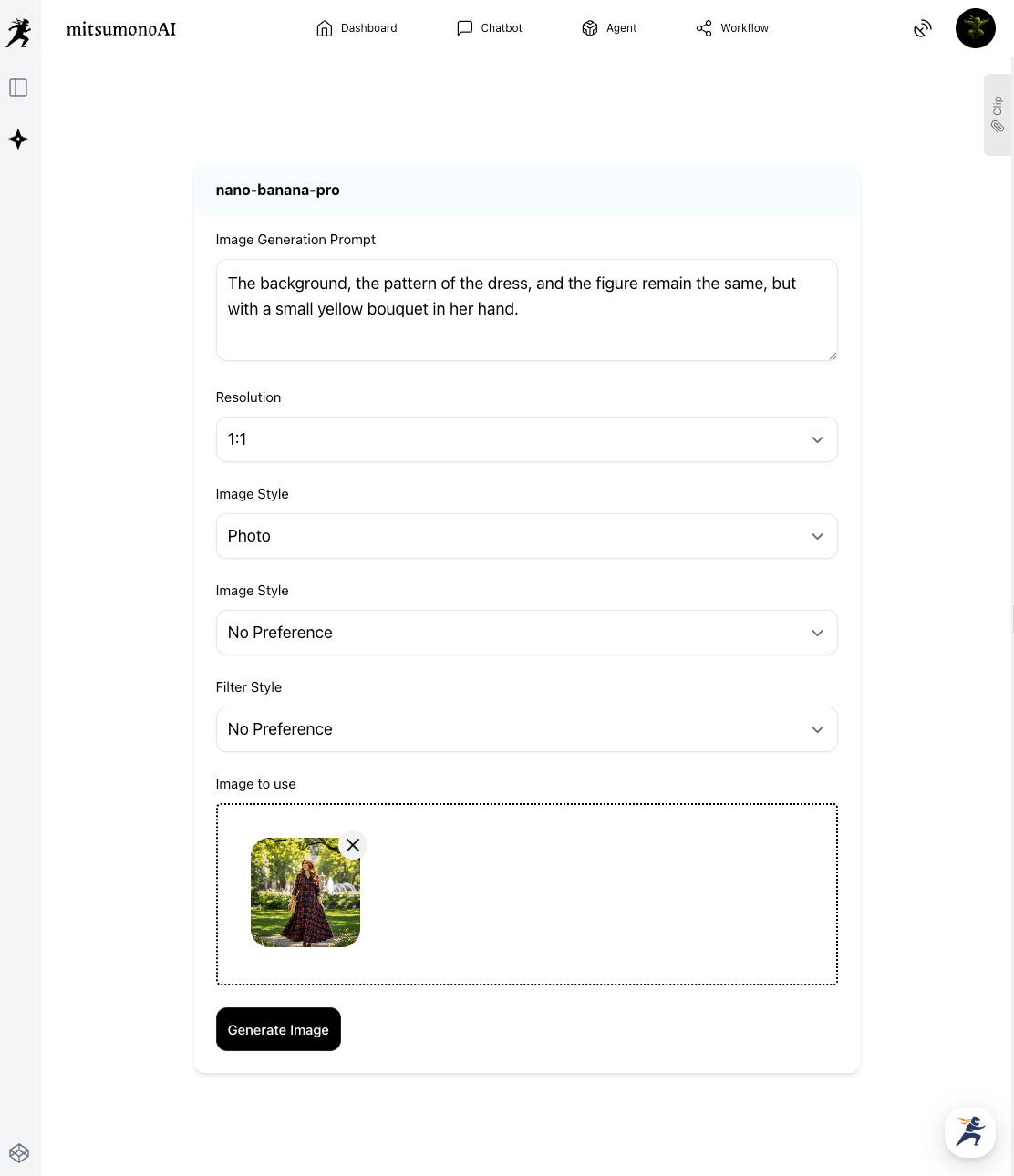
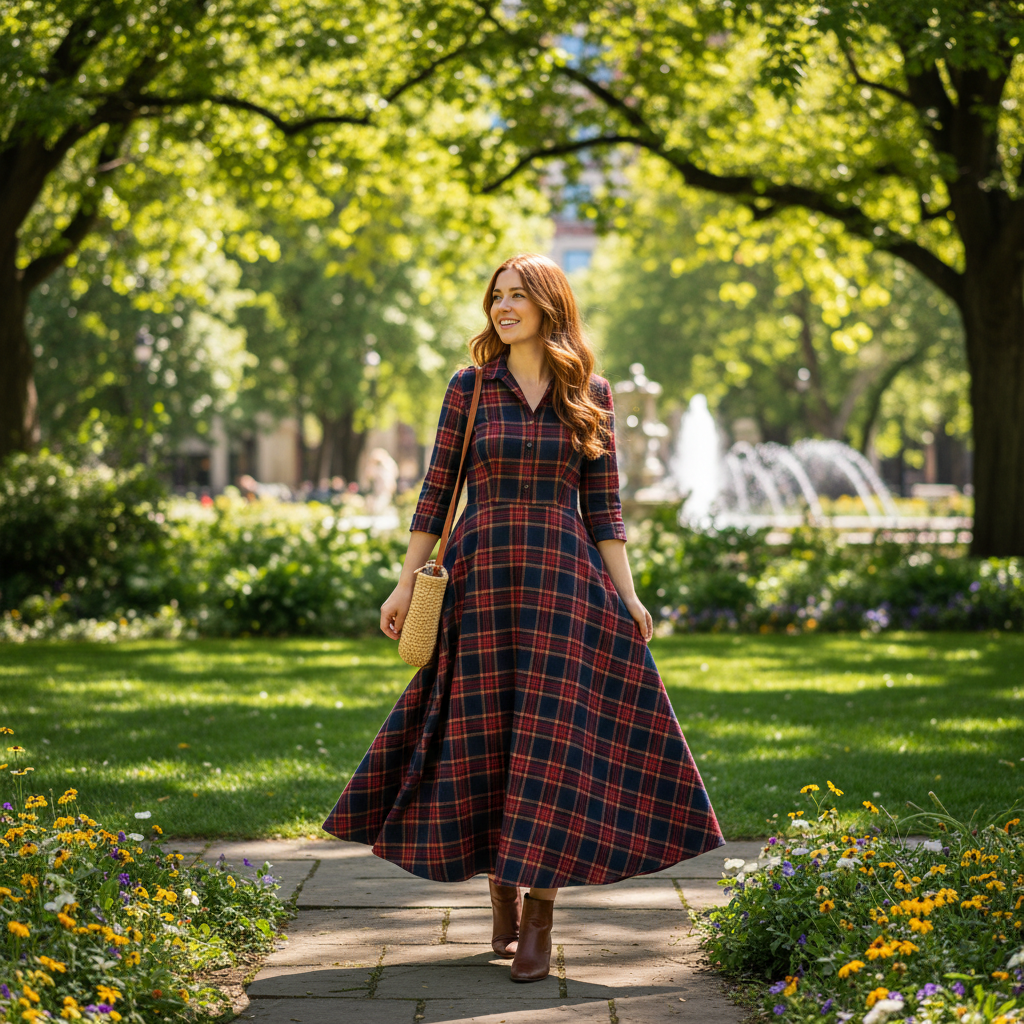
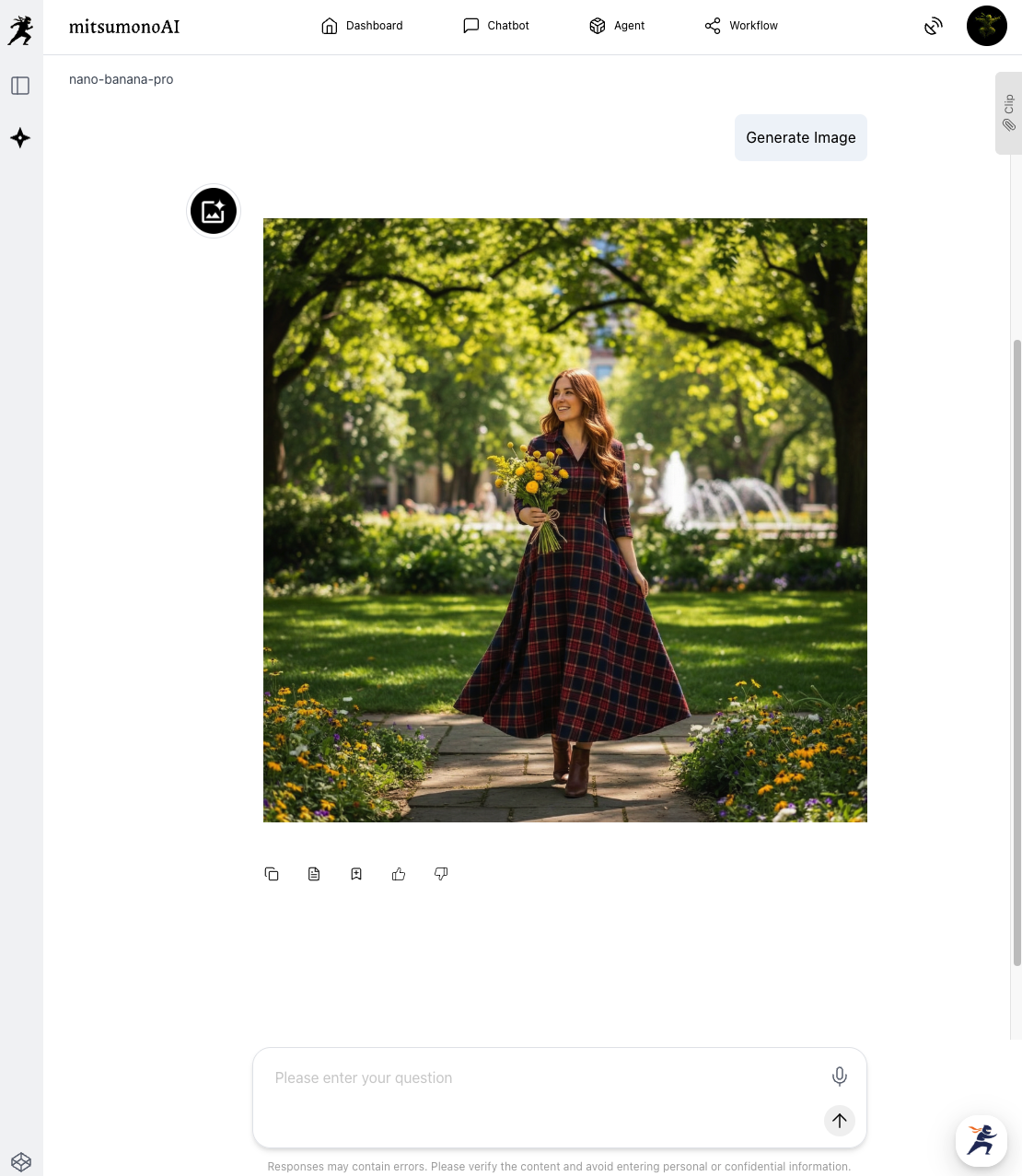
mitsumonoAI supports your entire creative workflow—from editing and generating images from scratch to creating logos and drafting social media copy for those images.
For more use cases and the latest information, visit the mitsumonoAI blog.