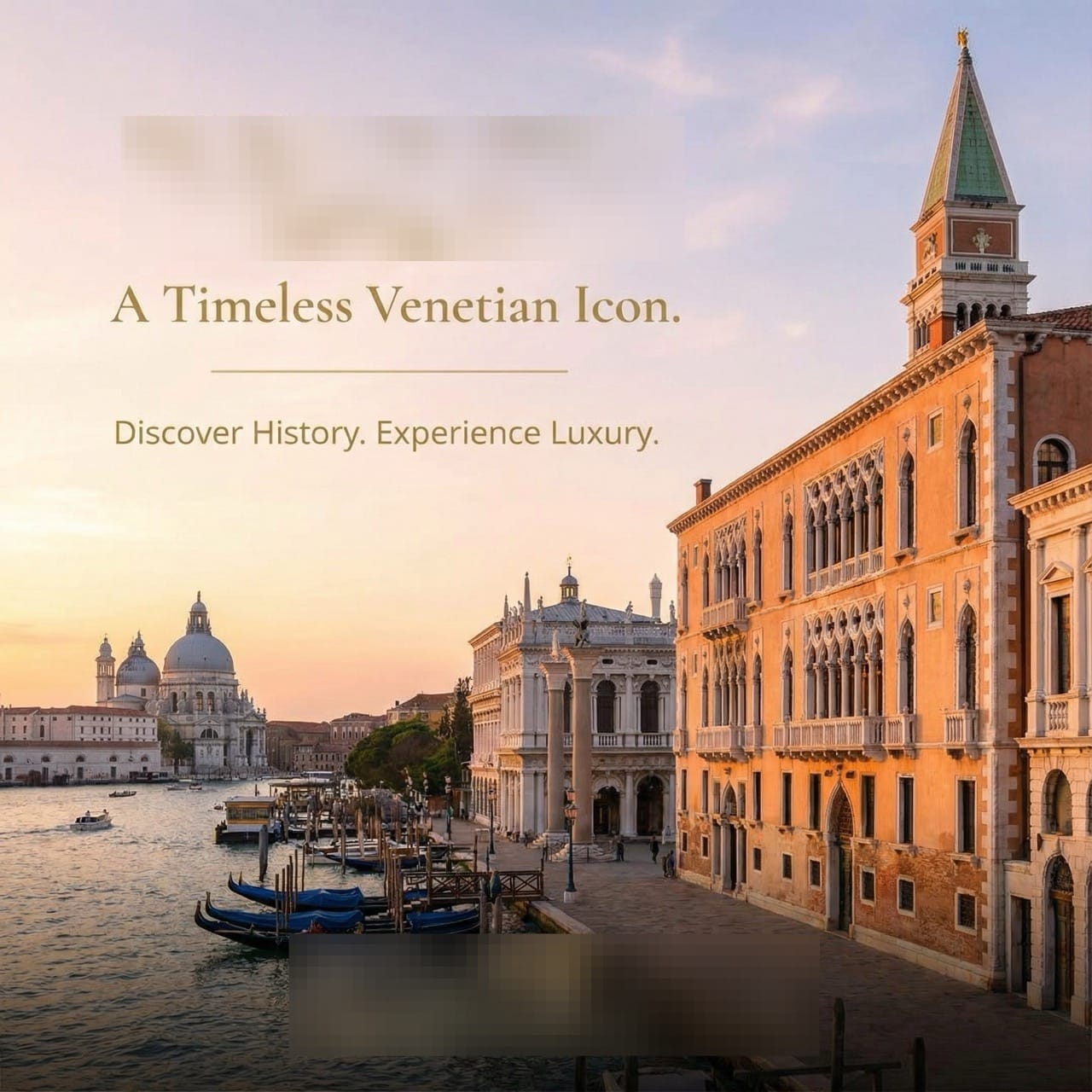
Insta-Ready: Creating Luxury Hotel SNS Posts from a Single URL
Learn how to turn your hotel's website content into stunning Instagram and Facebook posts in minutes. Use AI to capture the perfect "Venetian breakfast" vibe and keep your social media feed professional with minimal effort.

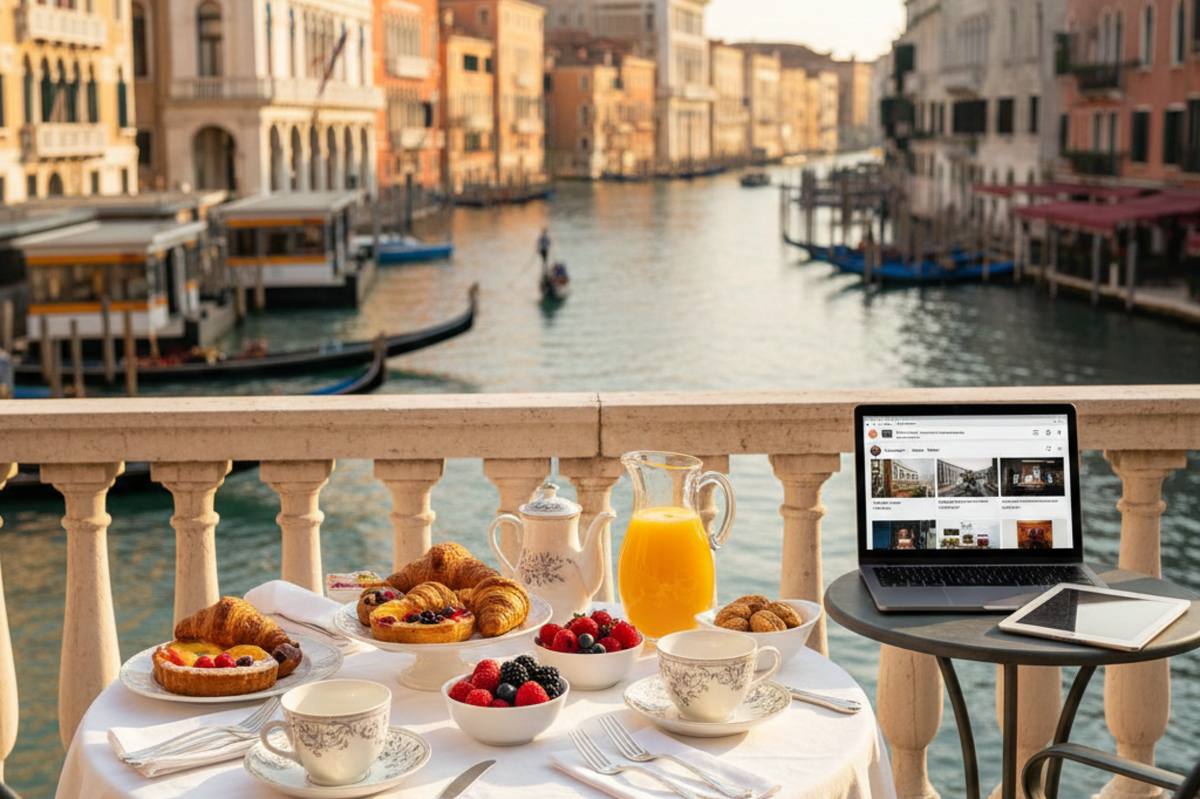
For hotel owners and social media managers, the pressure to post high-quality, professional photos every day is real. You want to showcase your best features—like the famous "Breakfast with a view" in Venice—but you don't always have a photographer on hand.
In this guide, we’ll show you how to transform a simple hotel URL into an eye-catching SNS post using our two-step AI workflow.
What You Will Learn in This Article
- How to generate a social media design brief from your website URL.
- How to use the "Clip" function for a fast, 3-item input workflow.
STEP 1: Generate the Design Strategy
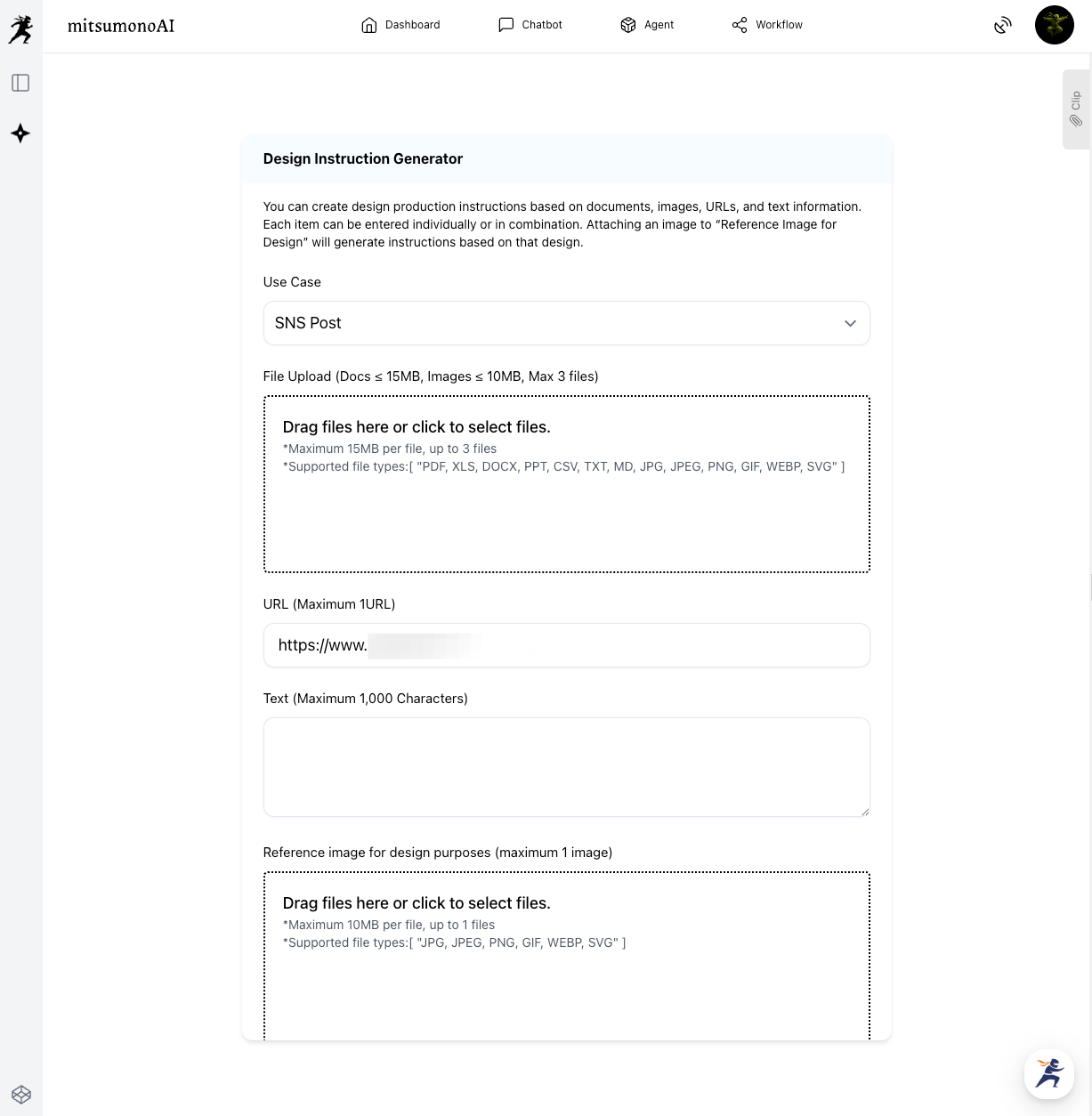
First, we use the Design Instruction Generator to act as our creative director. It will analyze your hotel's website to determine the best visual style for an SNS post.
How to do it:
- Select Use Case: Choose "SNS Post" .
- Paste the URL: Use your hotel's specific page.
- Generate: The AI will extract the essence of the lagoon view and Venetian luxury.
Saving to Your Clip
Once the "Creative Production Brief" is ready, you don't need to copy it manually.
Click the "Save to Clip" button located directly below the generated text. This saves the instructions with a single click.
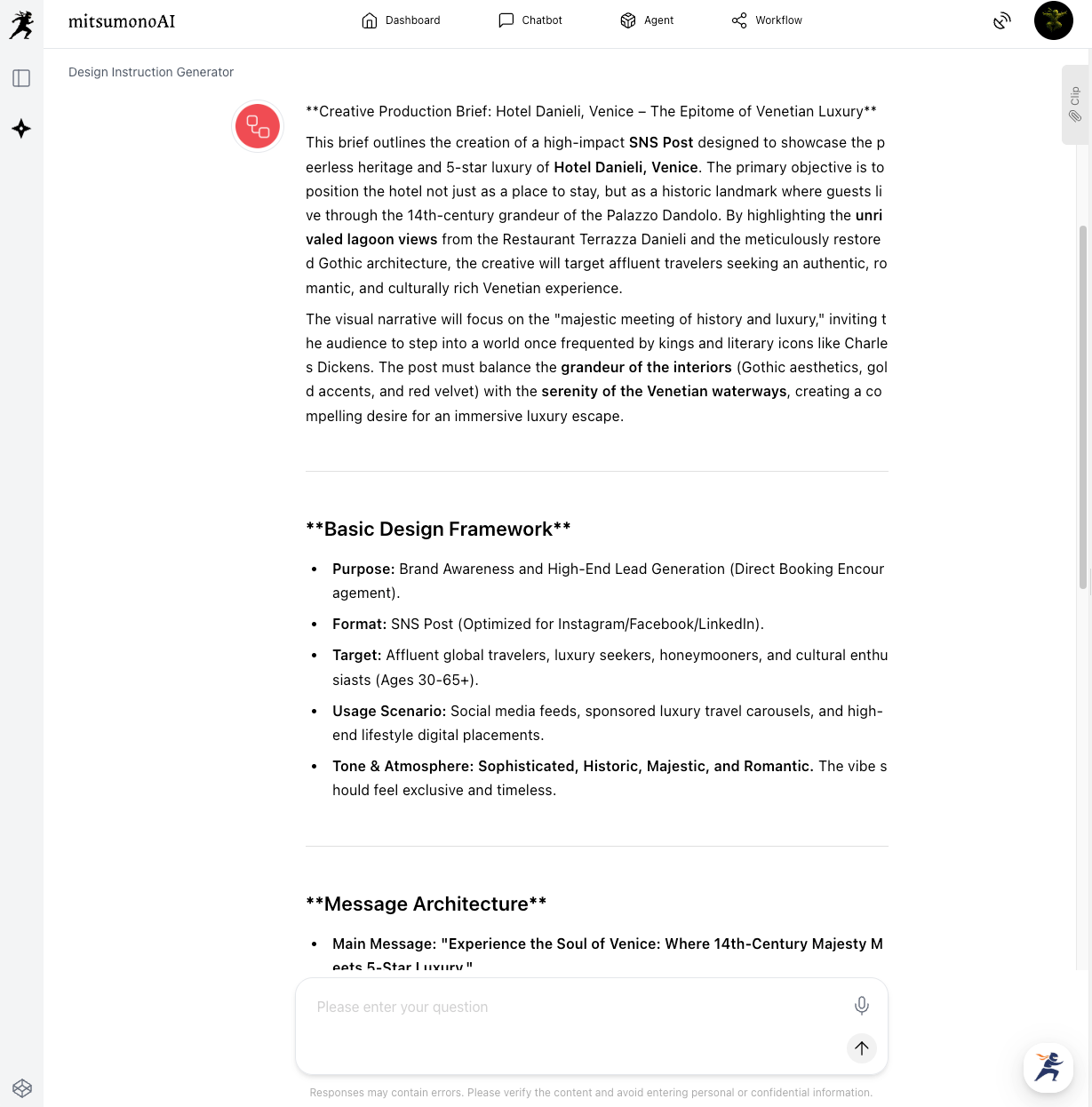
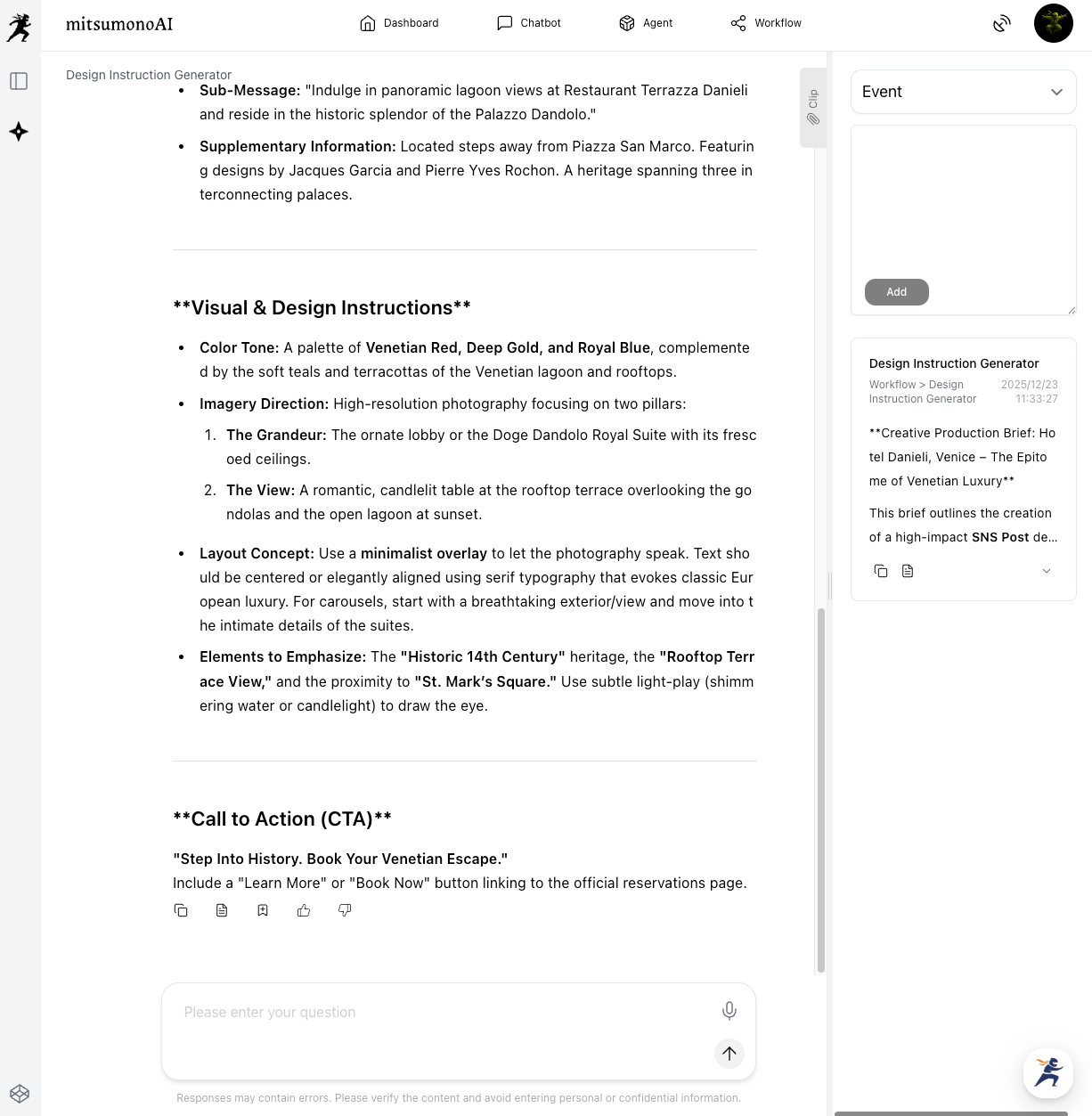
⚠️ Note: Please edit or refine the generated text as needed to match your specific campaign goals or personal preferences before moving to the next step.
STEP 2: Generate the SNS Image in 3 Simple Steps
Now, open the Image Generation Tool 2K. Because your design instructions are already saved in your Clip, you only need to fill in three items.
The 3-Item Workflow:
- Use Case: Select "SNS Post."
- Ratio: Choose 1:1 (Square) for an Instagram feed or 9:16 (Vertical) for a Story.
- Image Generation Text: Click the "Copy" button in your saved Clip section and paste the text here.
Important: You do not need to set the "Style" or "Main Character" fields. All those details are already included in the text you pasted!
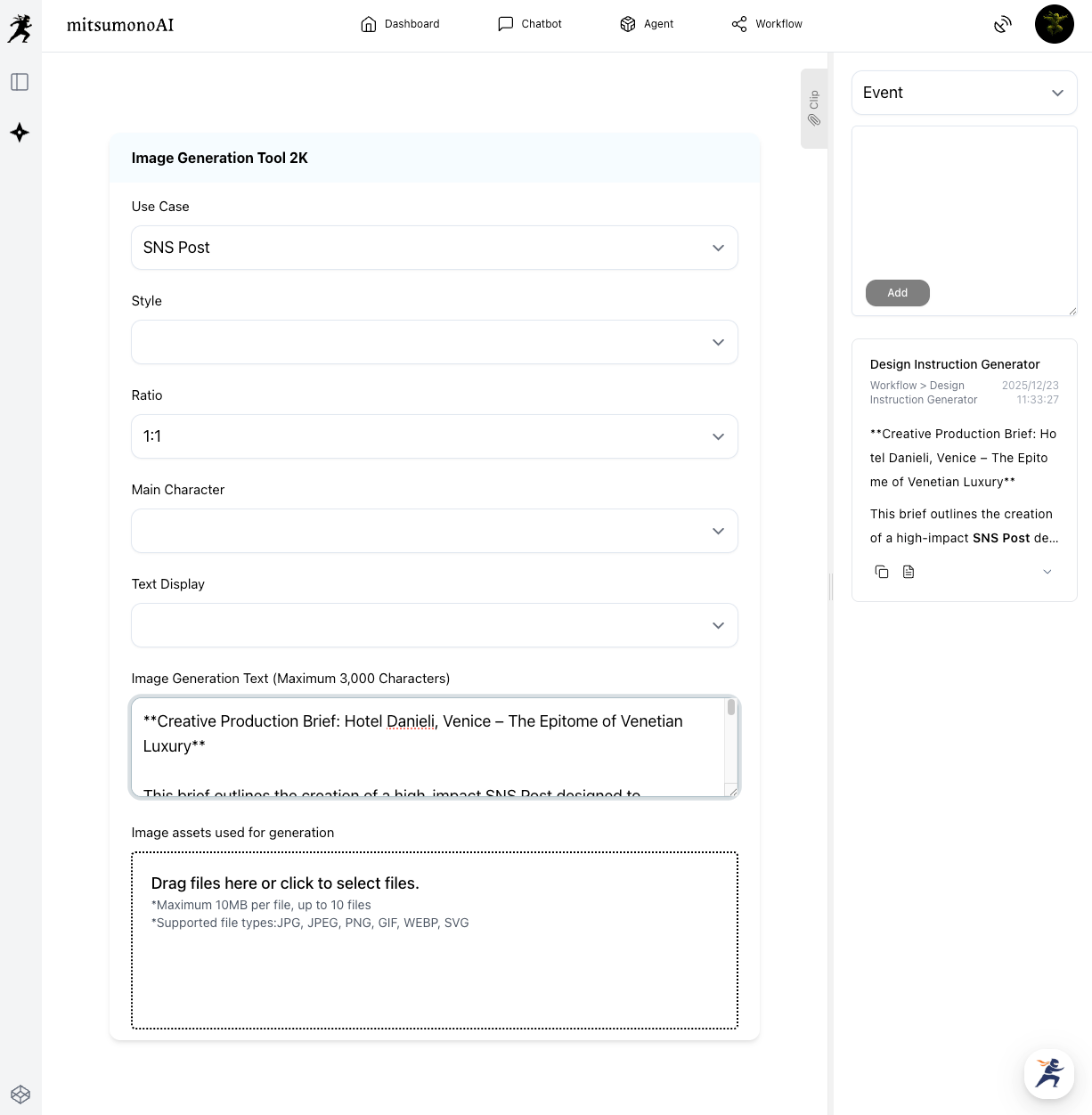
⚠️ Warning: The text box has a 3,000-character limit. If the brief from Step 1 is too long, please summarize it to ensure the most important visual descriptions fit.
The Final Result: A Professional "Post-Ready" Visual
By using the website’s own description of its legendary terrace, the AI creates a social media post that perfectly captures the "Dolce Vita" atmosphere guests are looking for.
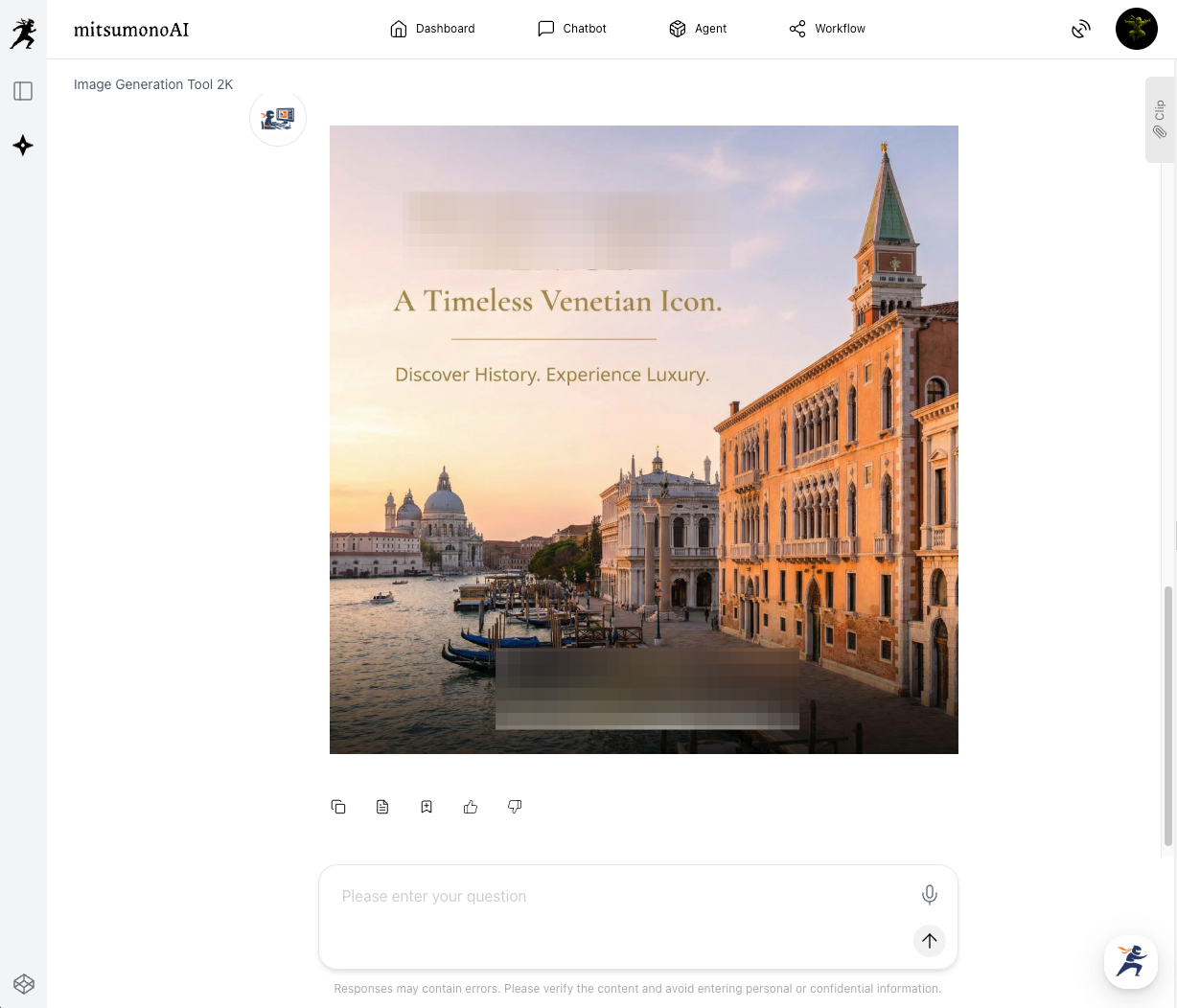
Summary: Fast, High-Quality SNS Content
This workflow is perfect for hospitality staff who need to keep their social media feeds fresh and professional with zero design experience.
- Step 1: Paste your URL and Save to Clip in one click.
- Step 2: Copy from Clip and set only the Case, Ratio, and Text in the 2K tool.
- Step 3: Your high-end SNS post is ready to be uploaded!
Ready to boost your hotel's social media?
Take your website URL today and start creating posts that turn followers into guests!
Production reference example