A Collection of AI Strategies for Residential Home Builder Design Departments
Worried about running out of design ideas or inconsistent proposal quality? This article introduces three concrete steps using AI to generate design concepts, create compelling presentation materials, and prevent misunderstandings with clients.


Tools to Use
- Sensei AI - House Maker
- Naming Assistant
- Visual Creative Analyst
- Text Summarization Workflow
How to Strengthen Design Proposals with AI
"I’ve ended up with another similar design..."
"I can't seem to shape the client's requests effectively..."
"I spent so much time on this presentation, but it doesn't seem to resonate..."
As customer needs diversify, design and architecture departments are expected to deliver more persuasive proposals than ever. However, under the pressure of daily tasks, it's often difficult to find the space to be truly creative.
In this article, we’ll show you how to treat AI as a design partner—making everything from brainstorming to reaching a consensus with clients smoother and dramatically improving the quality of your proposals.
Specific steps
Step 1: Deepen Design Concepts Through Dialogue with AI
▶ Sensei AI - House Maker, Naming Assistant
When you're stuck for ideas, an AI with specialized knowledge of the residential home building industry makes for the perfect sounding board. Use dialogue with the AI to turn vague customer requests into concrete concepts.
[Input Tips/Example: Sensei AI - House Maker]
By providing specific details about the client's lifestyle and requests, you can draw out more accurate ideas.
"The clients are a couple in their 30s who mostly work from home and enjoy camping. Please propose five design concepts with a 'Nordic Modern' feel that incorporate a sense of connection with nature. Include specific materials and floor plan ideas."
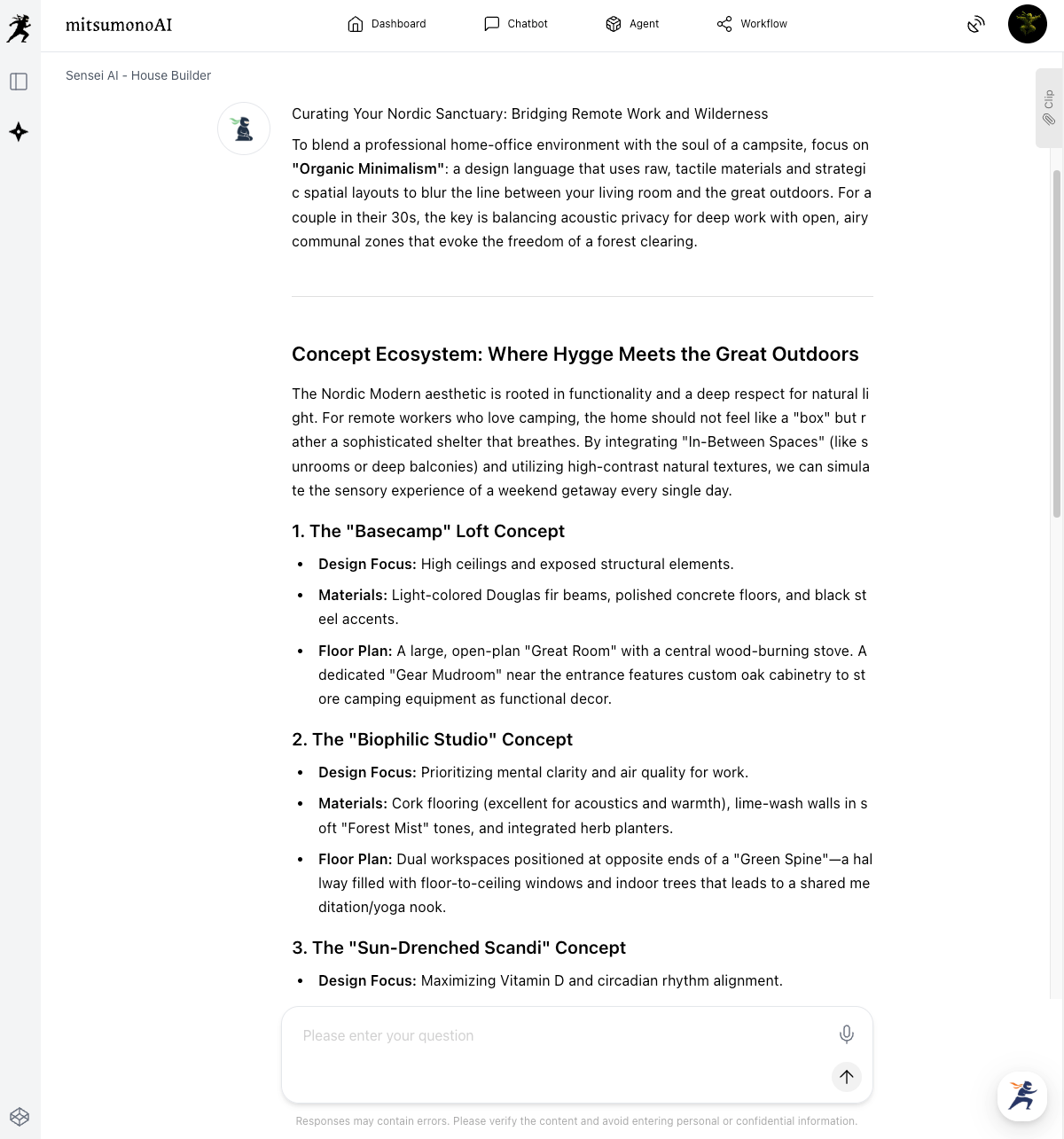
Let's dig deeper into one of the AI's suggestions.
"Regarding the 'Light Deck House — A Work & Living Space Integrated with the Garden via Large Openings' idea you proposed: please tell me its pros and cons, and give me ideas on how to achieve this while keeping costs down."
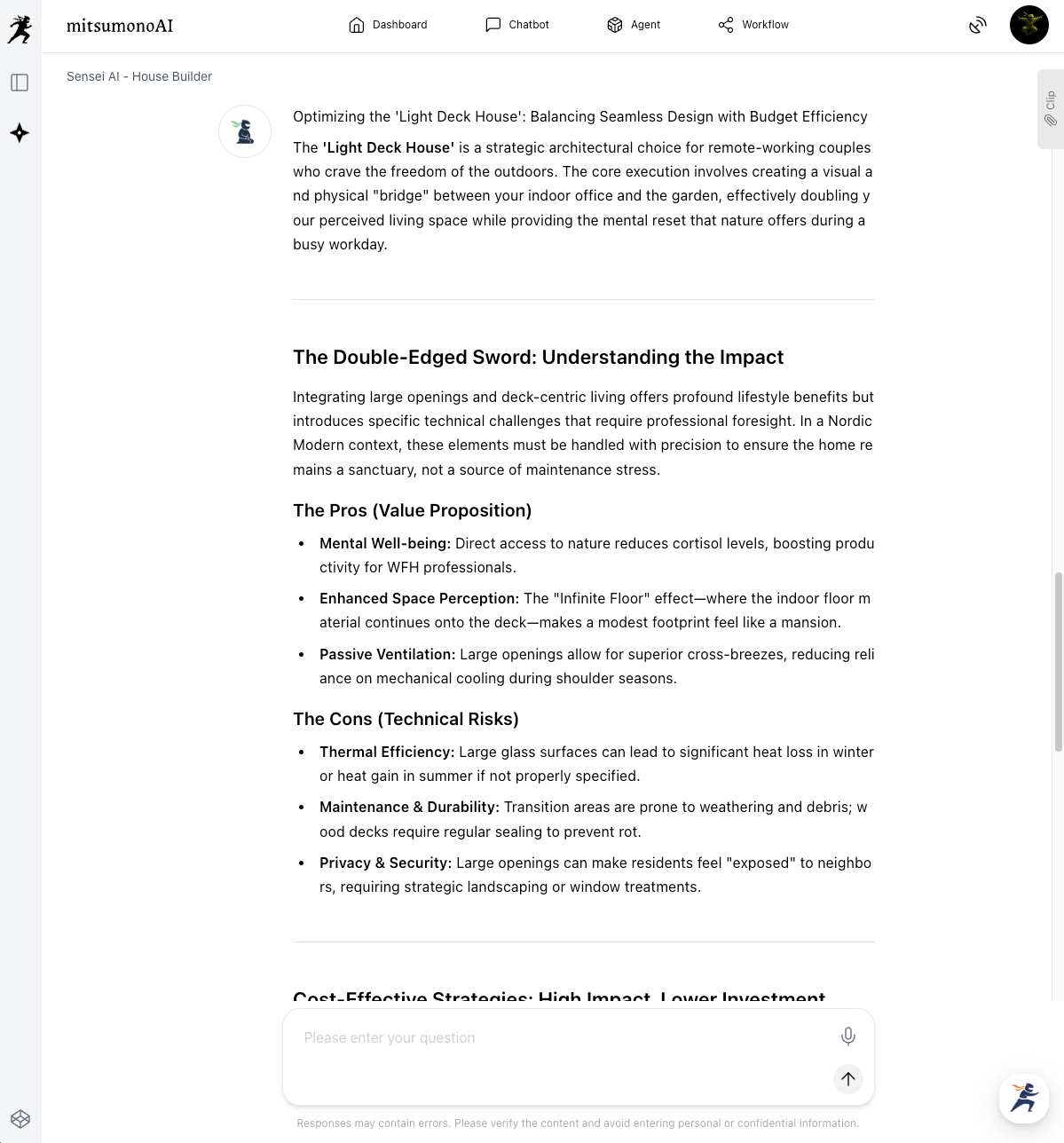
[Input Tips/Example: Naming Assistant]
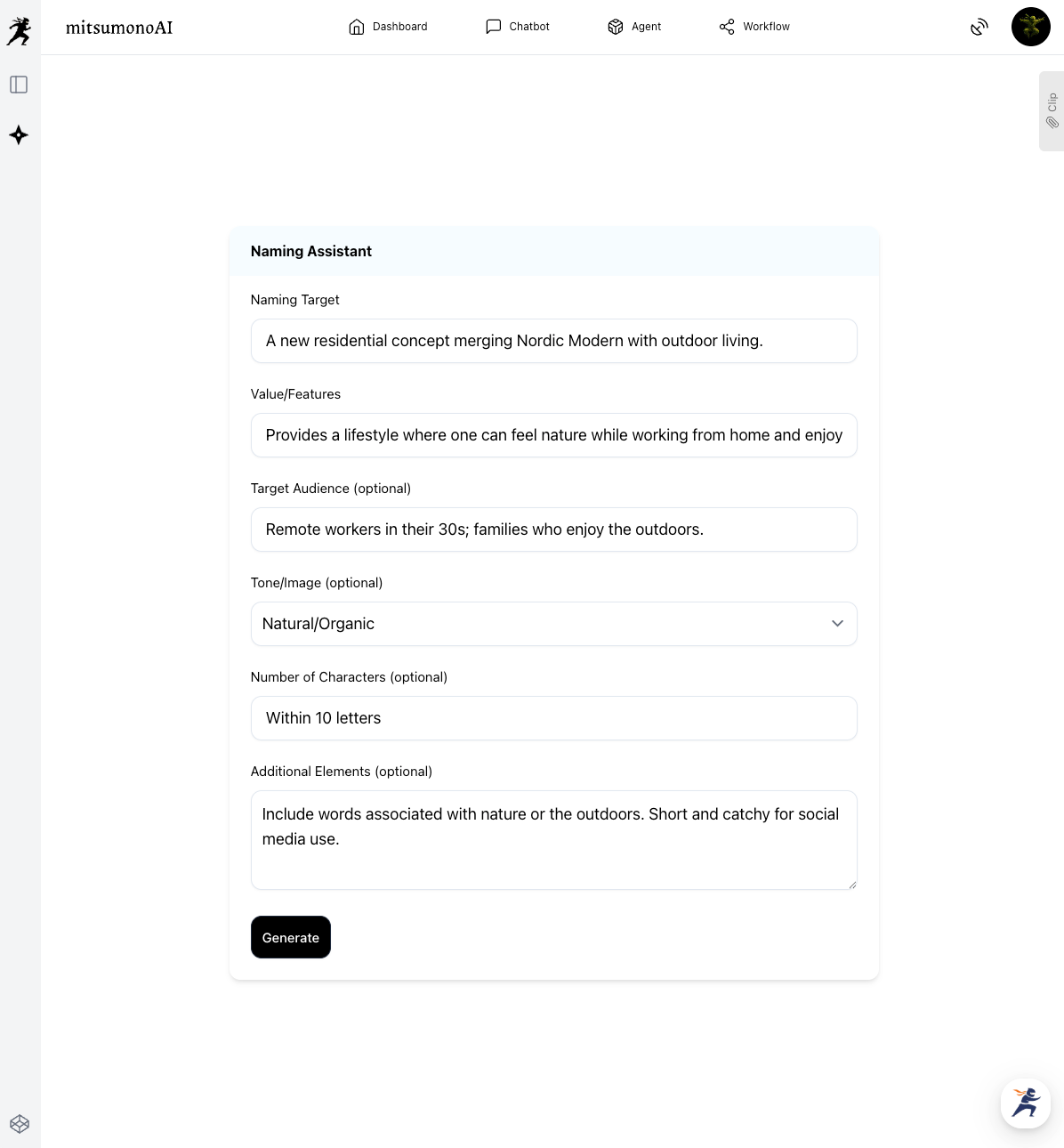
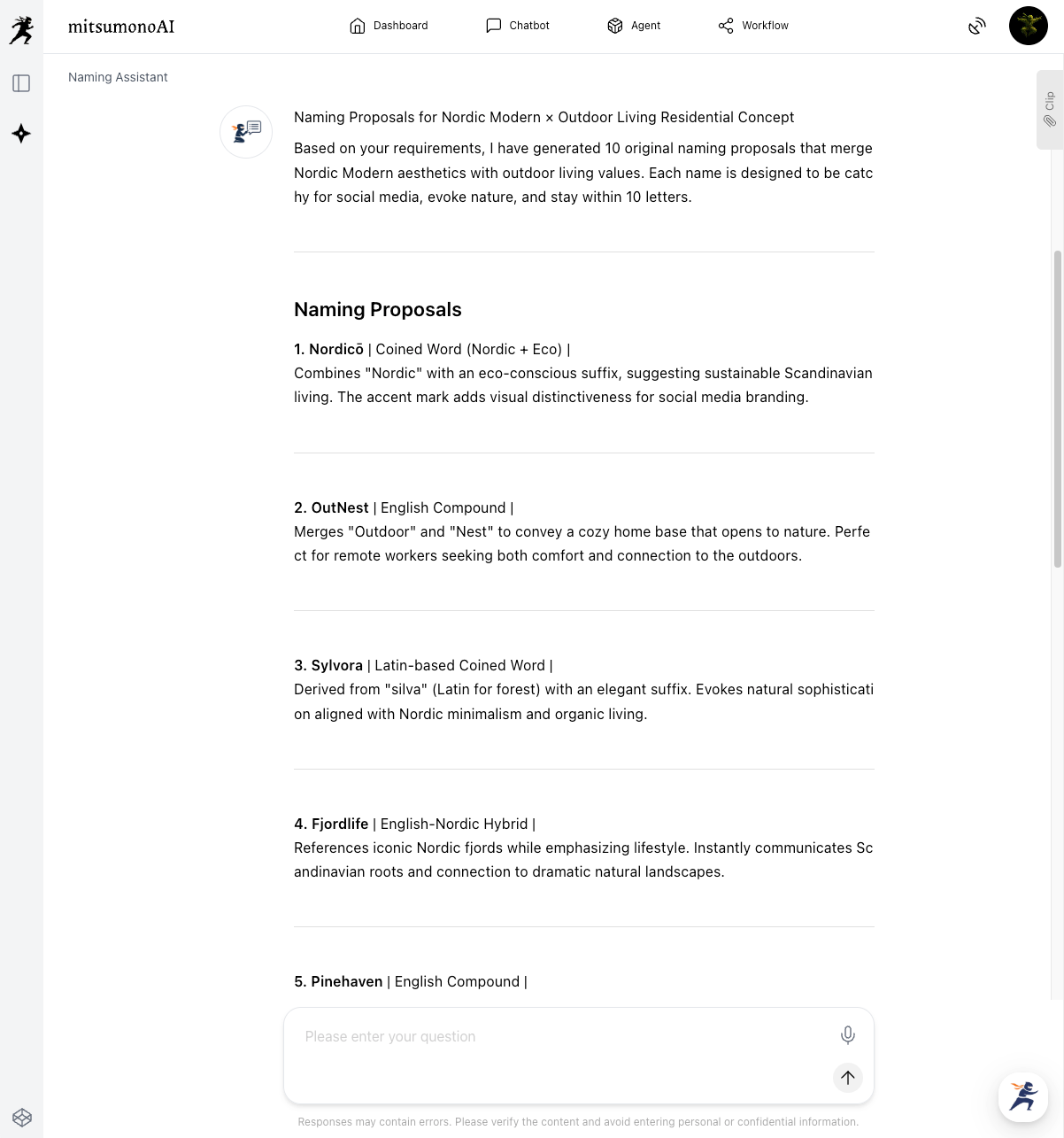
Input the concept refined during your conversation with Sensei AI into the Naming Assistant to create a name that resonates with the client.
Step 2: Use AI Scores to Create Presentation Materials that "Click"
▶ Visual Creative Analyst
Even the best 3D renderings or design drafts are meaningless if their appeal doesn't reach the client. Use objective AI scoring to polish your presentation materials into something that anyone would find stunning.
[Input Tips]
Upload multiple versions of your 3D renderings and compare the scores and improvement suggestions.
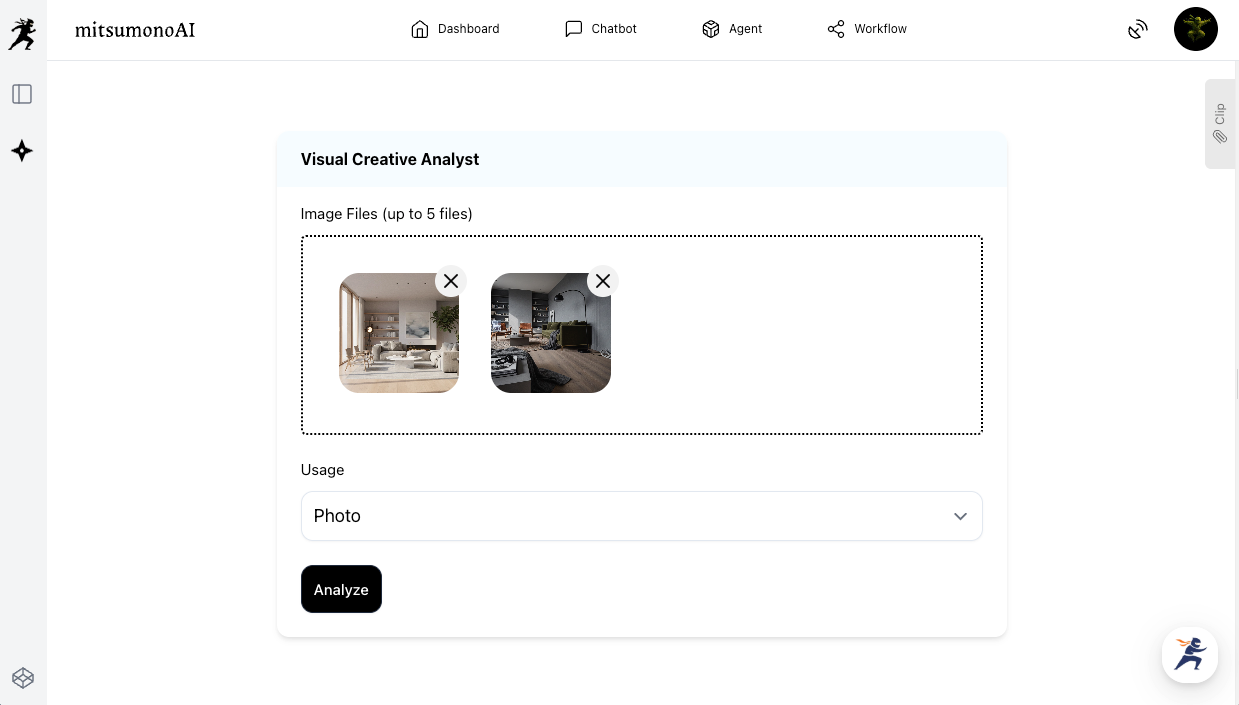
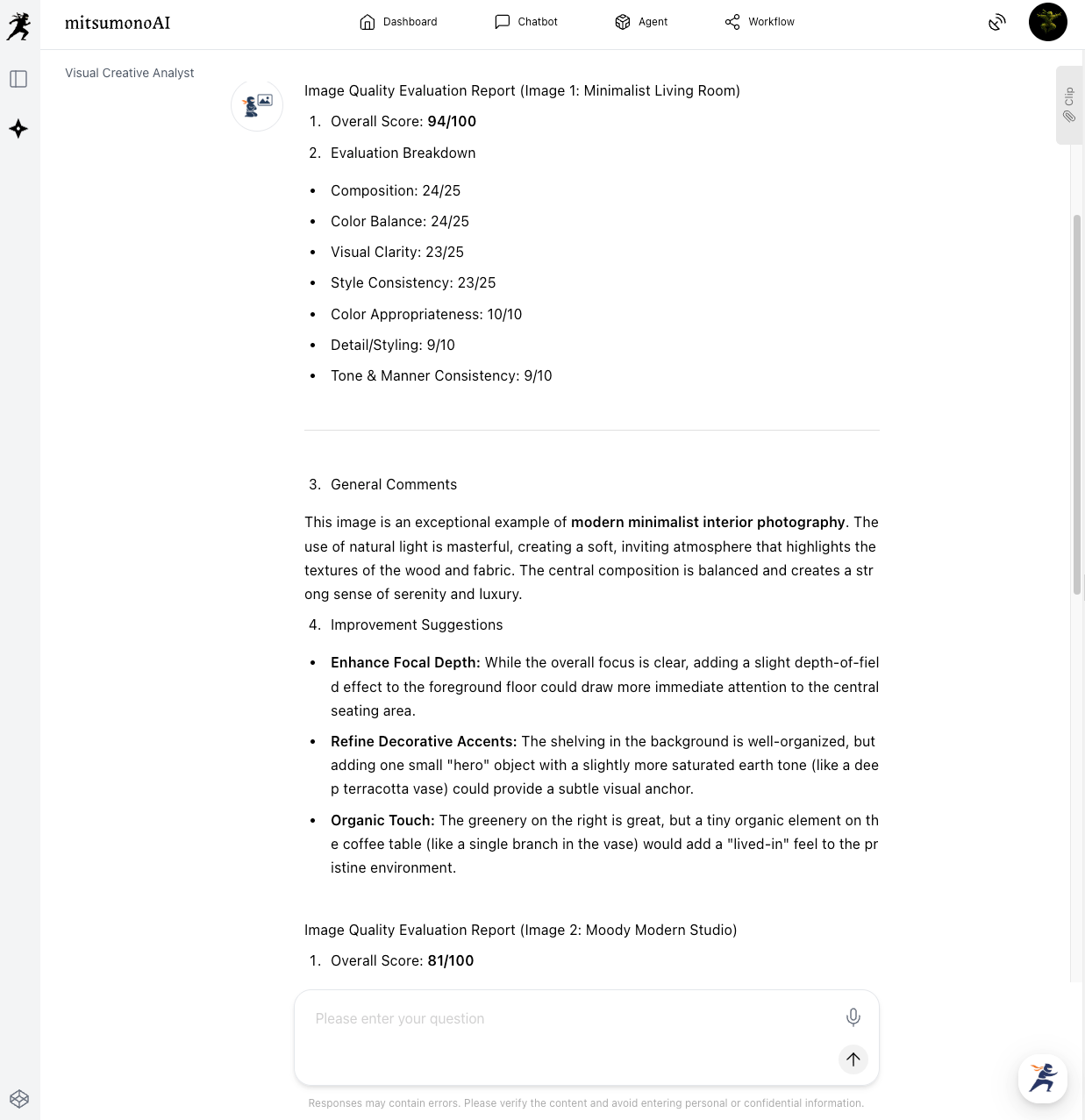
For each image, the AI provides a score along with points for improvement. You can then specify the exact usage to see which image makes a better impression.
"Which of these photos would make a better impression on a website portfolio page? Please tell me which one and why."
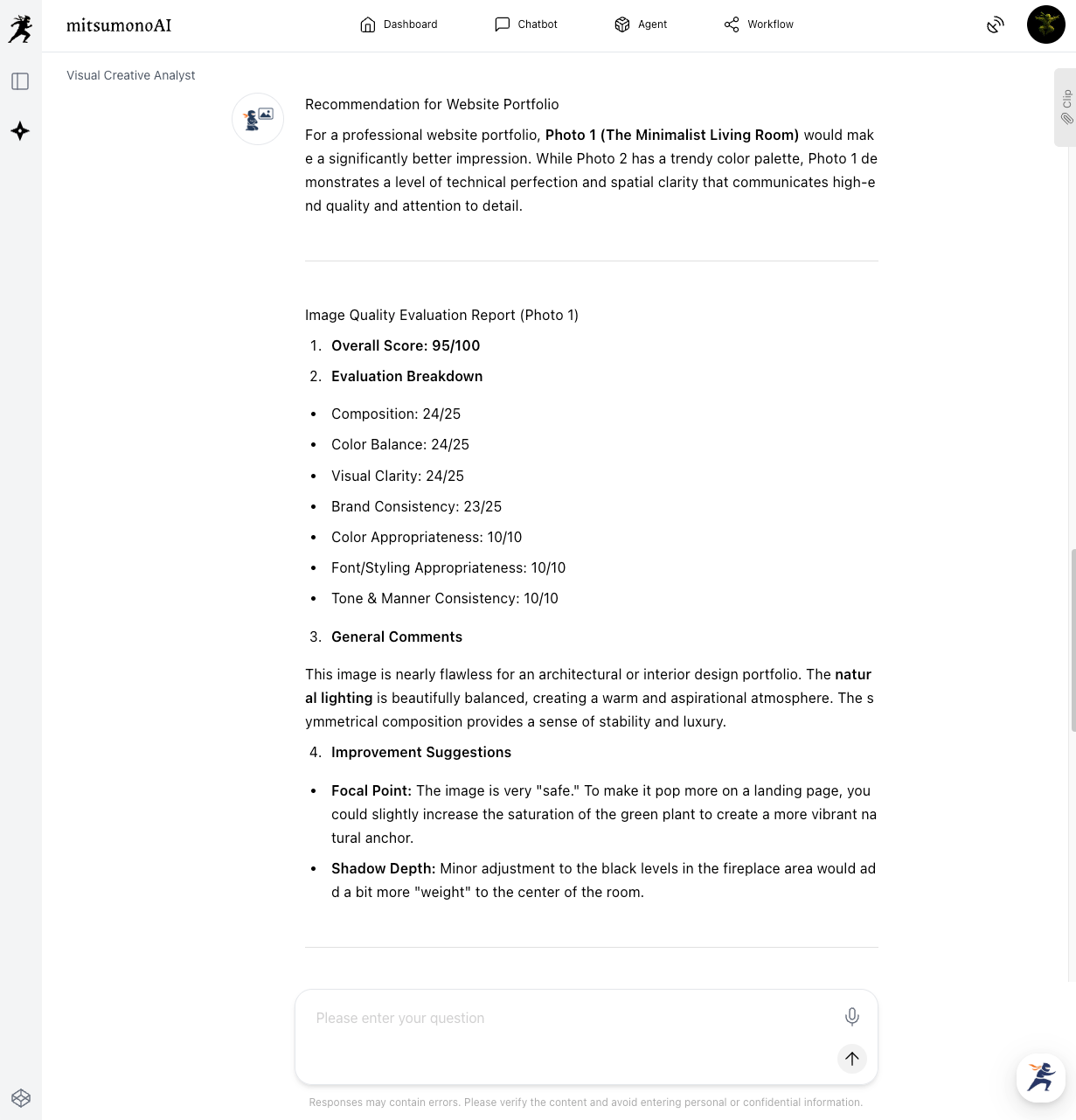
Step 3: Prevent Misunderstandings with Clients Using AI
▶ Text Summarization Workflow
Design meetings involve a lot of technical jargon and numerous decisions. To prevent "he said, she said" trouble and keep the project moving smoothly, use AI to organize your meeting minutes.
[Input Tips]
Input transcribed text from a recording or even rough handwritten notes. Select the "Summary Type" or "Target Audience" based on how you plan to use the summarized text.
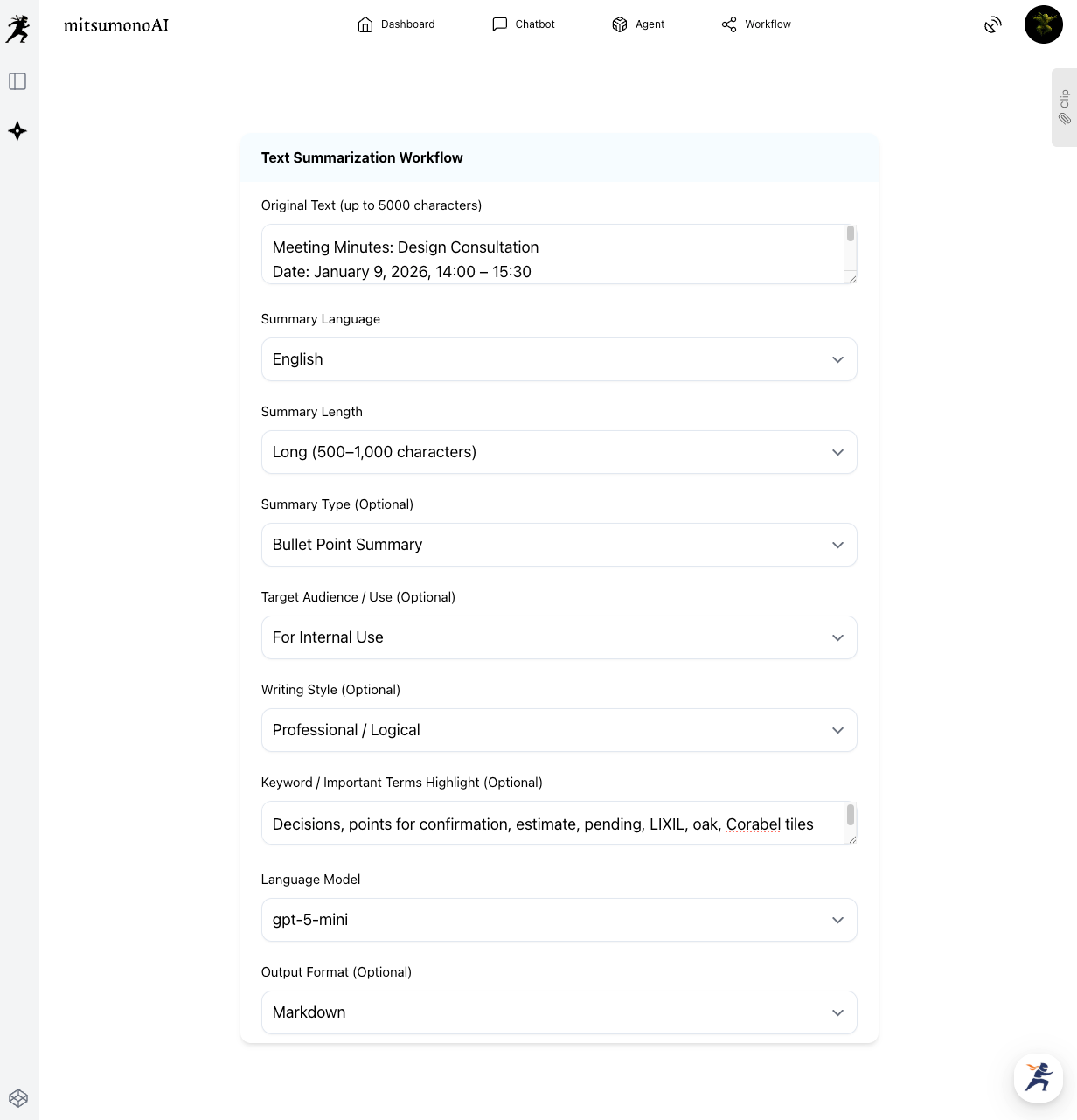
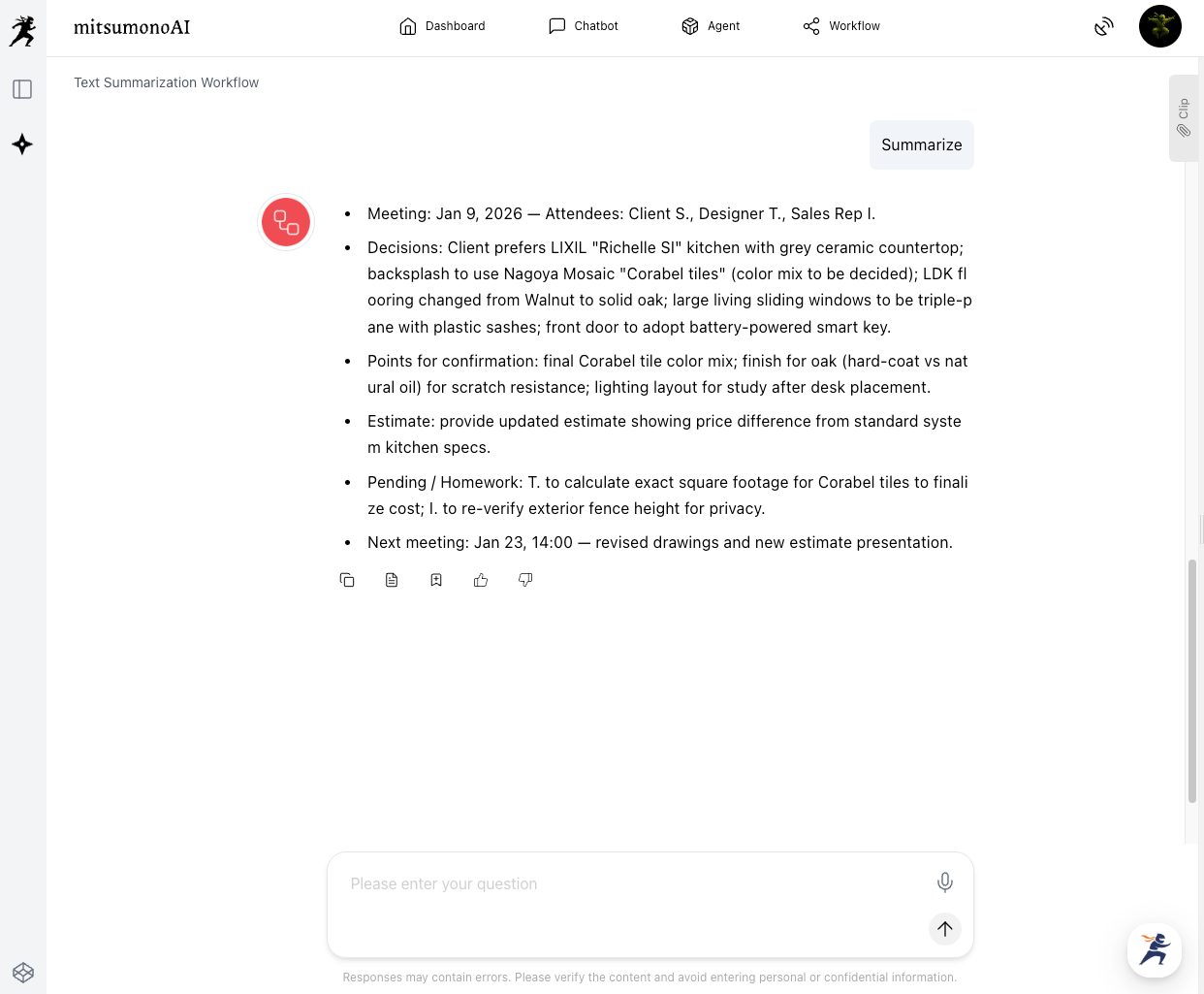
By letting the AI handle the summaries, designers can focus on more creative tasks.
Results Achieved Through This Approach
Implementing these steps maximizes a designer's creativity and transforms a typically individual-dependent design process into an organizational strength.
AI-driven objective perspectives and efficiency allow for highly persuasive proposals that deeply align with each client's needs. This improves both the quality and speed of proposals, leading to higher customer satisfaction and a reduction in rework caused by design changes.
Target Metrics for the First 6 Months
KGI:
- Contract rate from initial proposal: 10% increase
KPI:
- Time spent creating presentation materials (renderings/boards): 20% reduction
- Number of reworks due to design changes: 15% reduction
For more use cases and the latest information, visit the mitsumonoAI blog site.