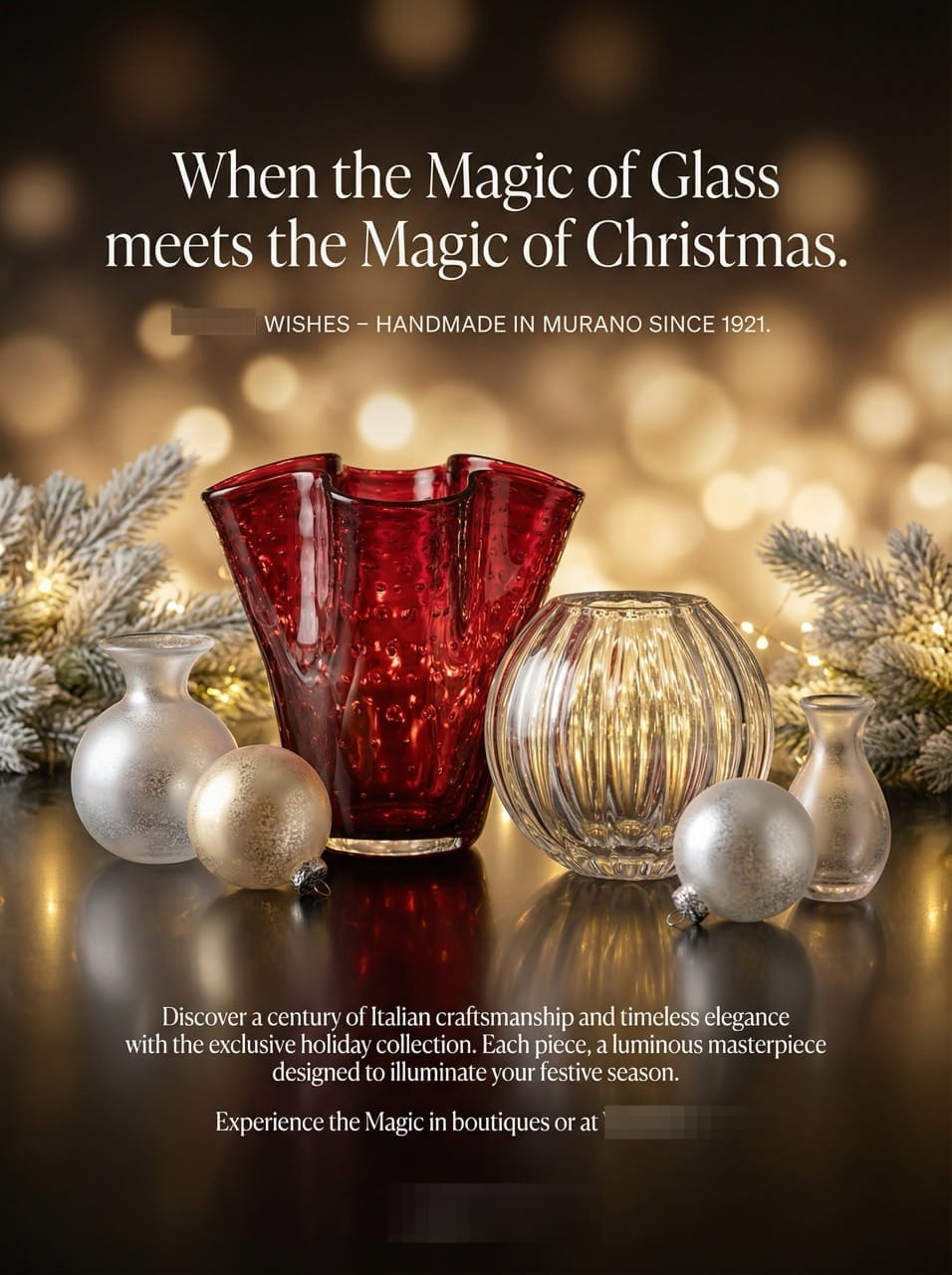
The Art of the Christmas Flyer: Creating Luxury Murano Glass Promotions with AI
Transform the prestige of Murano glass into high-end marketing materials. Learn how to create sophisticated A4 flyers for tourists in Venice using AI to capture luxury and artistry.

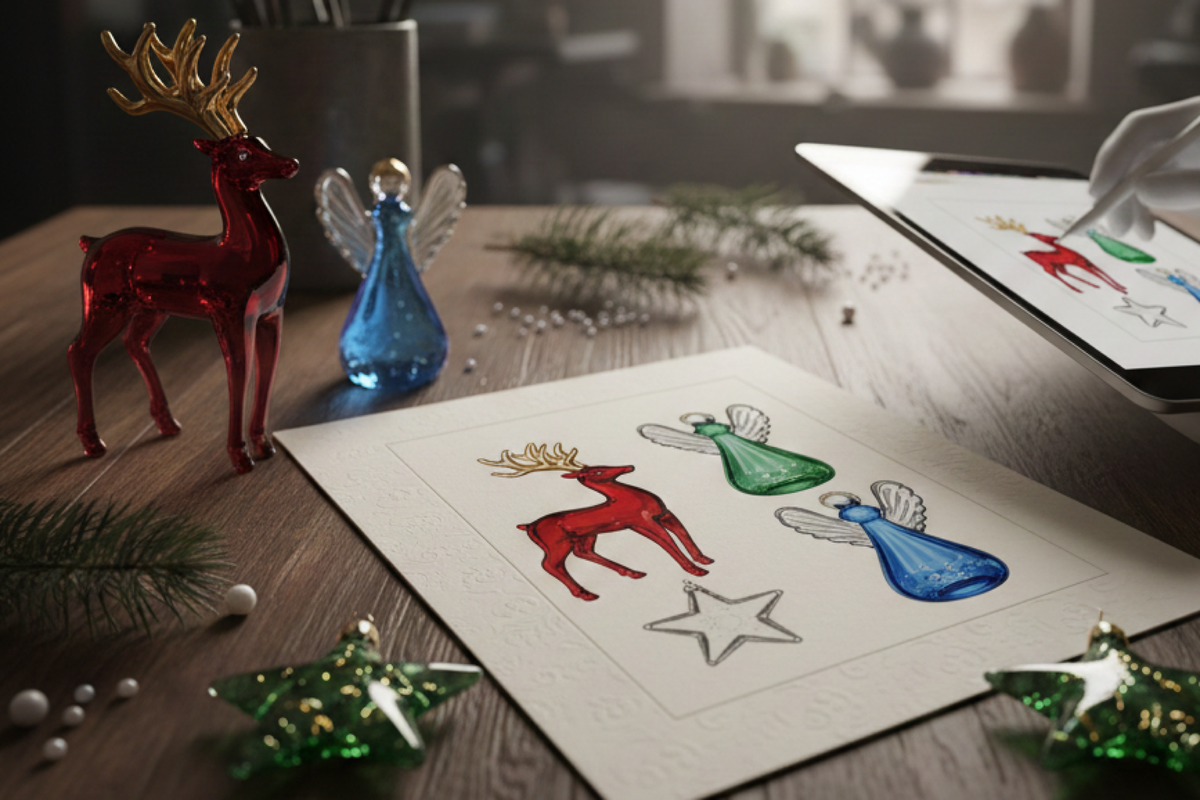
Creating promotional materials for a high-end brand requires a delicate balance of history, artistry, and luxury. For retailers in Venice, such as the legendary glassmakers , a flyer isn't just a piece of paper—it’s an invitation to experience centuries of craftsmanship.
We will show you how to take the exquisite Christmas Collection and transform it into a sophisticated A4 flyer that captures the attention of high-end tourists, all without needing a professional designer.
What You Will Learn in This Article
- How to combine a website URL and a reference image to define a luxury brand style.
- How to use the "Clip" function for a seamless transition from strategy to design.
- Managing text length for the perfect AI generation.
STEP 1: Generate High-End Design Instructions
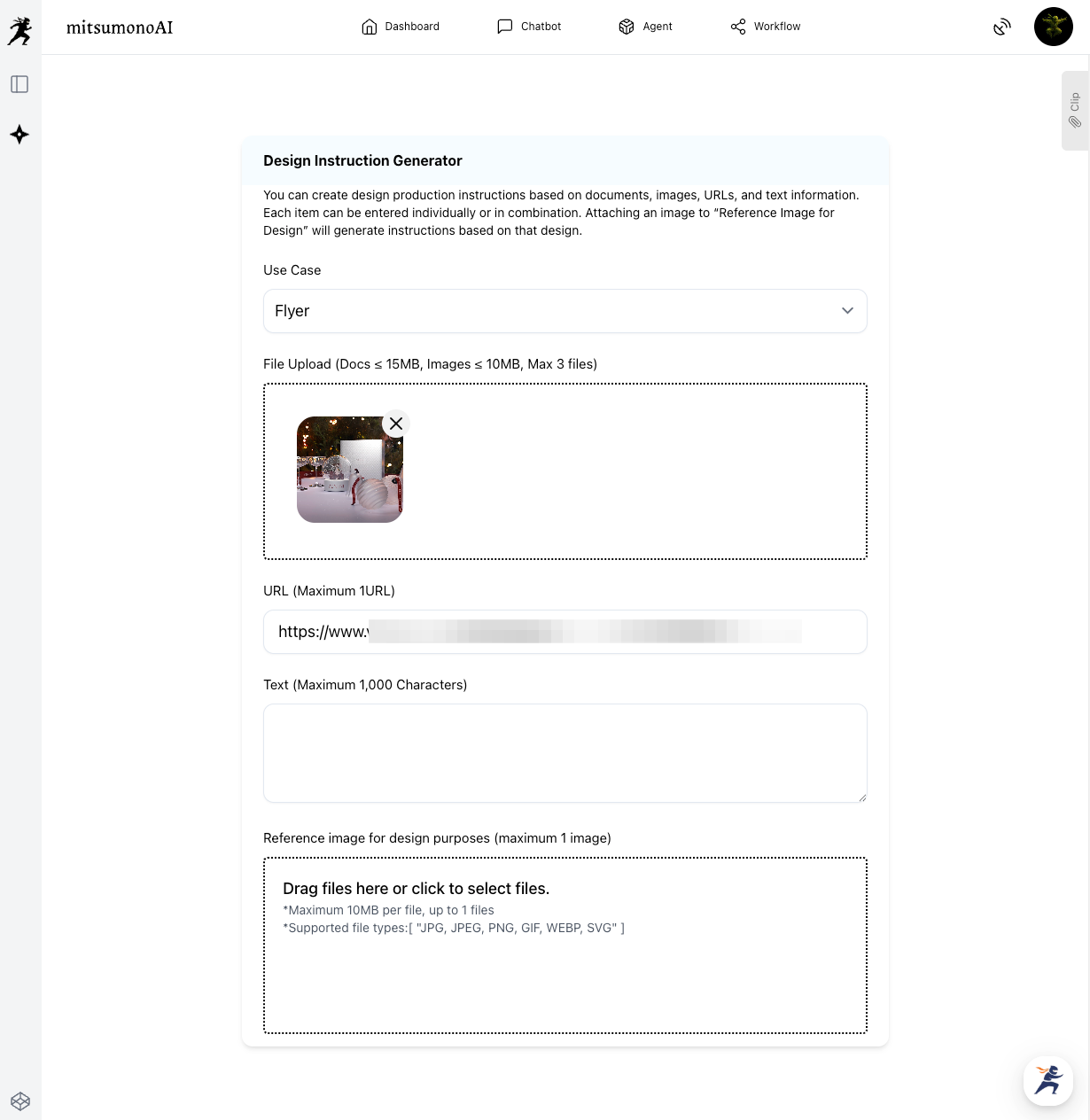
To create a flyer that feels "premium," we need to give the AI both the information and the visual "vibe." We use the Design Instruction Generator for this.
How to do it:
- Select Use Case: Choose [Flyer].
- Paste the URL: Use the specific collection page.
- Attach Reference Image: To ensure the AI understands "luxury," upload a professional photo of a Murano glass masterpiece or a high-end holiday advertisement into the "Reference image for design purposes" box.
- Generate: The AI will analyze the artistic history of VENINI and combine it with the colors and textures of your reference image.
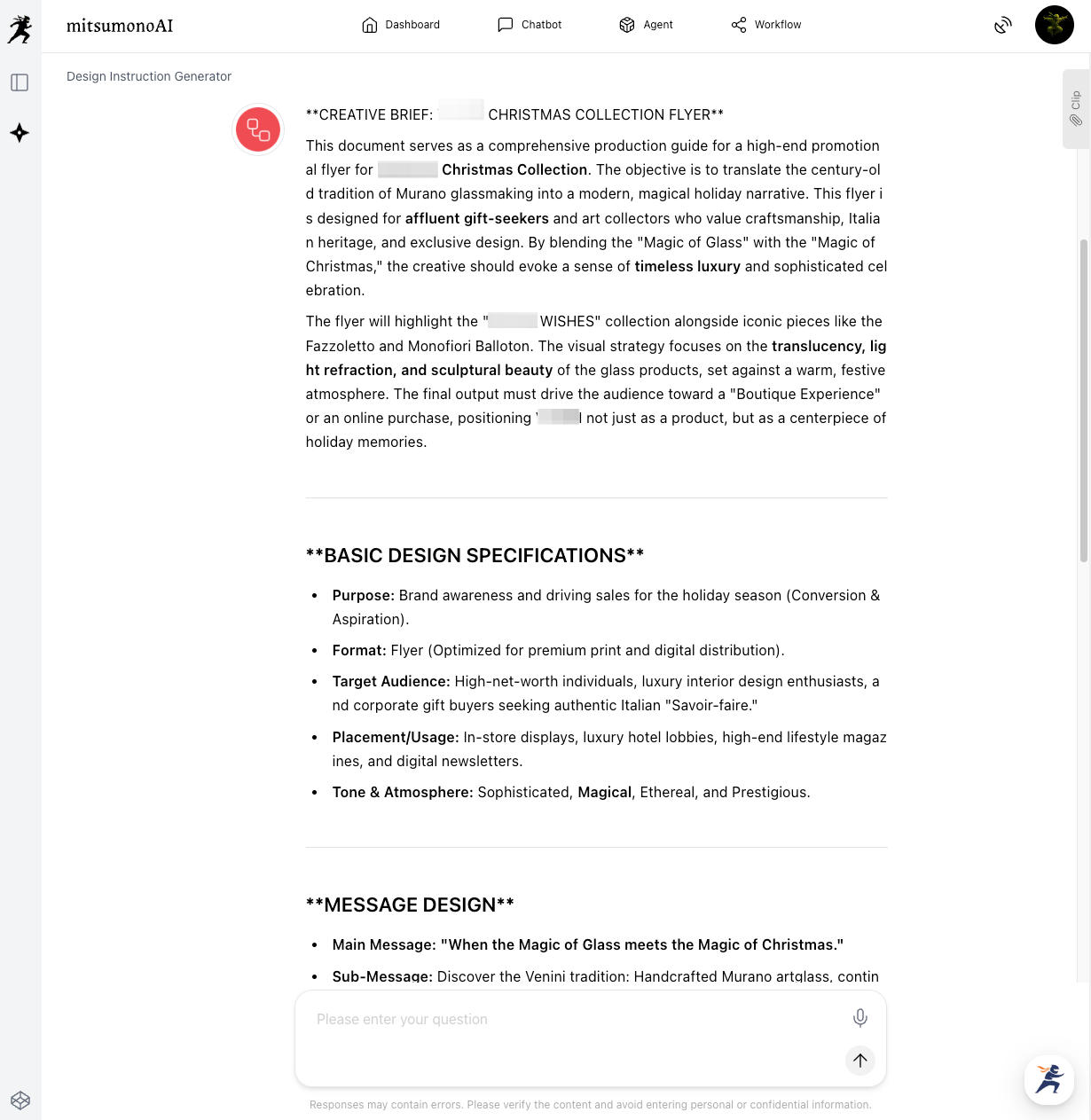
Saving to Your Clip
Once your "Creative Production Brief" is ready, click the "Save to Clip" button located directly below the generated text. This saves the entire strategy to your account with one click.
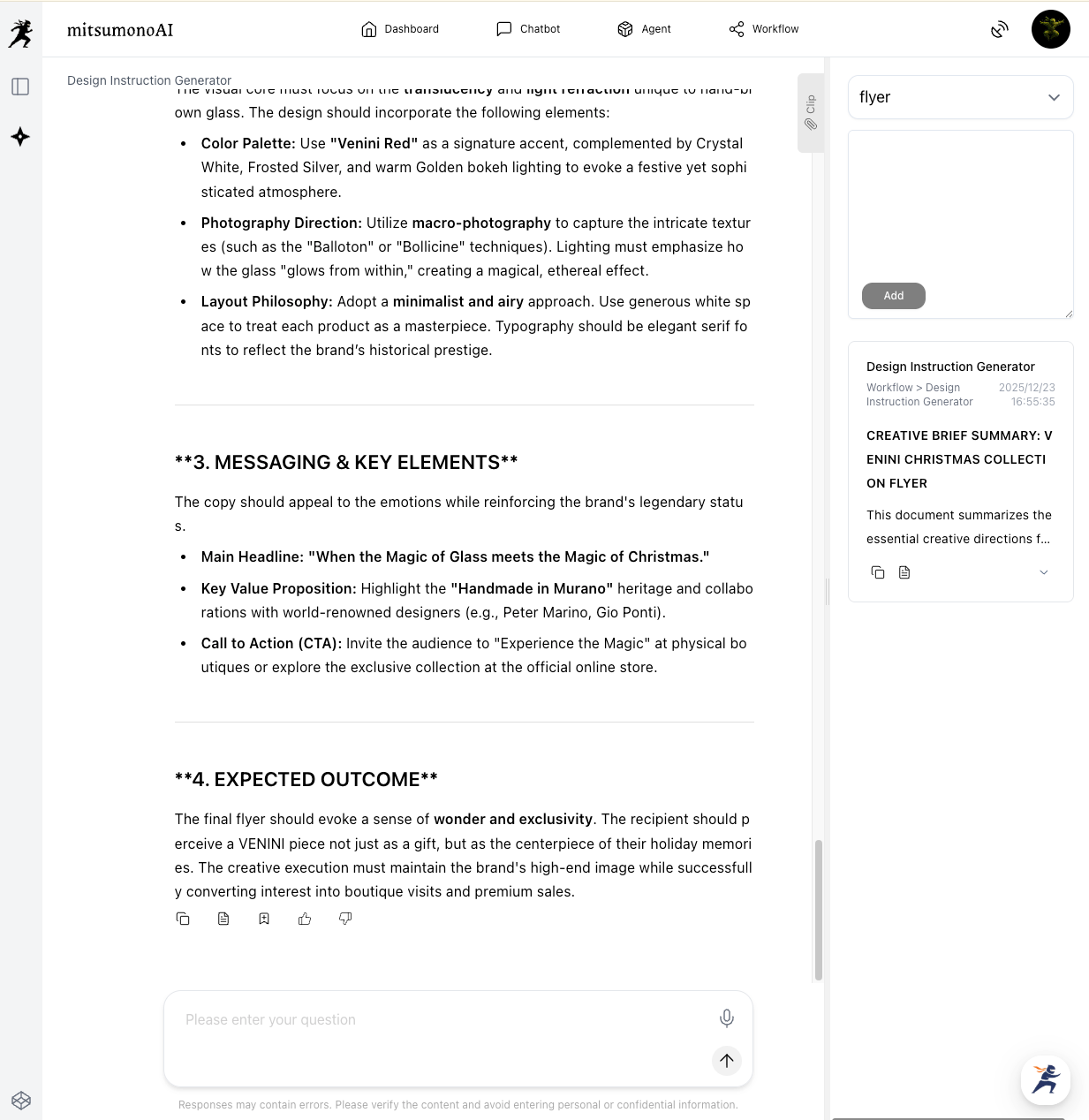
⚠️ Important Note:
The Image Generation Tool has a 3,000-character limit.
If the generated summary is too long, use the additional prompt: "Summary should be no longer than 3,000 characters."
You can also edit or tailor your description to fit specific holidays or store locations.
STEP 2: Generate the Flyer in 3 Simple Steps
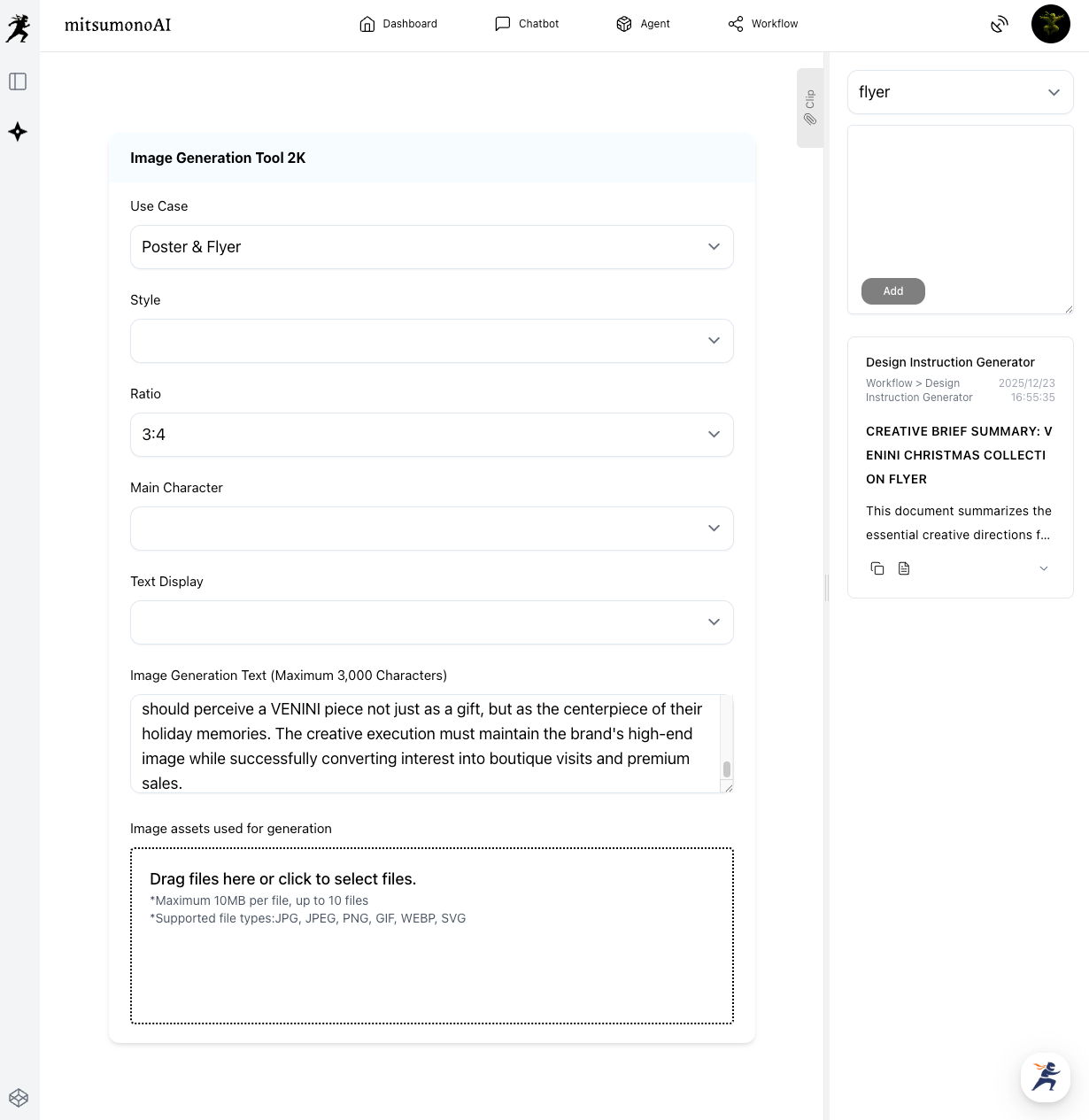
Now, open the Image Generation Tool 2K. By using the Clip you saved in Step 1, you can bypass complex settings.
The 3-Item Workflow:
- Use Case: Select [Flyer].
- Ratio: Select 3:4 to best represent a standard A4 flyer format.
- Image Generation Text: Click the "Copy" button from your saved Clip and paste the text into the box.
Important: Since your clipped text includes the artistic direction from the URL and your reference image, you do not need to manually configure the "Style" or "Main Character" fields.
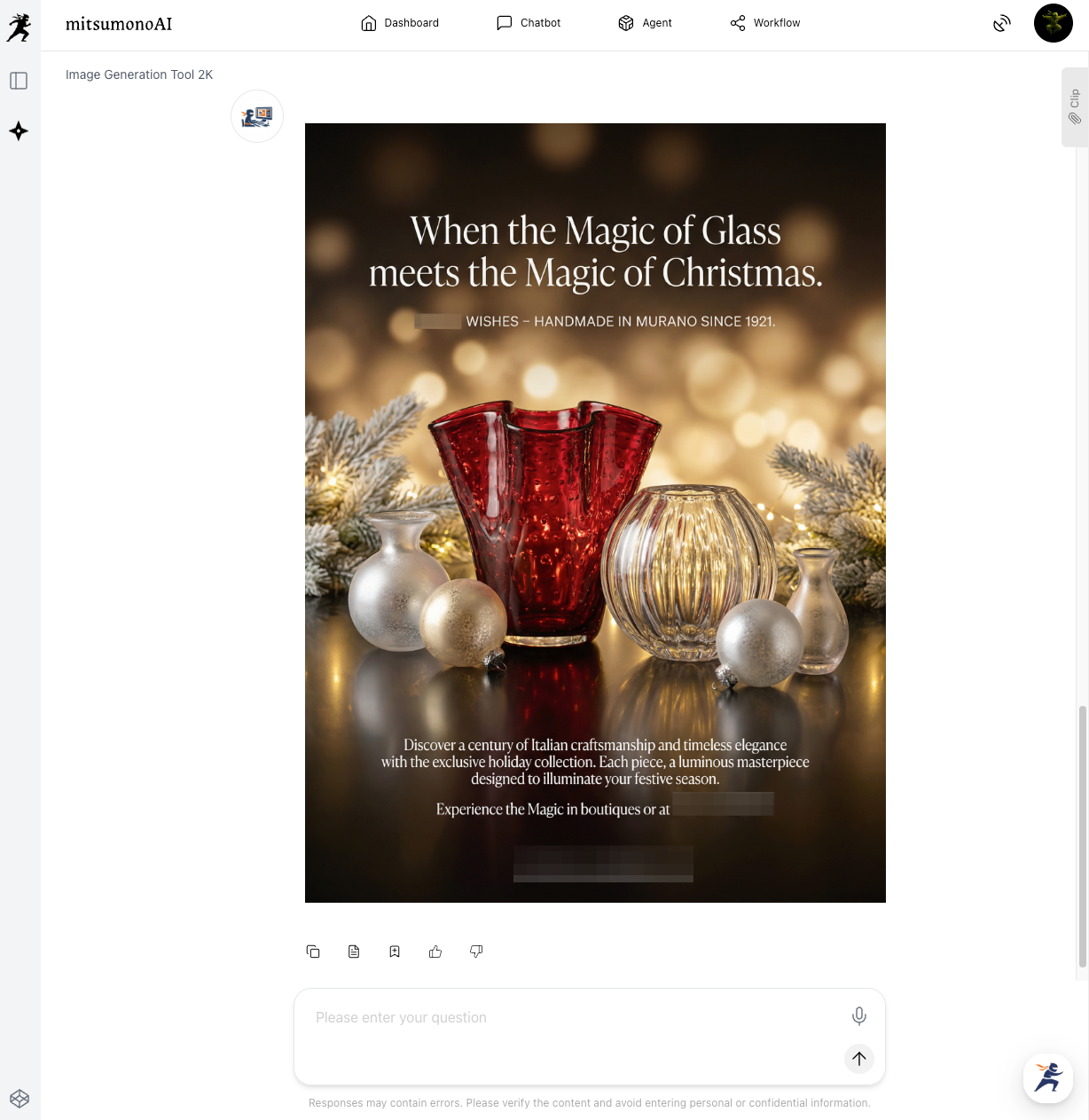
The Final Result: Sophistication in Every Detail
The result is an A4 flyer that feels expensive and artistic. By using the AI to "read" the luxury of Murano glass, you get a design that appeals directly to the refined tastes of tourists in Venice.
Summary: Designer Quality at Your Fingertips
This workflow allows small retailers and heritage brands to maintain a "luxury" image with minimal cost and effort.
- Step 1: Link your URL + Reference Image to define the style, then Save to Clip.
- Step 2: Copy from Clip and paste into the 2K tool, setting only the Case, Ratio, and Text.
- Step 3: Print and display your sophisticated Christmas flyer!
Ready to showcase your collection?
Start with your product URL today and create marketing materials that reflect the true value of your craft!
Production reference example