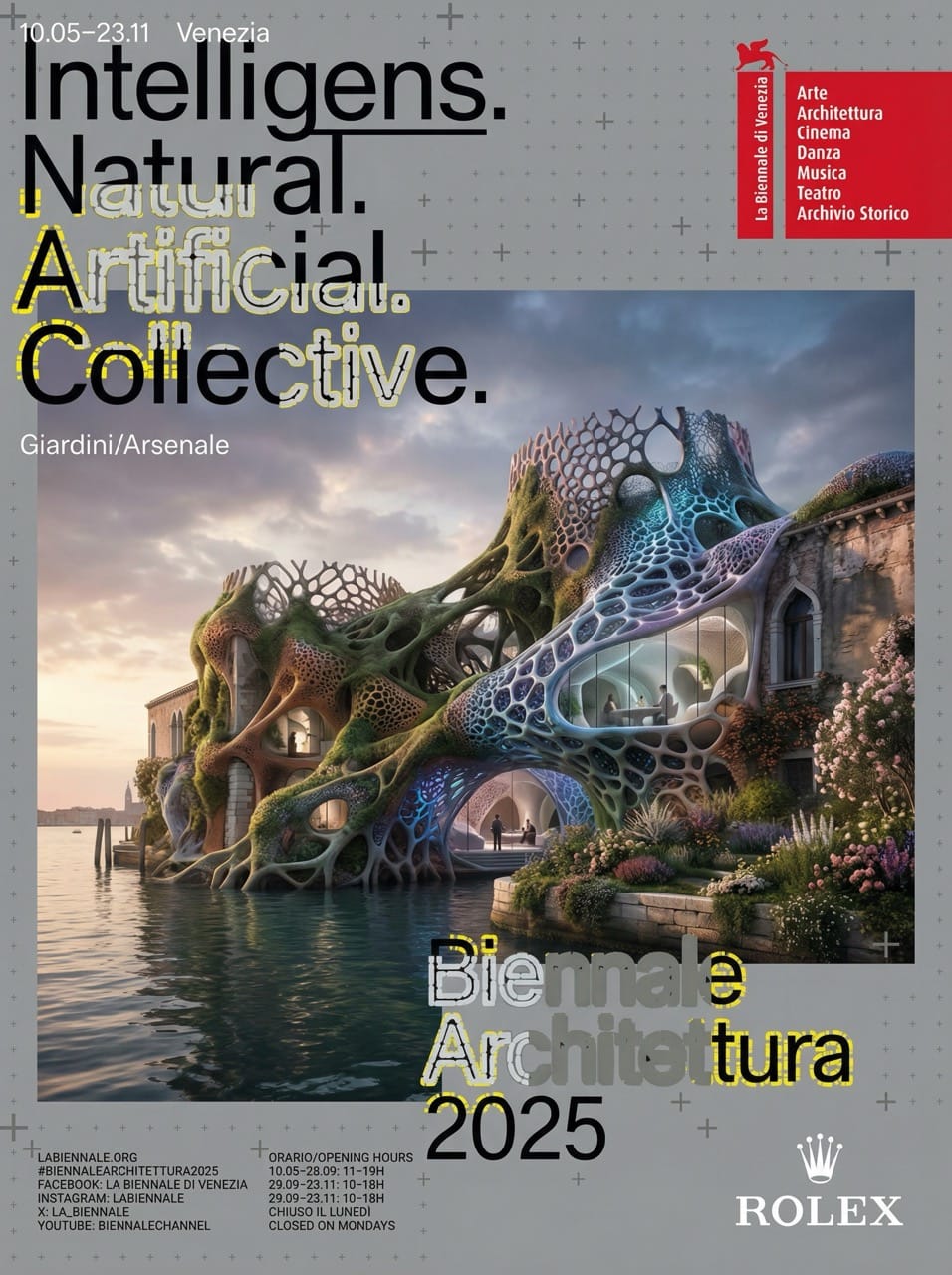
How to Create Professional Exhibition Posters from a Single URL: A Guide for Tourism Boards
Discover how to transform event websites into high-quality promotional posters in minutes. This guide uses the Venice Biennale Architecture Exhibition to show how tourism and administrative staff can streamline their design workflow using AI.

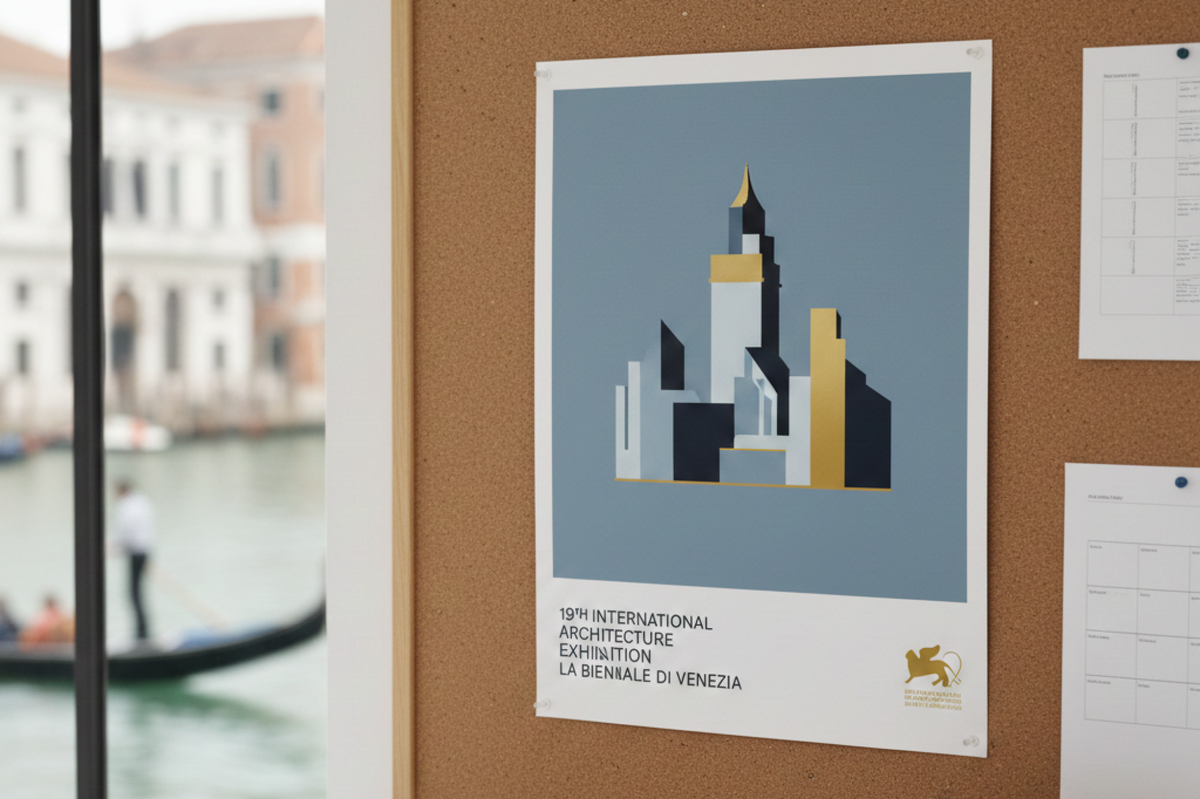
Have you ever wanted to create a high-quality poster for a local event or a facility announcement but felt held back by a lack of design skills? For tourism boards and administrative staff, "I want a professional look, but I don't have the budget or time to hire a designer for every small update" is a common struggle.
In this article, we will show you how to create a professional promotional poster for the 19th International Architecture Exhibition in Venice using just a URL and two powerful AI tools. By following this workflow, anyone can produce "designer-level" visuals that are perfect for city displays or social media.
What You Will Learn in This Article
- How to generate a professional "Design Brief" from a website URL.
- How to turn that brief into a high-quality poster image.
STEP 1: Create a "Design Brief" with the Design Instruction Generator
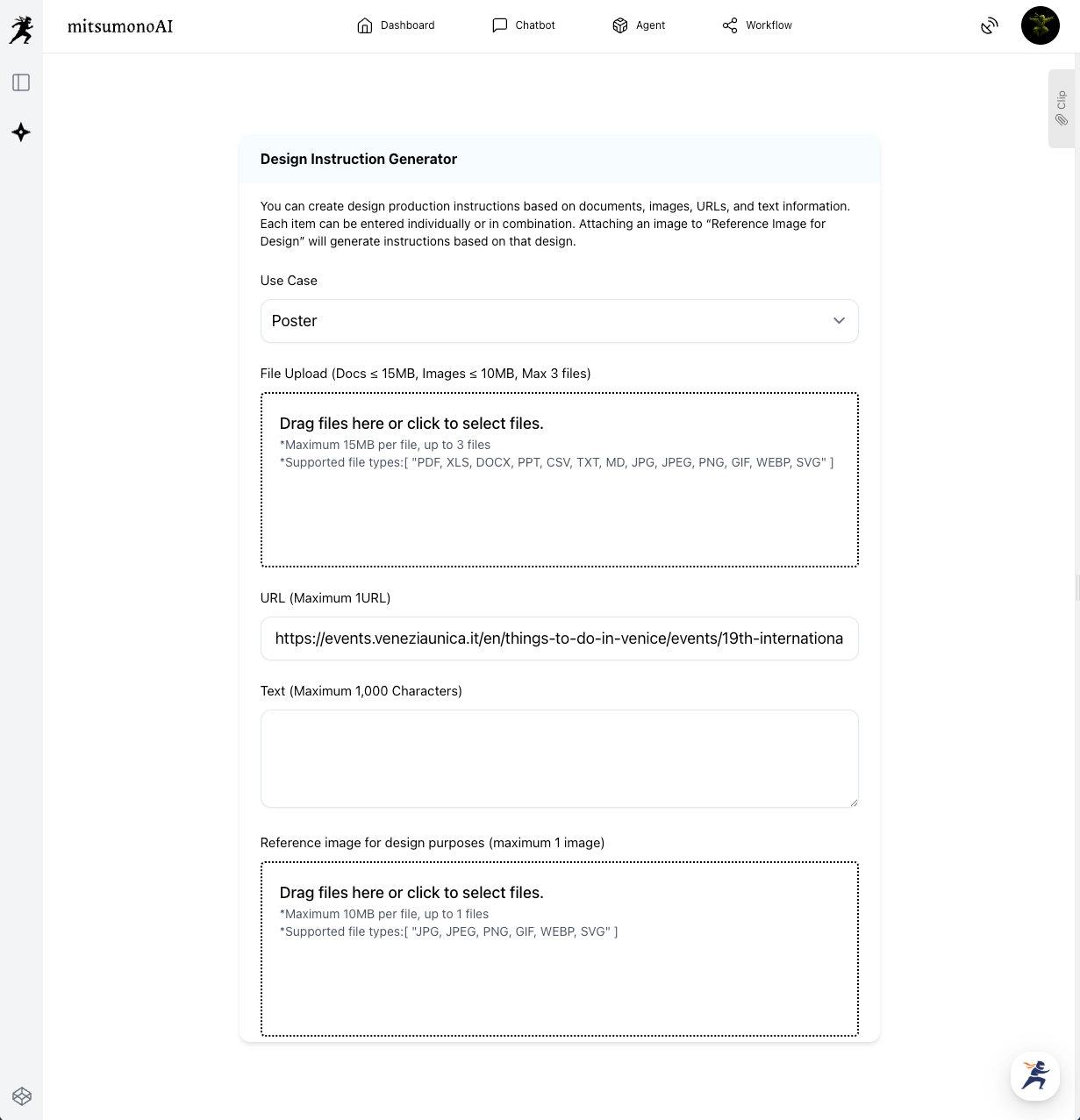
The first step is knowing what to tell the AI. Instead of struggling to write a prompt yourself, we use the Design Instruction Generator. This tool acts as the "brain" of the operation, analyzing your source material to create a strategic design plan.
How to use it:
- Select Use Case: Choose "Poster."
- Paste the URL: Use the official event link (e.g., the Venice Biennale Architecture page).
- Click Generate: The AI will analyze the event details, theme (in this case, "Intelligens"), and target audience.
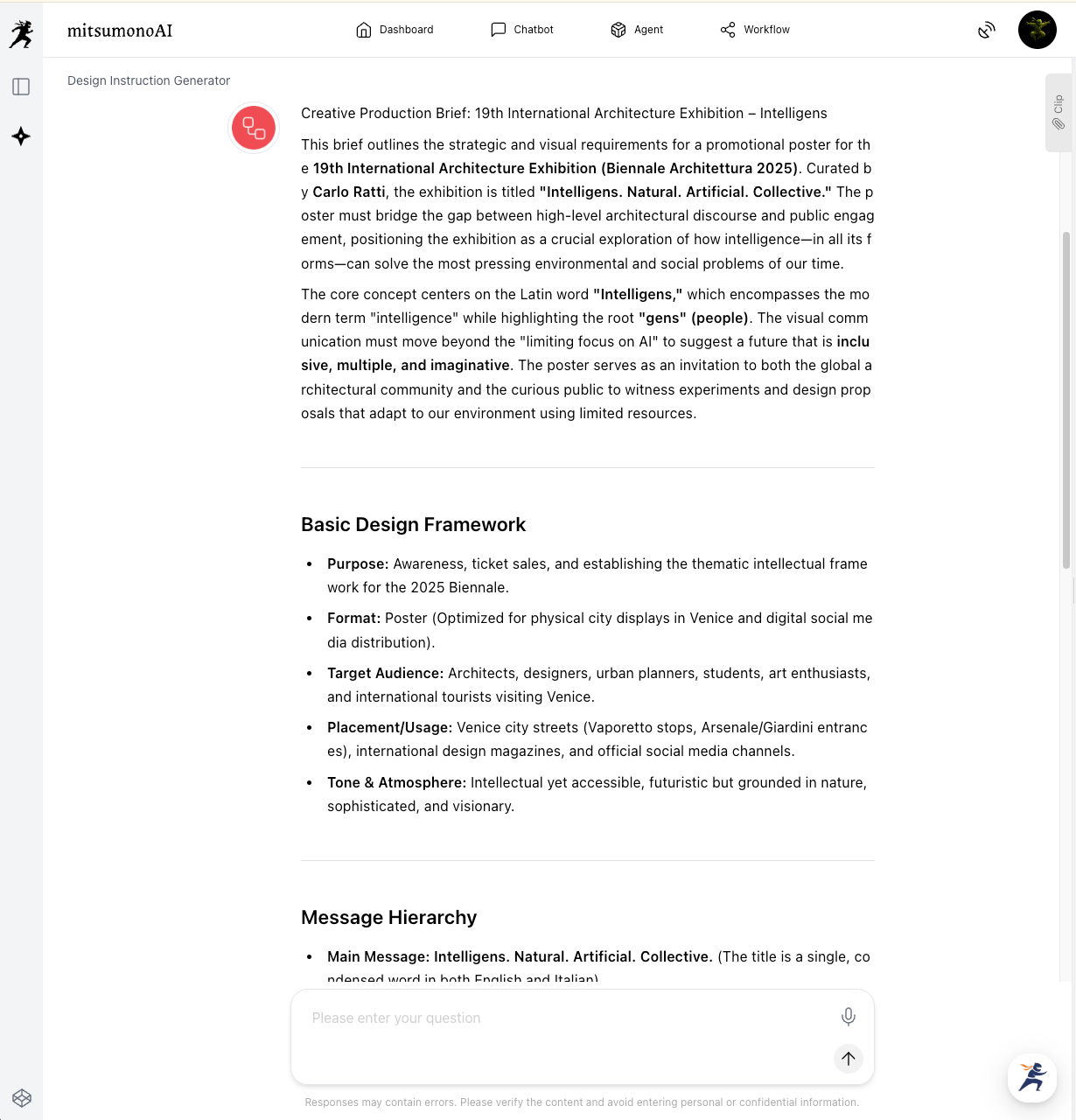
The Result:
The tool will output a Creative Production Brief. This document includes everything from color palettes (organic earth tones mixed with technical hues) to imagery direction (bio-integrated structures).
STEP 2: Generate the Image with Image Generation Tool 2K
Now that we have our instructions, it is time to create the visual. We will use the Image Generation Tool 2K. The key here is to copy the specific visual descriptions from the brief we just created.
How to set it up:
- Use Case: Poster / Announcement
- Ratio: 3:4 — This is the standard for physical posters.
- Text Display: Text: Make the title stand out
- Image Generation Text: Copy and paste the complete output from step 1.
Pro Tip: You don't need to rewrite anything! Simply paste the text:
"A sophisticated promotional poster... illustrating the intersection of nature and artificial ingenuity, featuring bio-integrated structures and complex architectural patterns..."
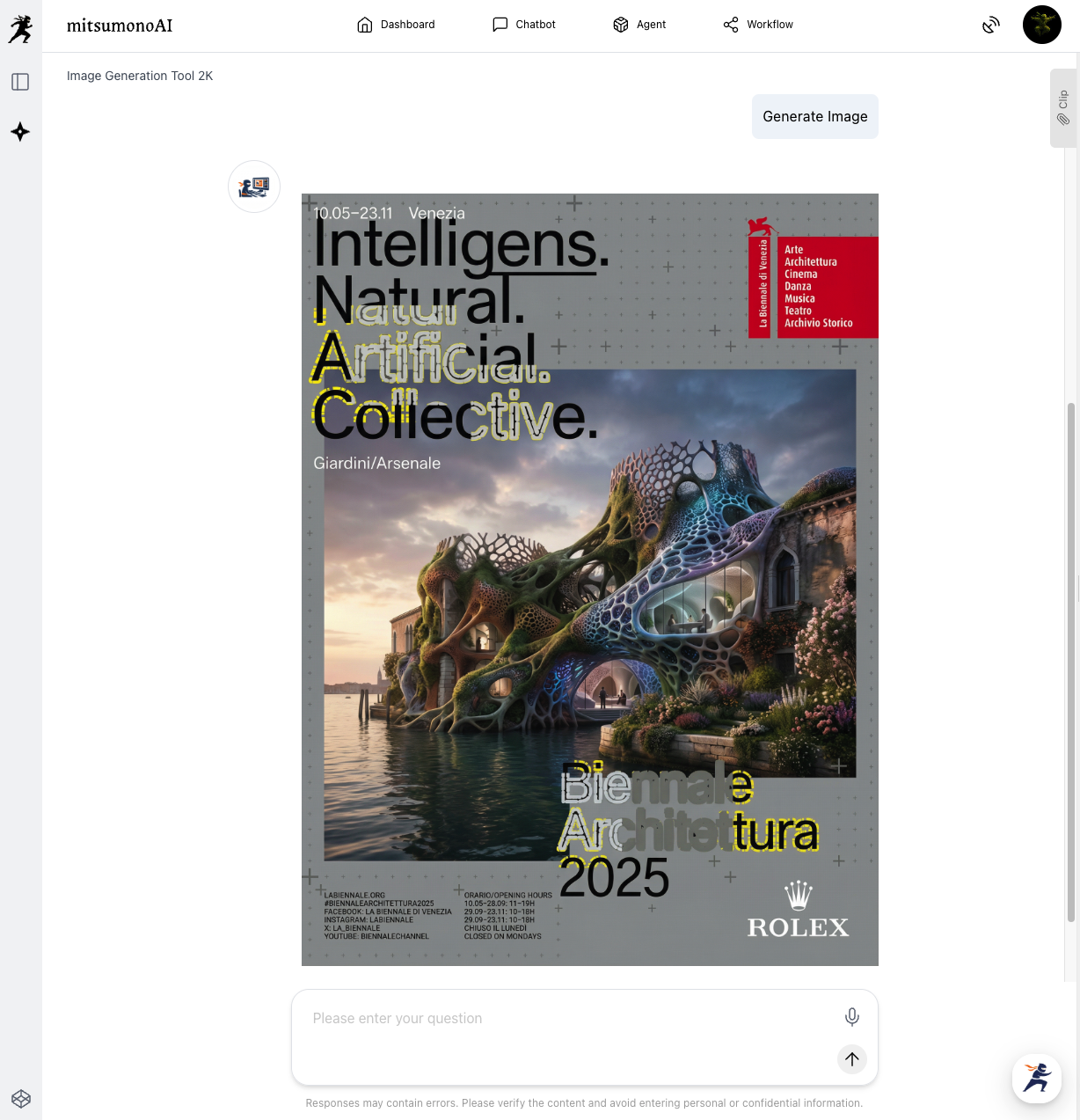
The Final Result:
Within seconds, the AI produces a visionary, professional poster that captures the intellectual and futuristic spirit of the Venice Biennale.
Summary: Professional Design for Local Impact
Creating high-impact visuals for your city or business doesn't have to be expensive or time-consuming. By using this two-step flow:
- Prepare the content: Use an existing URL or document.
- Generate instructions: Let the AI create the brief.
- Create the visual: Use the 2K tool for a fast, high-quality result.
This method is perfect for quick productions such as event announcements, seasonal facility posters, or social media banners. For those who want the highest possible resolution for large-scale printing, you can later use the 4K tool with the same instructions.
Ready to try it?
Start with your next event URL and see how easy it is to become your own designer!
Production reference example