
How to Generate Your Ideal Images with Google Imagen 4
Simply describe your desired image in text to "Google Imagen 4," and generate the perfect original visual for any scene.

Tools Used
Google Imagen 4
Why You Should Use AI for Image Generation
When creating company websites, recruitment sites, or presentation materials, do you face challenges like "I can't find an image that fits the concept," "Stock photos are generic and make differentiation difficult," or "Professional shoots with models cost too much time and money"? By leveraging "Google Imagen 4," you can generate original, high-quality images that perfectly match your brand image at a low cost and in a short time, simply by describing your specific vision in text.
Concrete Steps
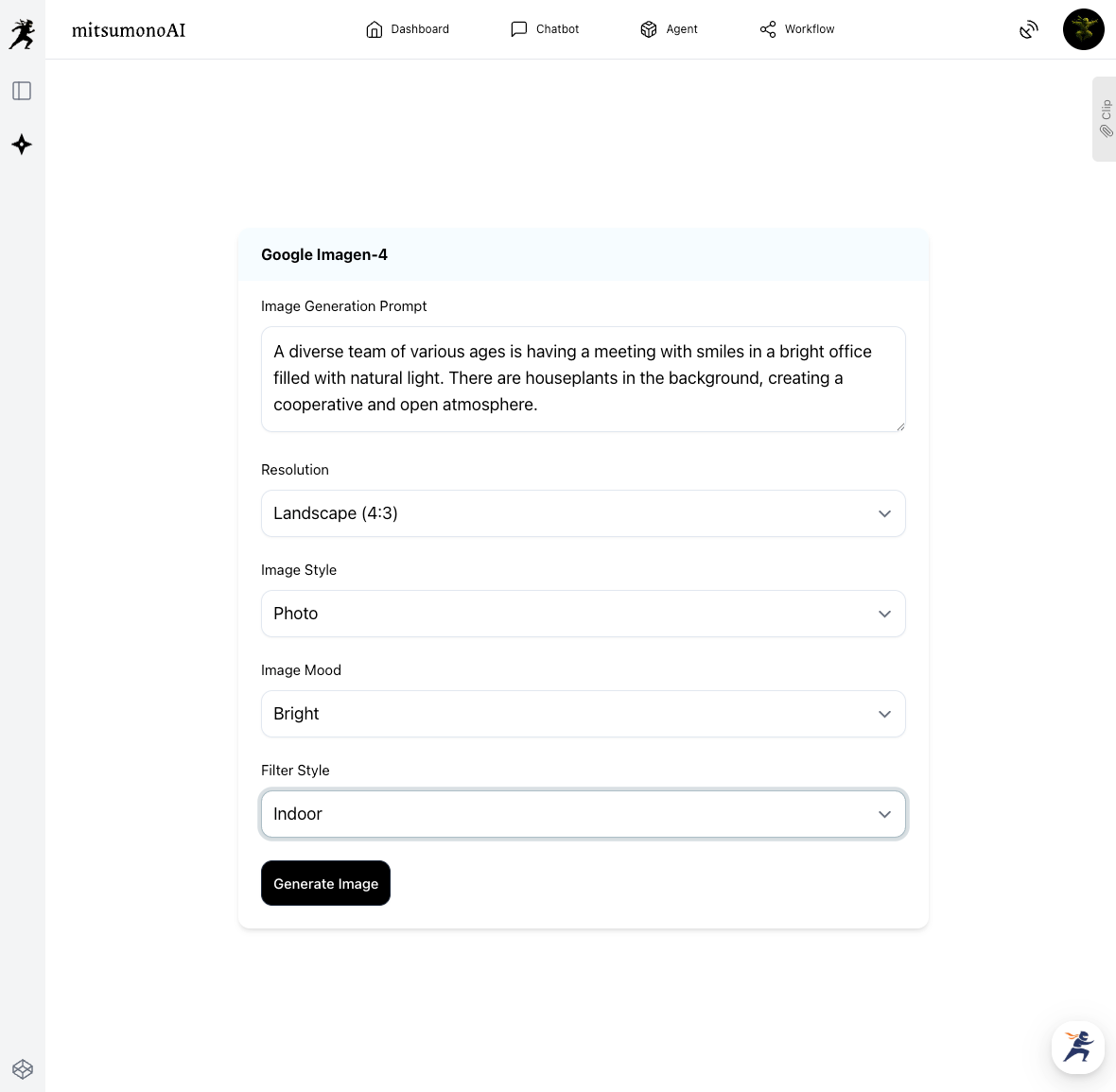
1.Input the Details of the Image You Want to Generate
Input the scene of the image you are looking for into "Google Imagen 4" as text (a prompt). The key is to describe "who," "where," "what they are doing," and "what the atmosphere is like" as specifically as possible.
Item Input Example
2.Fine-Tuning Generated Images
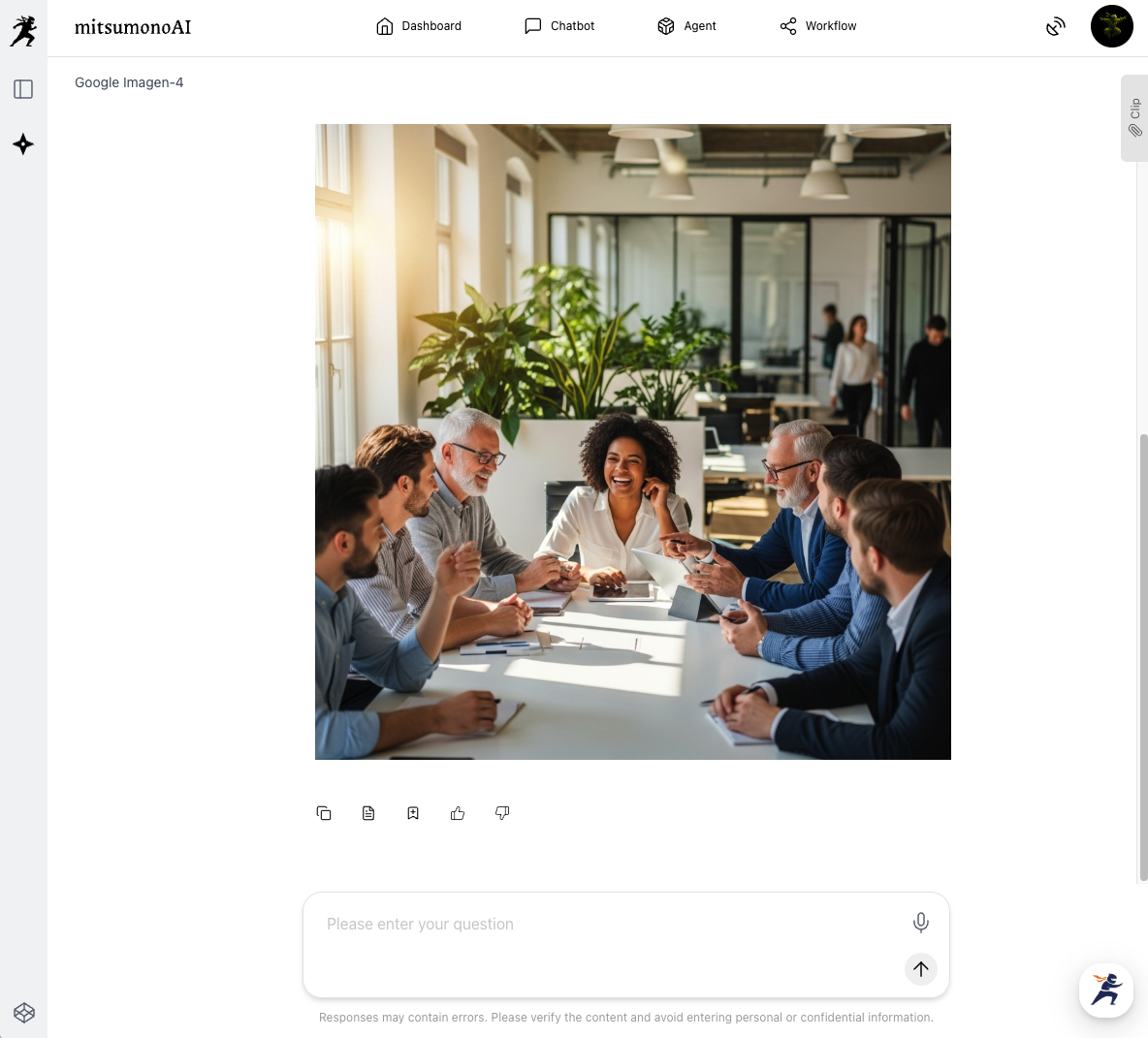
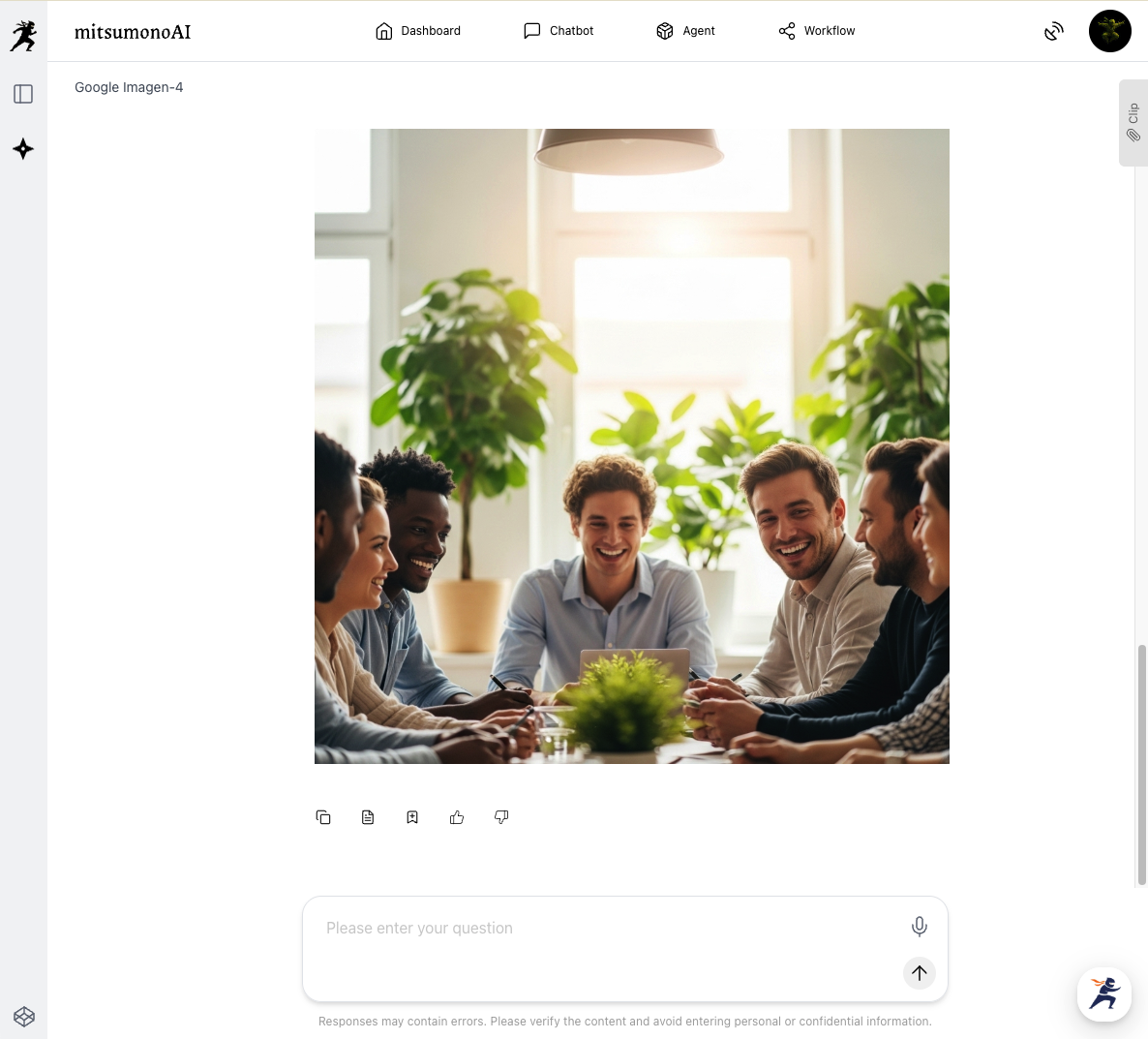
Check the output image, and if there are parts that differ from your vision, add instructions and regenerate.
"Keep the structure as is, but darken the background."
3.Utilizing the Completed Images
Download the finished image and use it in necessary media such as your company website, recruitment sites, or presentation materials.
Outcome Goals Achieved Through Utilization (Reference Example)
Utilize "Google Imagen 4" to generate original, high-quality images that perfectly match your concept at a low cost and in a short time. This resolves the cost and time challenges of traditional image production and significantly improves the appeal of your brand image on websites and materials. As a result, it contributes to maximizing target user engagement and business outcomes through enhanced visual appeal.
Target Figures for 6 Months from Implementation
KGI:
Average time on page for key website pages (or materials) where AI-generated images are introduced: Increase by 15 seconds from current status.
KPI:
- Outsourcing costs for image production: 50% reduction compared to current status.
- Time spent on original image production: 70% reduction compared to current status.
- Internal adoption rate of AI-generated images: 80% or higher.
- Specific action rate on websites (or publication media) after posting AI-generated images (e.g., Click-Through Rate, Material Download Rate): 0.2 point improvement from current status.



