
How to Efficiently Create Optional Services that Enhance Customer Experience Value with AI
We introduce how to use AI to efficiently turn untapped resources and ideas into services. Learn the process and practical tips for generating unique, unforgettable experiences while maximizing the use of existing resources.

Tools Used
- Perplexity Sonar
- Product/Menu Development Planner
Solving Idea Exhaustion: AI for Creating Special Anniversaries
Providing customers with a memorable experience is crucial for encouraging repeat business and enhancing the ryokan's brand value. Offering special optional services is one way to achieve this. Preparing birthday cakes or flower bouquets, and providing photo-shooting services, for instance, improve the overall perception of the stay and significantly influence the customer's impression.
This time, we will use a fictional ryokan targeting families—one that often receives bookings for children aged 12 and under for birthday celebrations—as the setting, and introduce how to develop special optional services to be added to existing accommodation plans.
Specific Procedures
Step 1: Identify High-Demand Anniversary Productions
▶︎ Perplexity Sonar
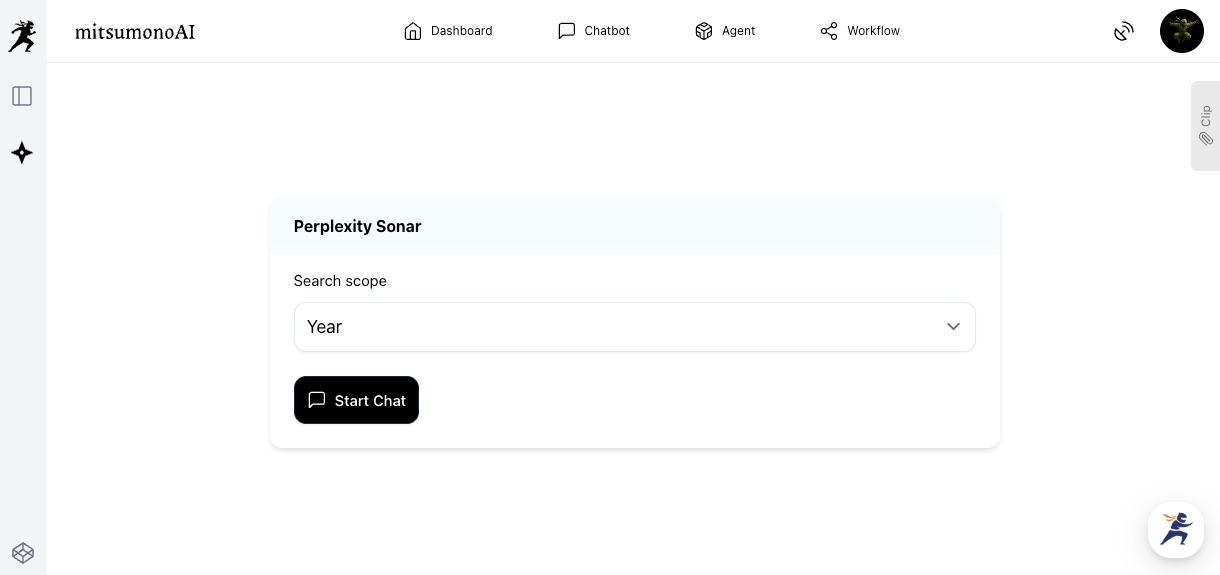
First, use "Perplexity Sonar" to research the latest trends and high-demand methods for anniversary production. Perplexity Sonar is an AI search engine that generates reliable information with citations, based on real-time web searches.
This time, set the search range to "Year" to start the chat.
Ask questions like the one below, according to the target demographic of the accommodation facility, to gather information.
Refer to the source URLs provided by Perplexity Sonar's answer, form a concrete image of the service, and note down promising ideas in a "clip" or similar.
Step 2: Pick Out Resources that Can Be Provided In-House
Based on the information gathered in Step 1, consider "what we can offer in-house" and "what resources and facilities we can utilize." For example, if you have an in-house professional photographer, consider a commemorative photo shoot; if the region has unique crafts, consider productions utilizing them. List your internal resources.
This time, as an example, we considered the fictional local craft "Mitsumo Washi" (Mitsumo Japanese paper) and "Photography by a professional photographer" as resources that can be utilized in-house.
Even if you are unsure how to use a resource at first glance, feeding it into the "Product/Menu Development Planner" in the next step can often generate new ideas.
・Rental of children's kimonos or dresses
・Staff with childcare qualifications
・Staff special skills (magic tricks)
・Night sky views (telescopes available)
・Seasonal flowers and plants in the ryokan's garden
Step 3: Output Various Plans
▶︎ Product/Menu Development Planner
Based on the information obtained in Step 1 and the internal resources compiled in Step 2, use the "Product/Menu Development Planner" to specifically input the content you wish to offer, and have the AI propose optional services.
Refer to the table below to fill in each input field and click the "Generate" button.
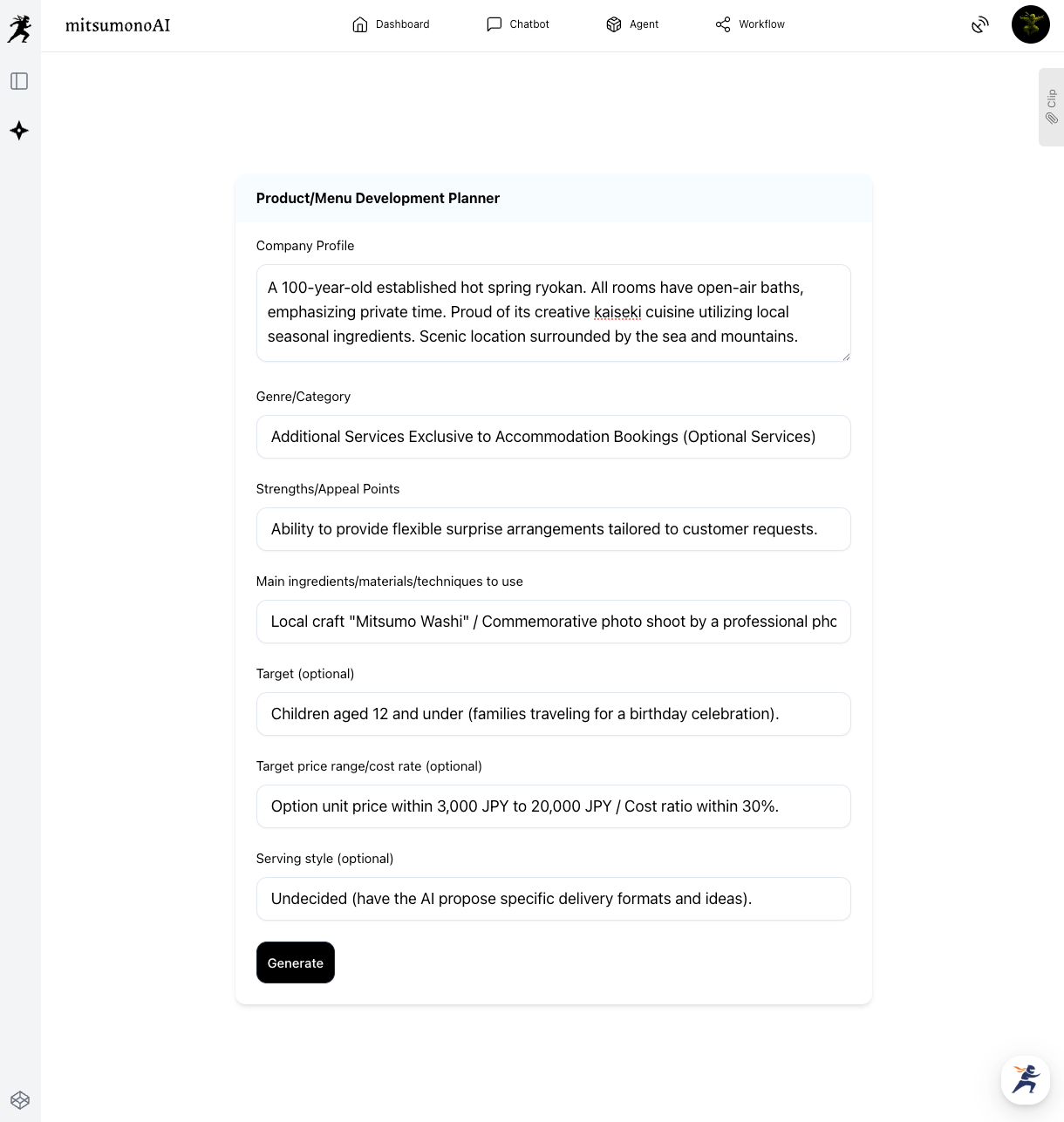
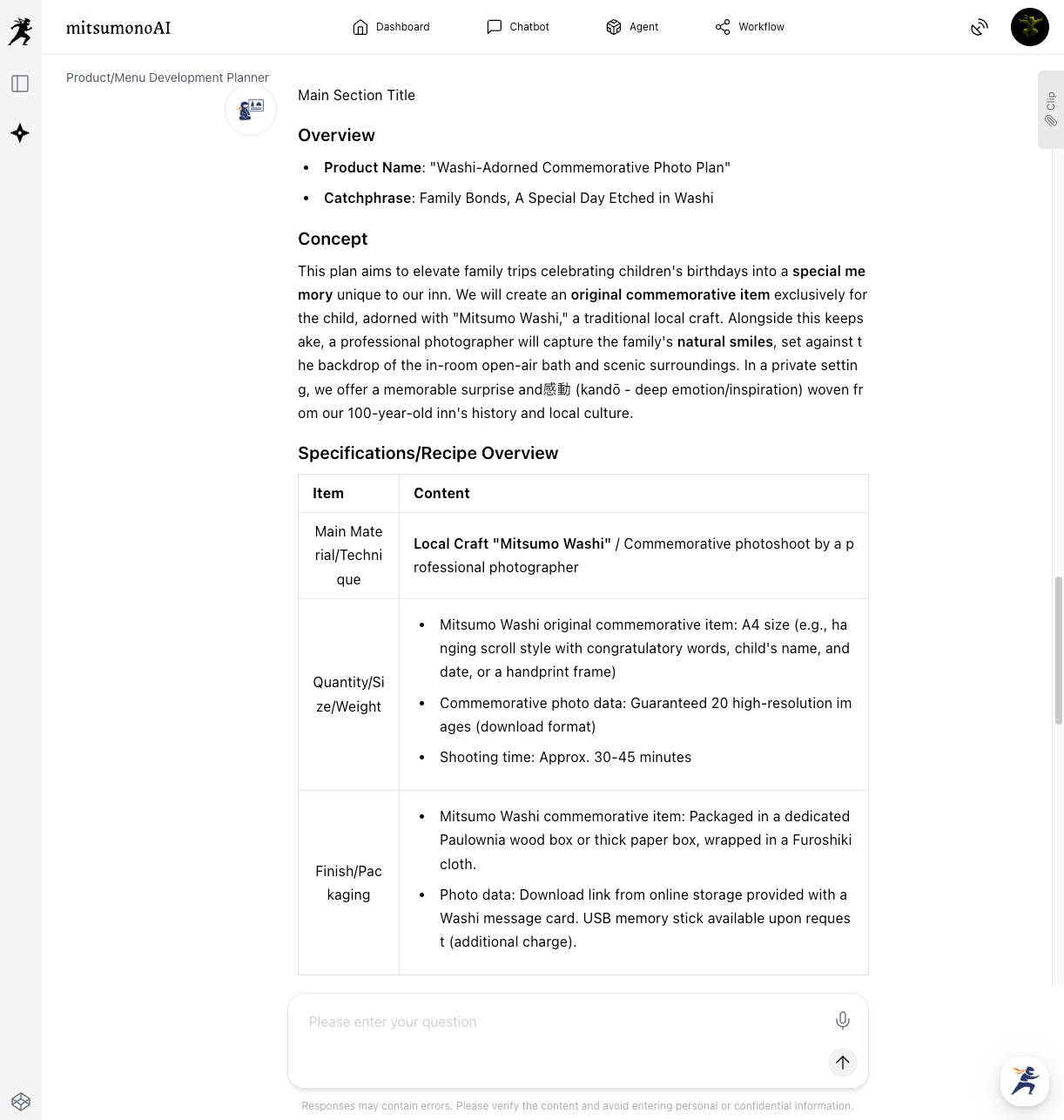
Based on the inputted information, the AI will propose specific plan details, delivery formats, and pricing ideas for birthday optional services targeting families, especially children aged 12 and under.
Step 4: Create an Image (Reference)
▶︎ Image Generation Tool (e.g., OpenAI-image-generation-1)
Materializing the image of the optional service ideas outputted by the AI will facilitate smoother internal review and sharing.
4-1.Create an Image Generation Text
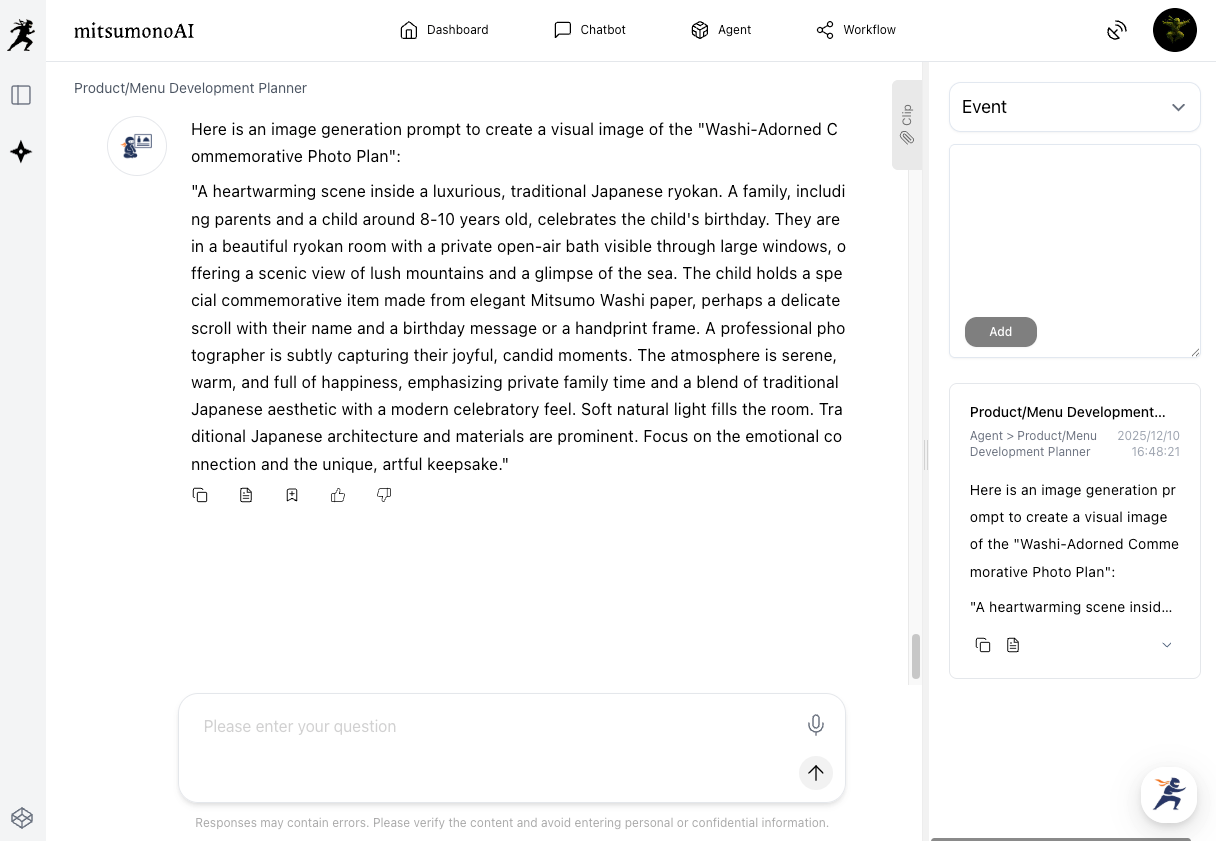
In a chat with the AI model, instruct it: "Output an image generation prompt to create a visual image of this option." The necessary prompt for image generation will be created.
Save this to the clip.
4-2.Generate the Image
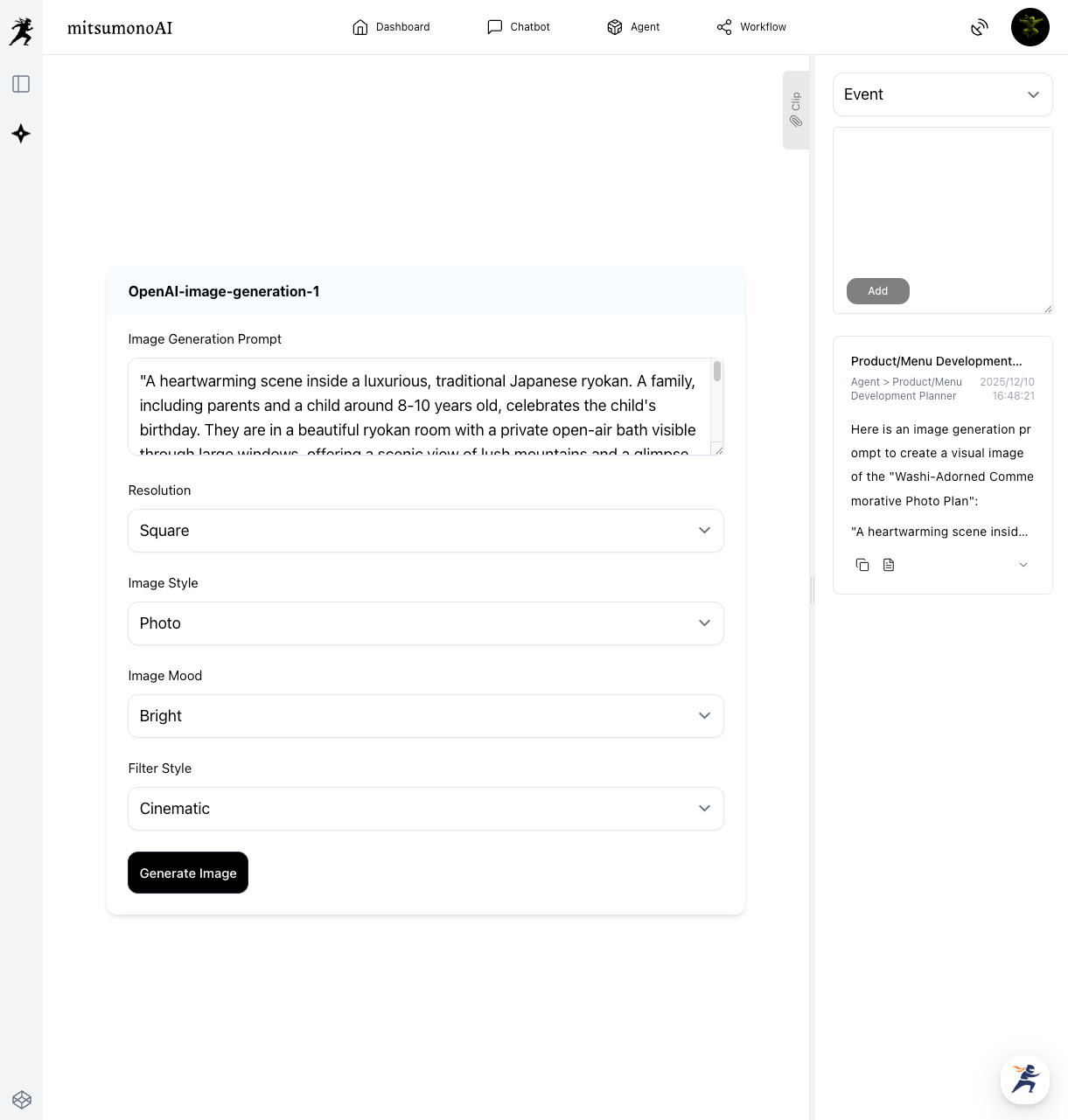
Paste the saved image generation text into an image generation tool (e.g., Google Imagen-4, OpenAI-image-generation-1, etc.), set the required parameters, and output the image. A specific visual image will be generated.
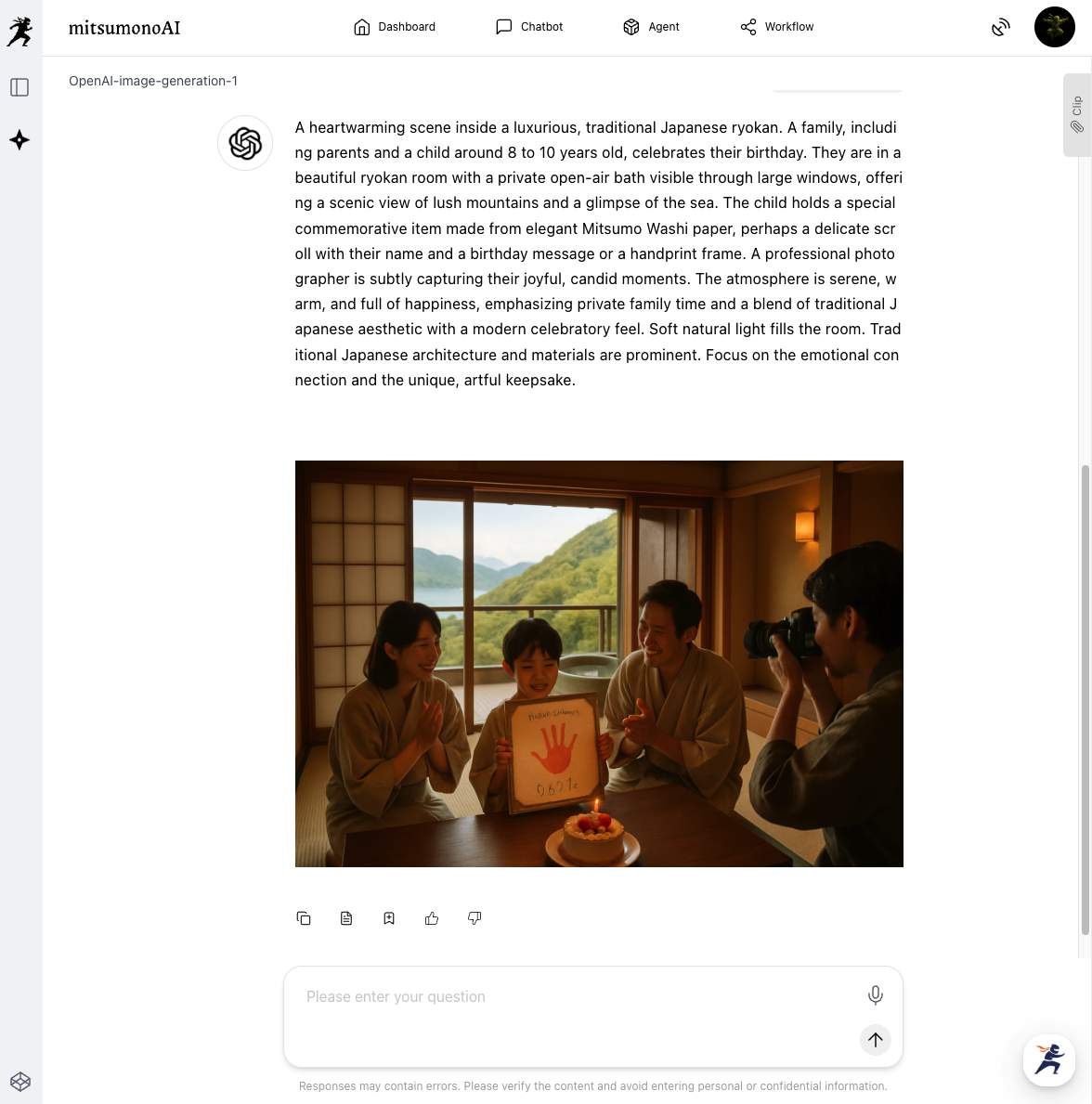
The generated image is useful for sharing a concrete visual during internal planning meetings, and in the future, when promoting to customers, it can be utilized in various ways, such as guiding professional photographers for similar shots.
Step 5: Test Provision of the Optional Service
After inputting various resources into the "Product/Menu Development Planner" and obtaining multiple ideas, proceed with an internal review.
[Key Review Items]
- Feasibility Review:
- Check if the proposed ideas are actually possible to provide in terms of personnel, equipment, budget, and other factors.
- Customer Satisfaction Prediction:
- Review, based on on-site experience and knowledge, whether the option will delight the currently assumed customer segment (families with children aged 12 and under in this case) and achieve high satisfaction.
- Test Provision:
- For options deemed promising after internal review, conduct test provisions with a small number of customers to gather direct customer reactions and feedback.
Outcomes Achieved Through Utilization (Examples)
- Elimination of Idea Exhaustion
- The AI provides ideas from multiple perspectives, allowing for the constant planning of fresh and attractive anniversary plans.
- Improvement in Customer Loyalty
- Providing special, personalized experiences creates deep emotion and satisfaction, leading to repeat business.
- Reduction of Planning Time
- Significantly reduces the time from idea generation to concrete plan creation, lessening the burden on staff in charge.
- Enhancement of Profitability
- High value-added anniversary plans contribute to increased average customer spend and the acquisition of new customer segments.
Target Values for One Year (Reference Example)
- KGI (Key Goal Indicator):
- Overall satisfaction score of users of anniversary plans: Average 4.5 points or higher (out of 5).
- KPIs (Key Performance Indicators):
- Number of new anniversary plans created and executed: 3 or more.
- Repeat stay rate of anniversary plan users: 10% increase year-over-year.
- Increase rate of average customer spend due to anniversary plans: 5% increase year-over-year.



