New Feature Announcement : Generate Design Instructions and High-Quality Images from Text, URLs, or Files
Streamline your creative workflow with our new tools. Generate professional design instructions and high-resolution images for web and print using AI, saving time and outsourcing costs.

Thank you for using our services.
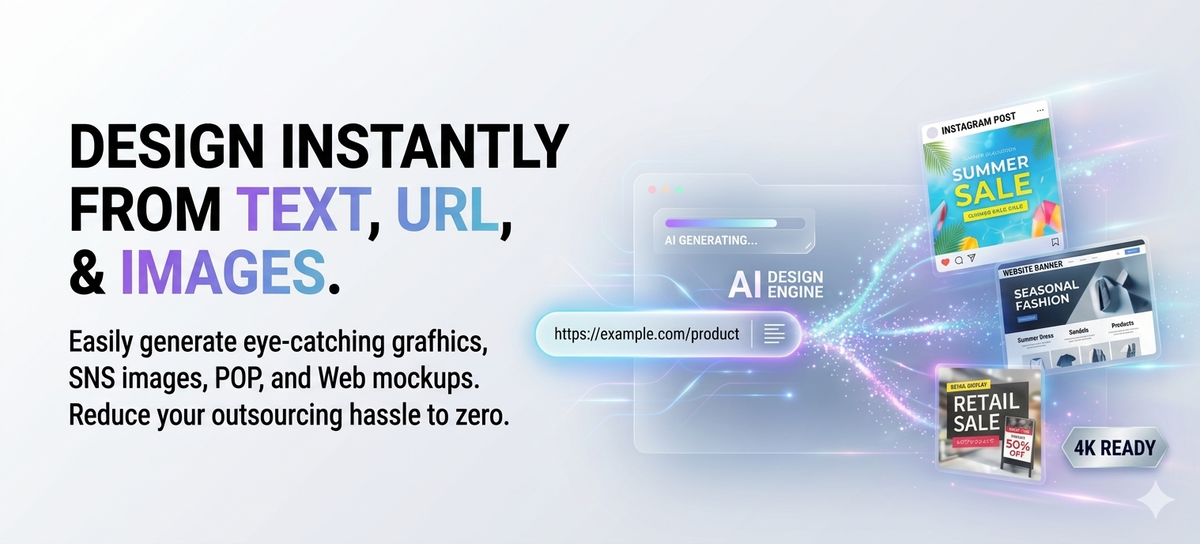
We are excited to announce the addition of three new features designed to dramatically improve the efficiency of creating high-quality designs. These tools are perfect for those "minor but time-consuming" tasks that don't necessarily require outsourcing but take up significant manual effort, such as:
- Eye-catching thumbnails and header images for daily blog updates
- Images for social media posts
- In-store POP displays, flyers, and posters
- Rough drafts for web design
Three Newly Added Features
Design Instruction Generator (Token Consumption: Low)
Creates purpose-specific design instructions from files, URLs, text, or images.
Image Generation Tool 2K (Token Consumption: 12,000 tokens per image)
Generates images tailored for web use (banners, social media, blog thumbnails, etc.).
Image Generation Tool 4K (Token Consumption: 20,000 tokens per image)
Generates high-resolution promotional images suitable for printing (flyers, posters, etc.).
*These features are available directly within the workflow.
Basic Production Flow
1) First, create design instructions tailored to your needs from "Source Materials"
Generate instructions for flyers, banners, or social media images based on any of the following:
- Document files such as PDF or Word
- URLs of existing blog articles
- Images (photos, reference designs, etc.)
- Text (product descriptions, campaign information, etc.)
The instructions generated here are designed to be used both as prompts for AI image generation and as organized specifications for human designers.
2) Generate images by choosing the size (2K or 4K) based on the application (Web / Print)
Once the instructions are ready, simply select the appropriate tool for your goal:
- For Web Use → Image Generation Tool 2K Generates images for banners, social media, and blog thumbnails.
- For Print Use → Image Generation Tool 4K Generates images with sufficient resolution for printed materials like flyers and posters.
Designed for Immediate Use and Versatility
The instructions and images generated through this update are designed to be used directly in your business operations. Furthermore, they serve as excellent "raw materials" to move your project to the next stage smoothly.
Examples of using Instructions:
- Use directly as prompts for AI image generation.
- Use as creative briefs or requirement definitions to provide to designers or production agencies.
- Use as internal materials for aligning and confirming project direction.
Examples of using Images:
- Use directly for web, social media, or promotional materials.
- Use as reference designs or directional samples when outsourcing.
- Compare multiple drafts to facilitate final decision-making.
Beyond just creating a "finished product," these tools help accelerate the initial stages of production and drive faster decision-making.
Token Consumption and Cost-Effectiveness
- Image Generation Tool 2K: 1,000,000 ÷ 12,000 ≈ Approx. 83 images
- Image Generation Tool 4K: 1,000,000 ÷ 20,000 = 50 images
With a monthly fee of 4,950 JPY providing 1,000,000 tokens, the number of images might seem small at first glance. However, this feature is designed with the goal of bringing design work in-house and maximizing efficiency.
Comparison with Outsourcing:
- Web Banners / Social Media Images: Approx. 5,000 JPY to 20,000 JPY per item.
- Flyers / Promotional Materials: 30,000 JPY to over 100,000 JPY per item.
- Plus the time spent organizing requests, providing feedback, and managing communication.
With these features, you can immediately execute everything from instruction creation to draft generation and comparison at your own pace.
The value lies in "Workflow Progress," not just the number of images:
- High-quality outputs that can be used as-is.
- Useful as specifications or reference drafts for outsourcing.
- Reduced rework caused by miscommunication or misaligned expectations.
The primary cost benefit is the ability to significantly improve your production's initial momentum and decision-making speed for a monthly fee that is less than a single outsourcing job.
Give it a try
No special preparation or technical knowledge is required. If you have a document, a URL, or an image, you can start right now.
Experience for yourself how smoothly your production tasks can proceed. We hope you find these new features valuable in moving your daily creative work forward.
We also offer individual seminars focused on utilizing these features.
Please feel free to contact us here for inquiries:https://mitsumonoai.com/contact
Case study article
 mitsumonoAI
 mitsumonoAI
 mitsumonoAI
 mitsumonoAI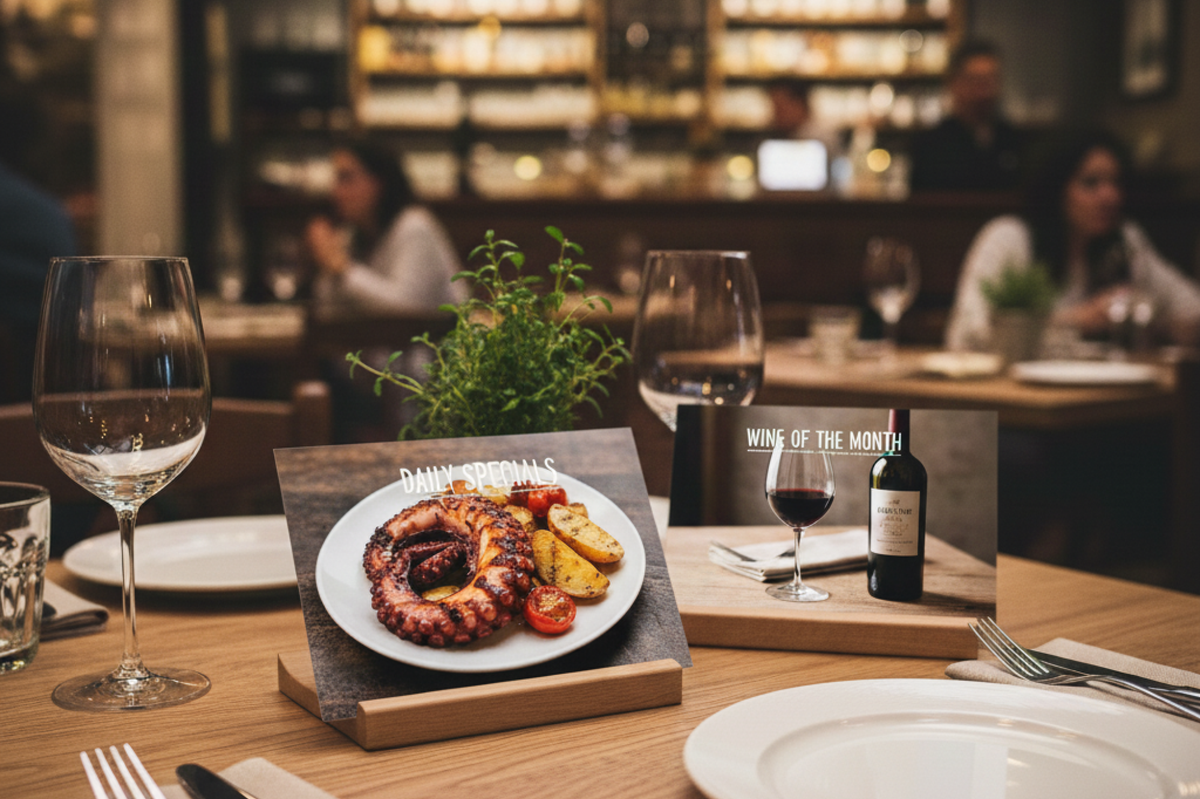
 mitsumonoAI
 mitsumonoAI
 mitsumonoAI